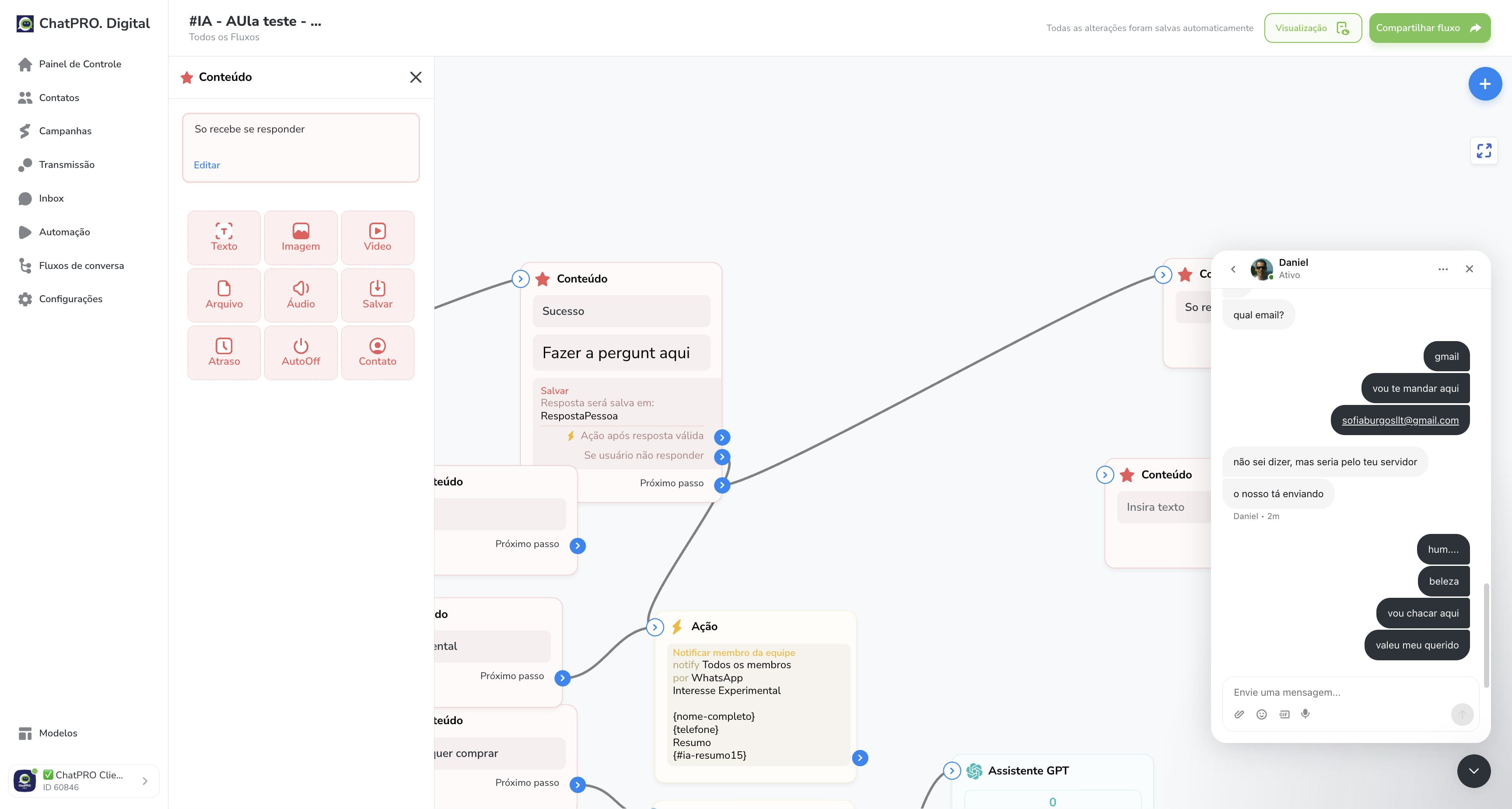
Como continuar um fluxo apenas após o lead responder
Dec 18, 2025●
1
Click this icon
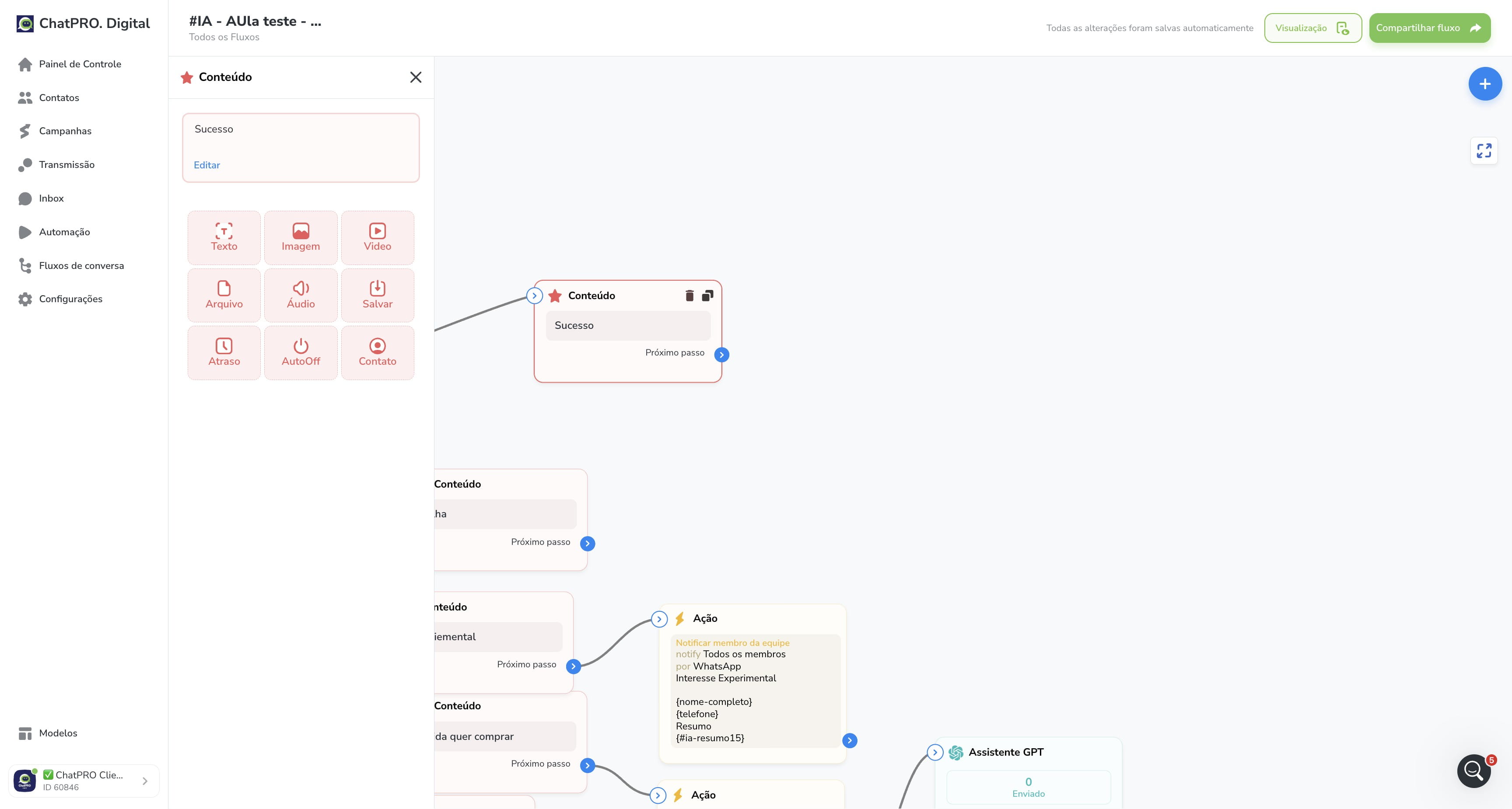
2
Click on "Salvar"
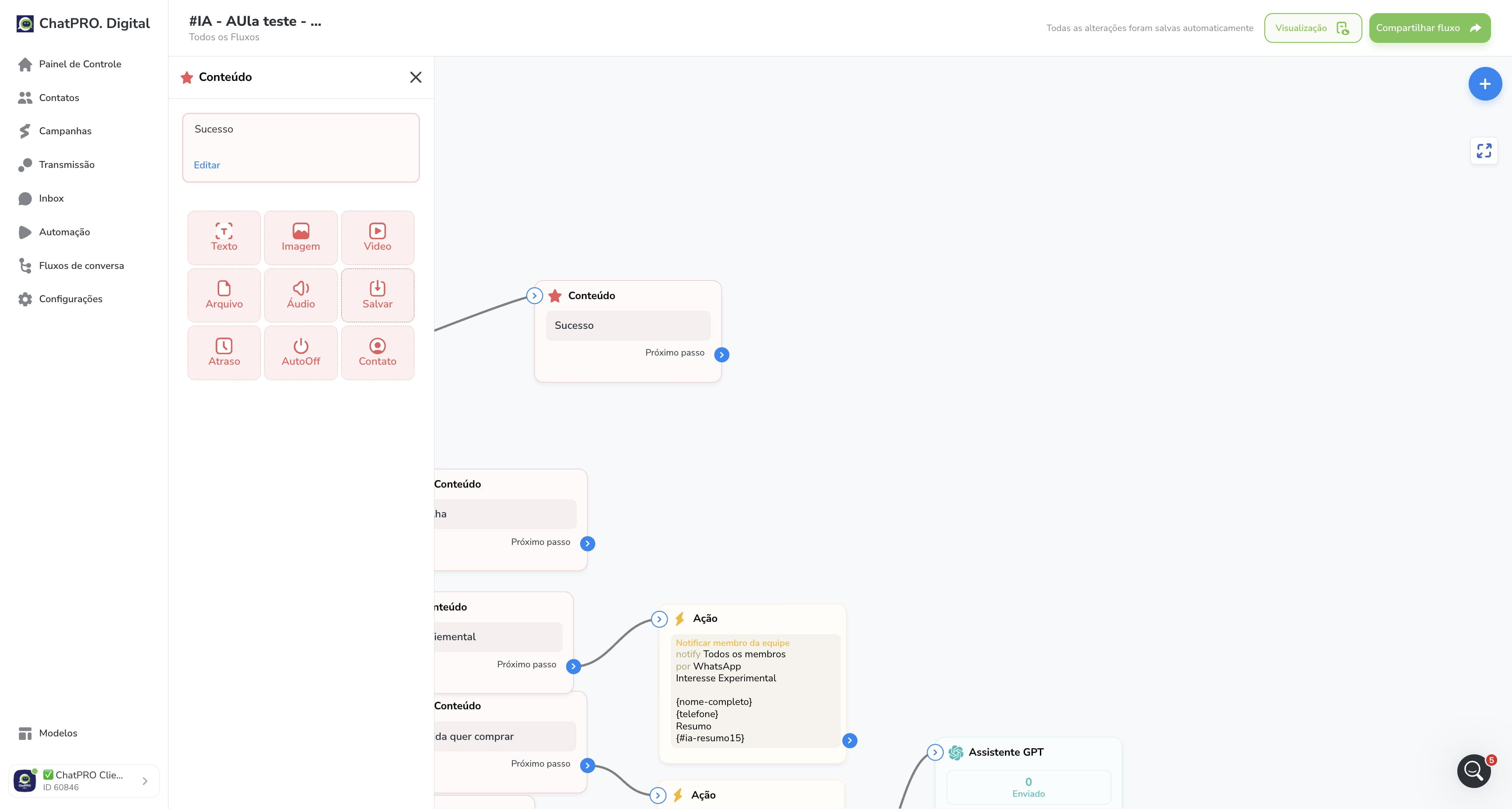
3
Click here
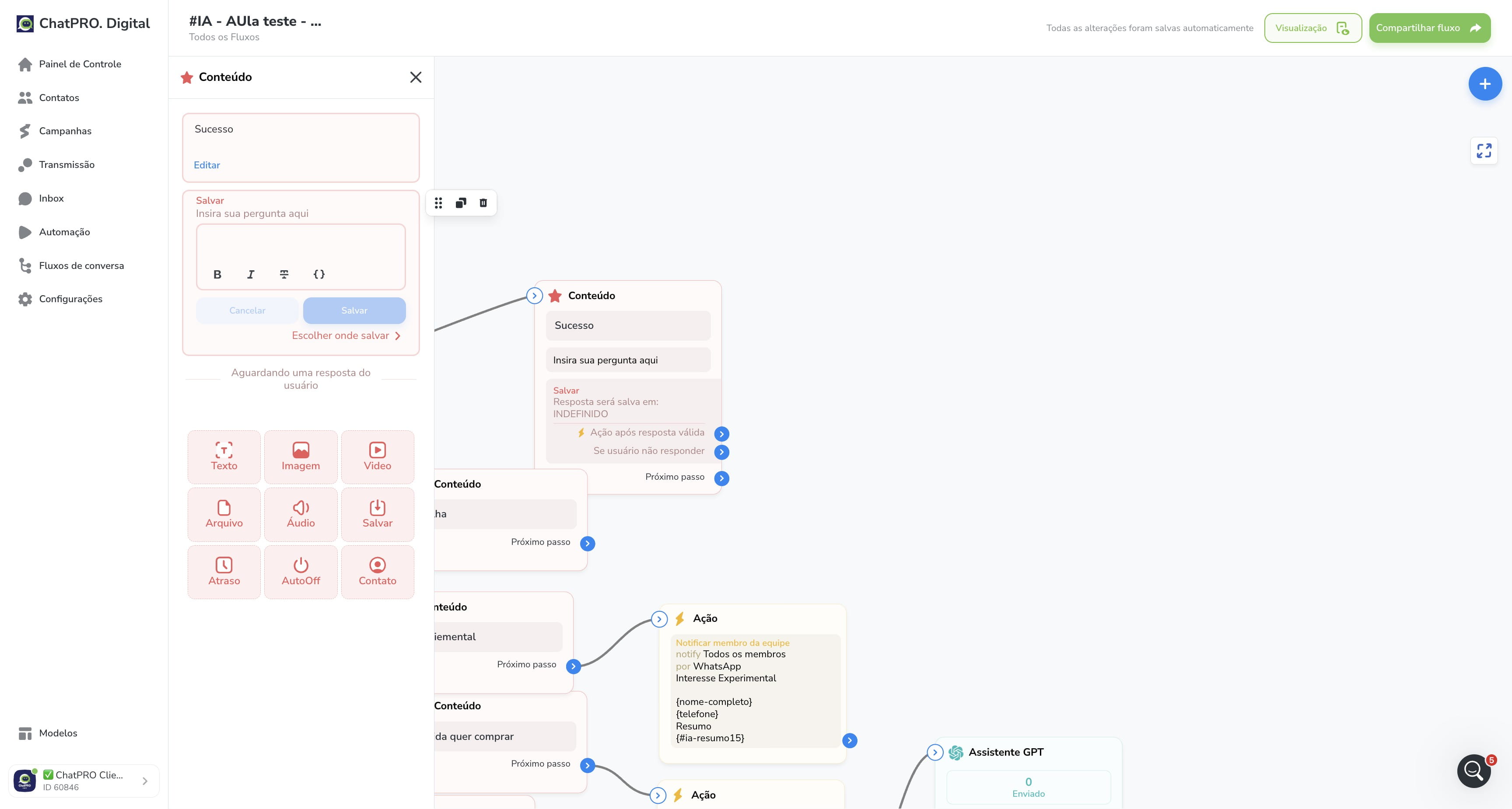
4
Click on "Salvar"
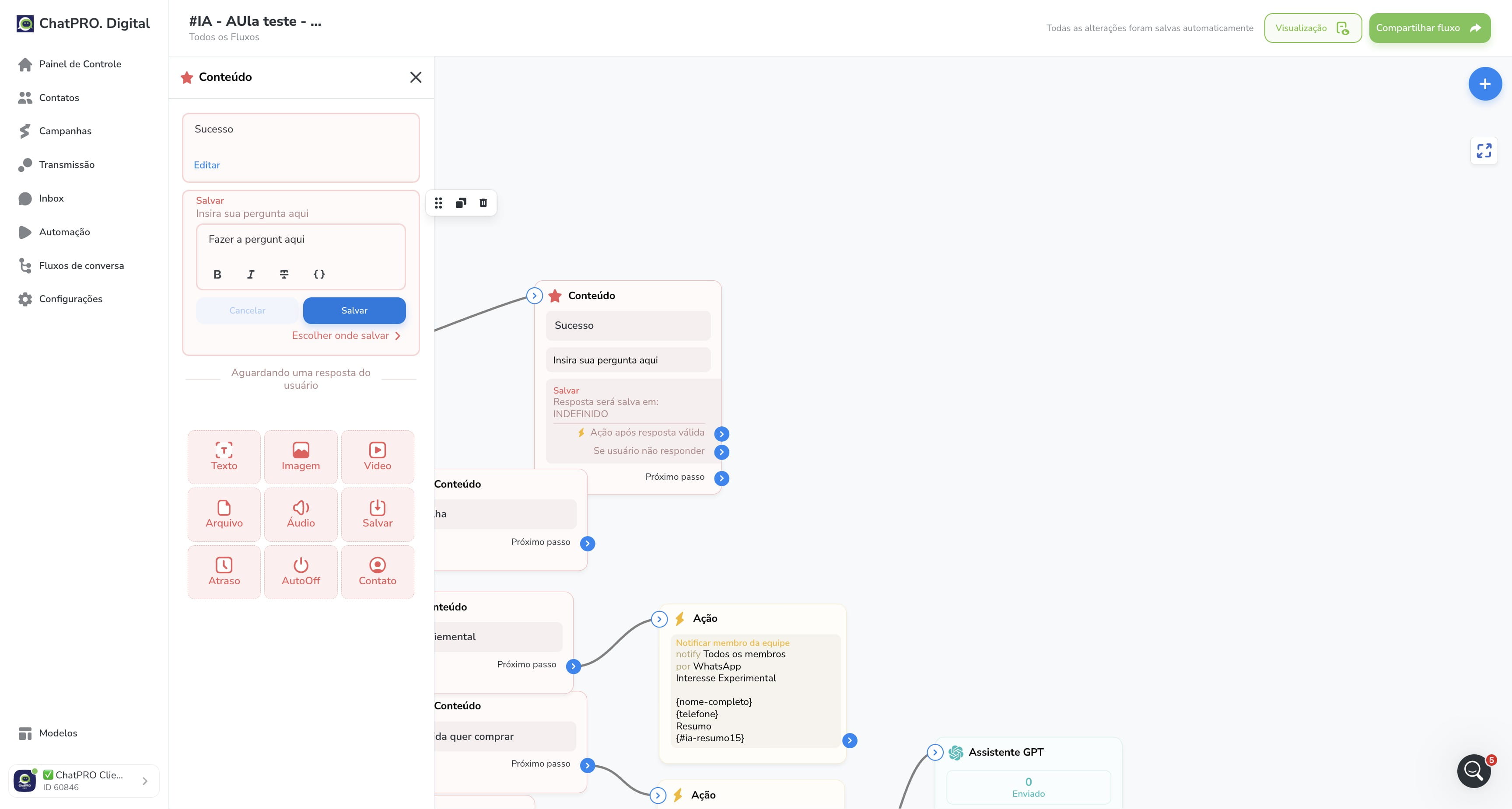
5
Click on "Escolher onde salvar"
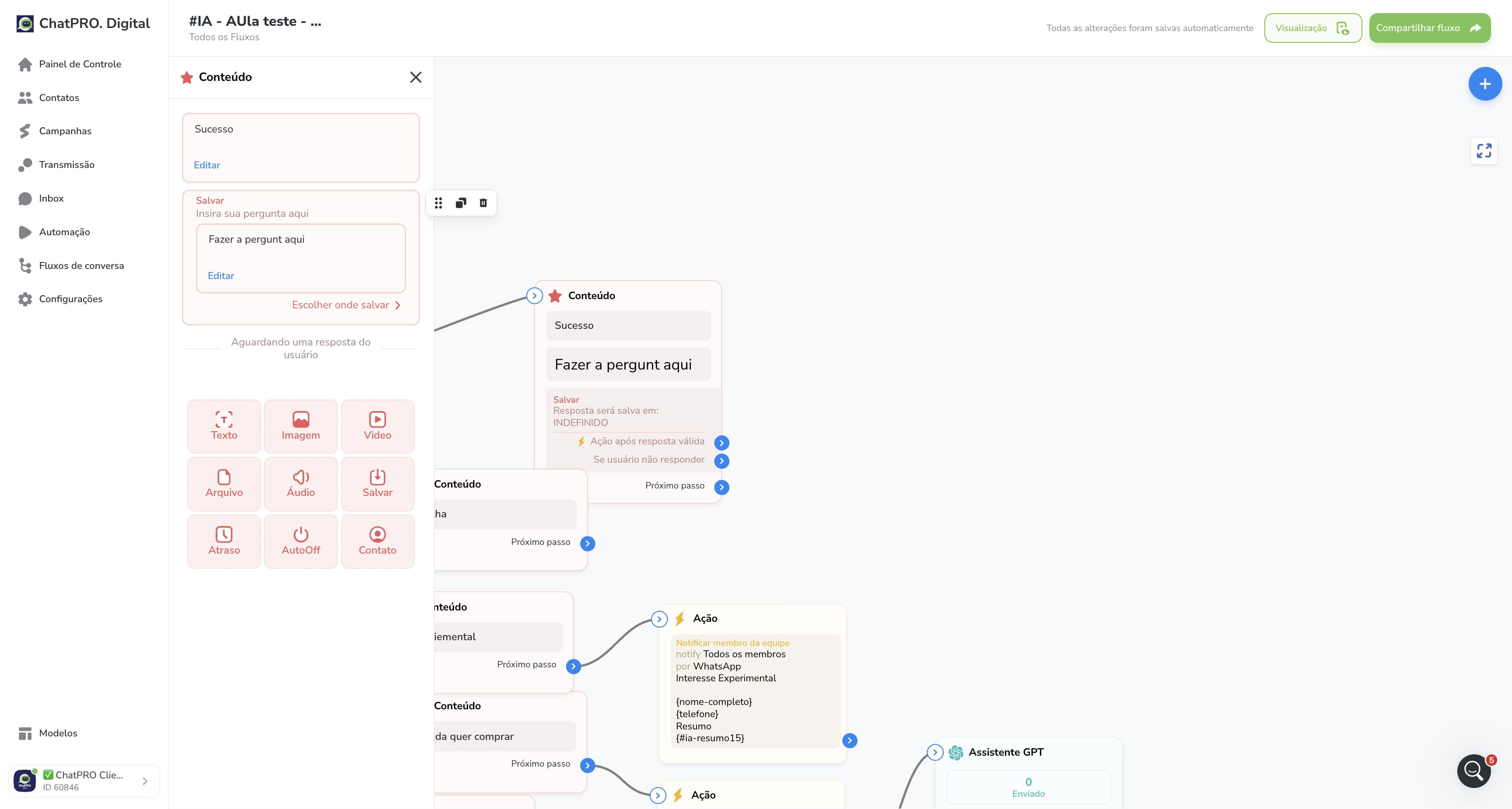
6
Click here
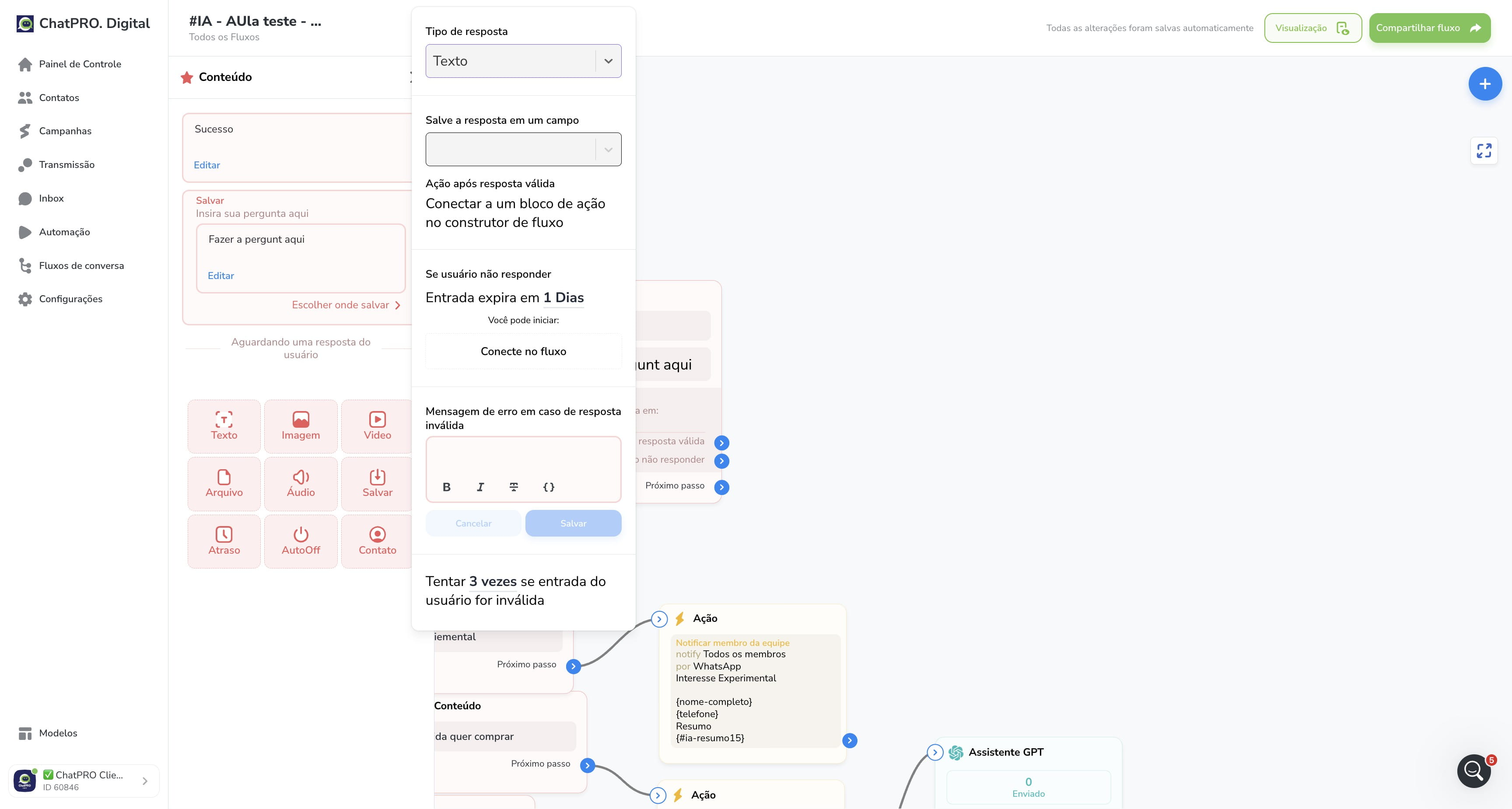
7
Click on "Adicionar novo campo do usuário"
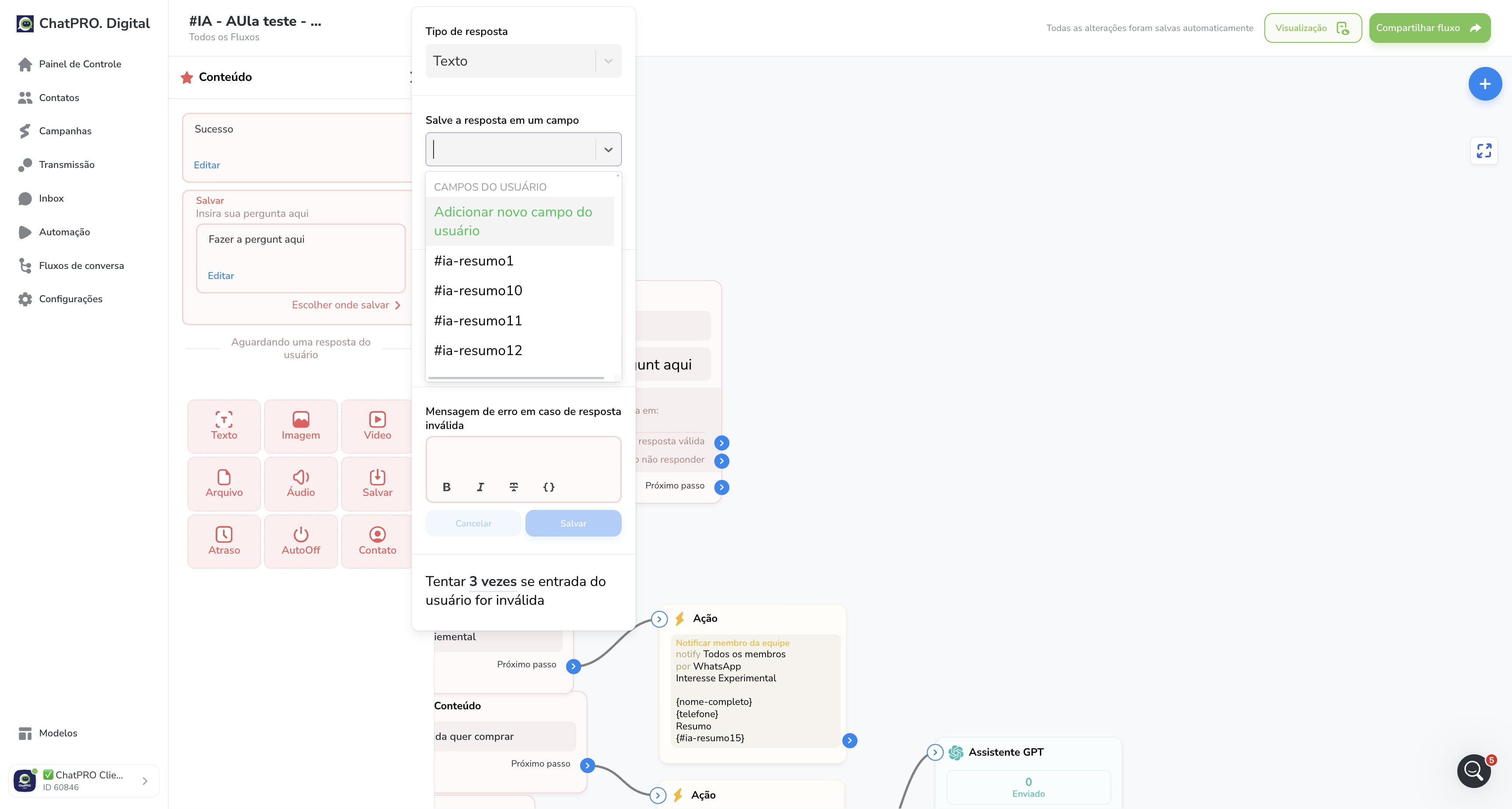
8
Click here
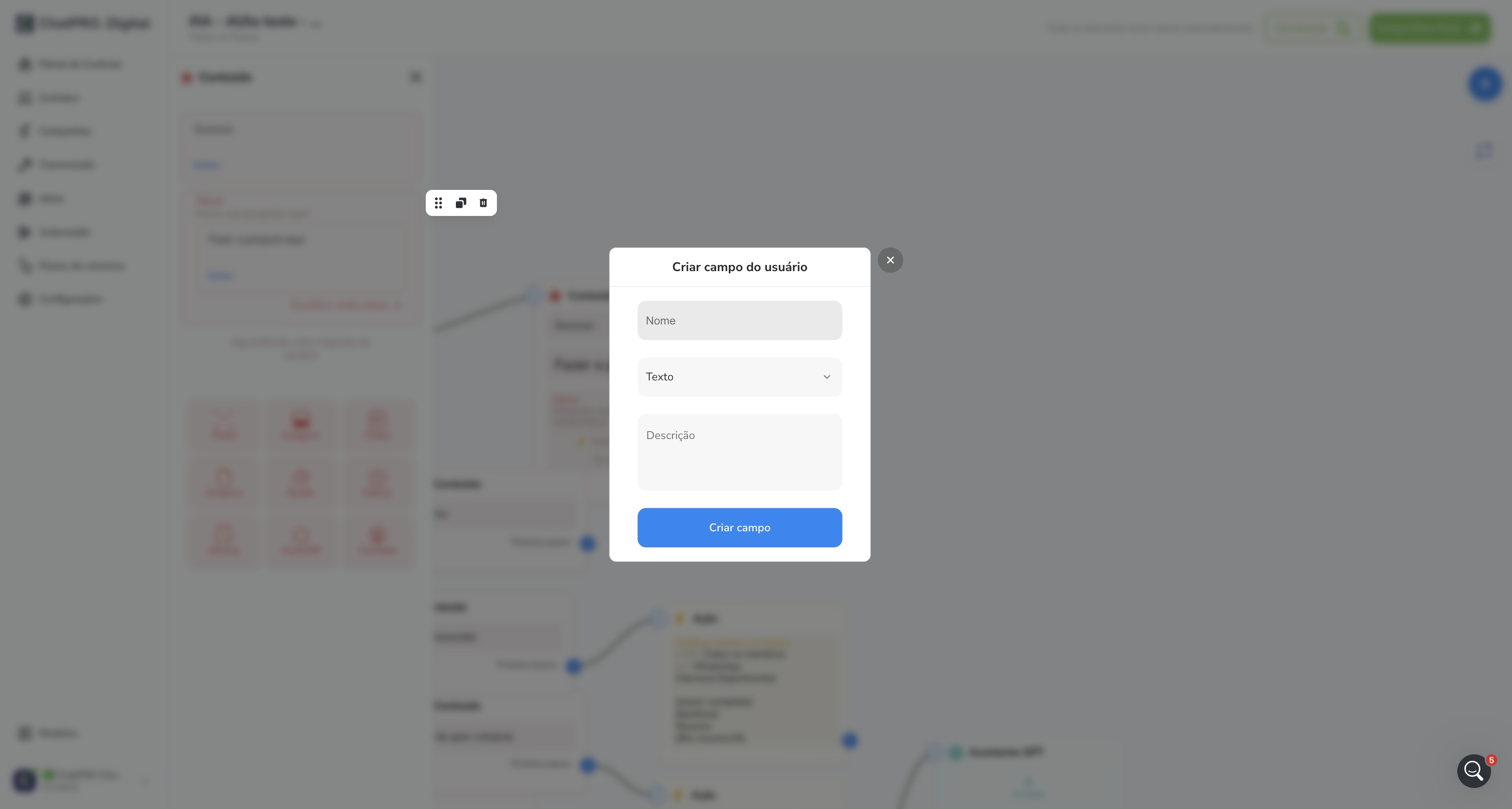
9
Click on "Texto"
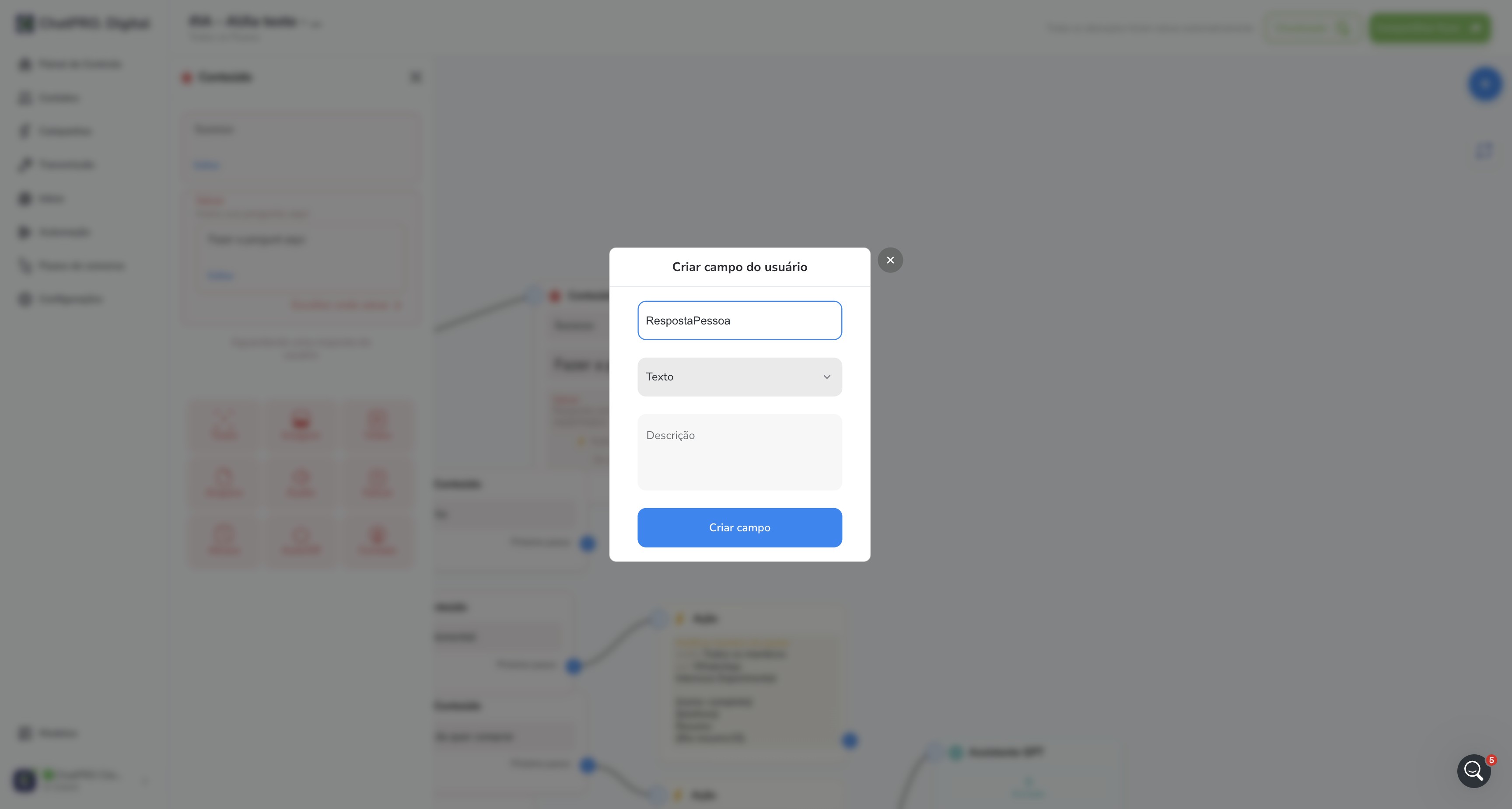
10
Click here
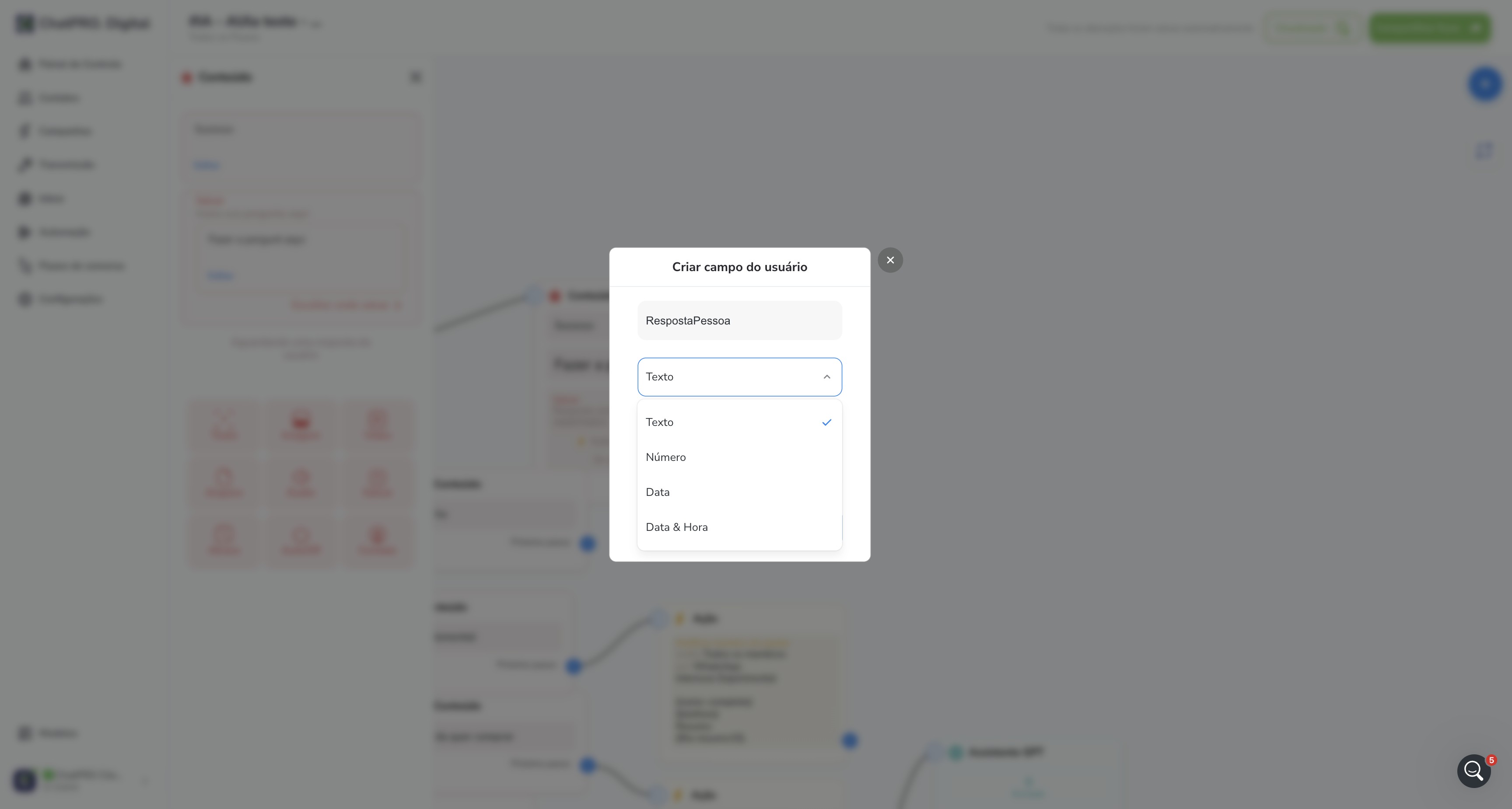
11
Click on "Criar campo"
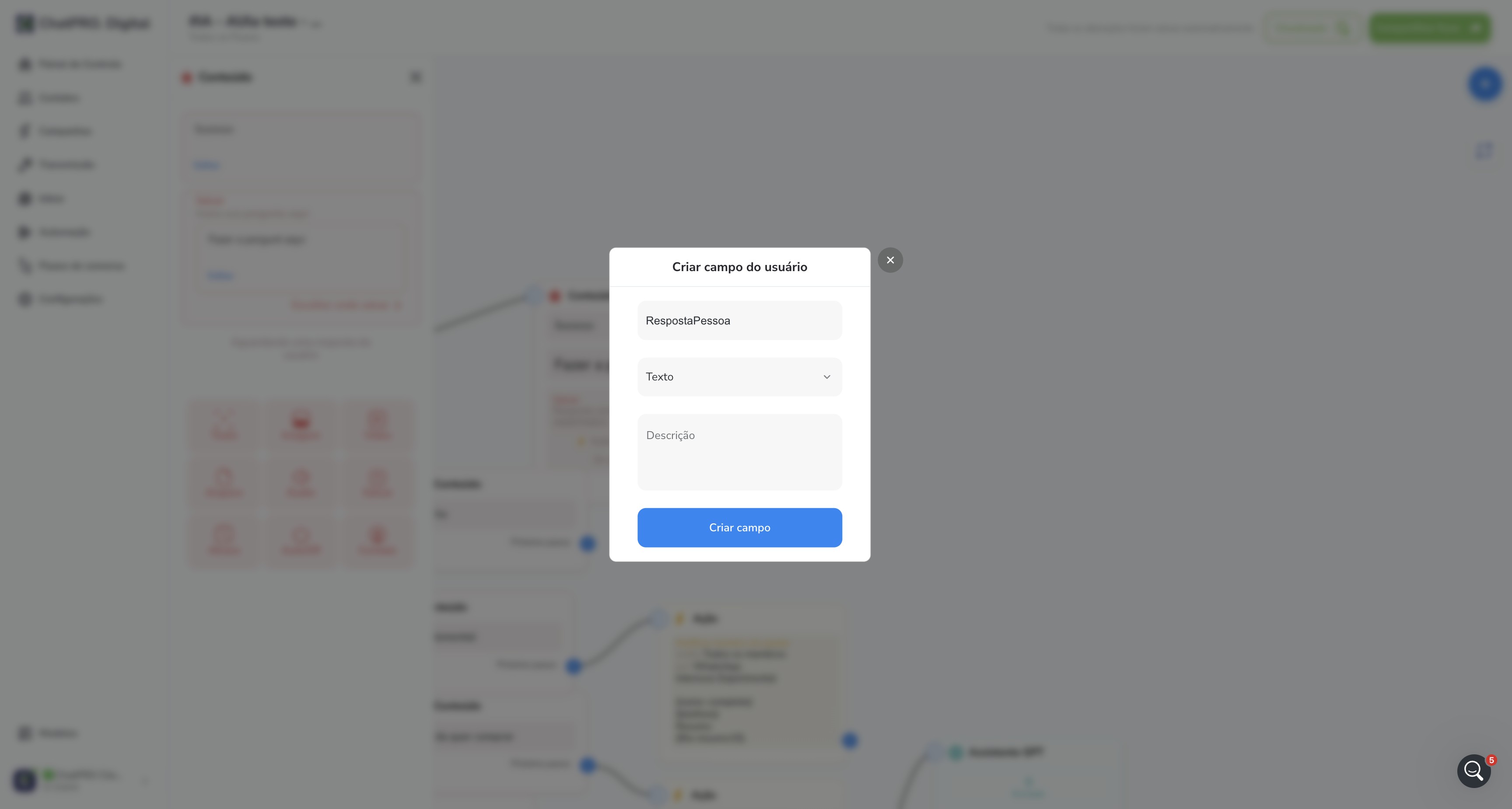
12
Click here
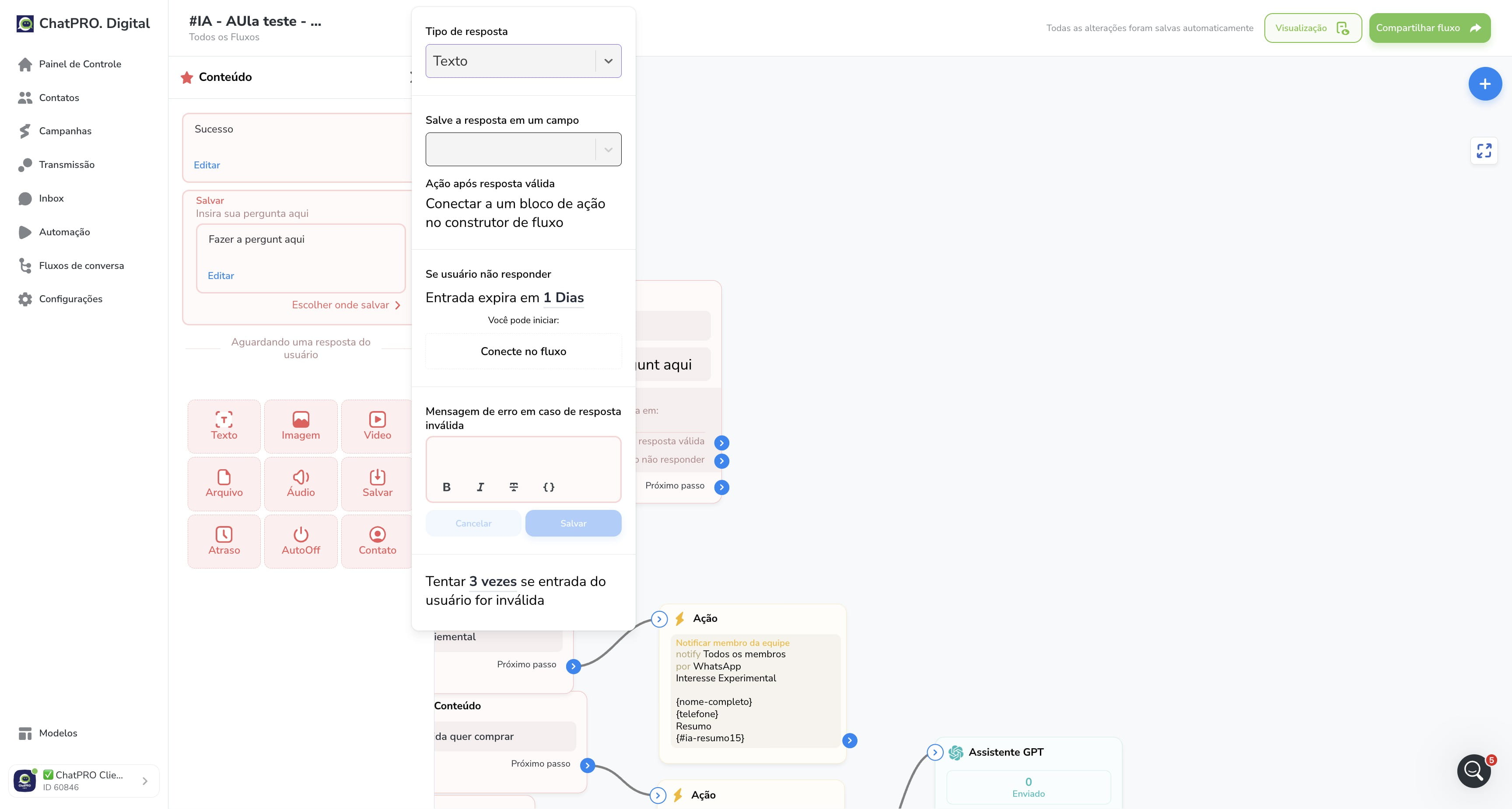
13
Click on "RespostaPessoa"
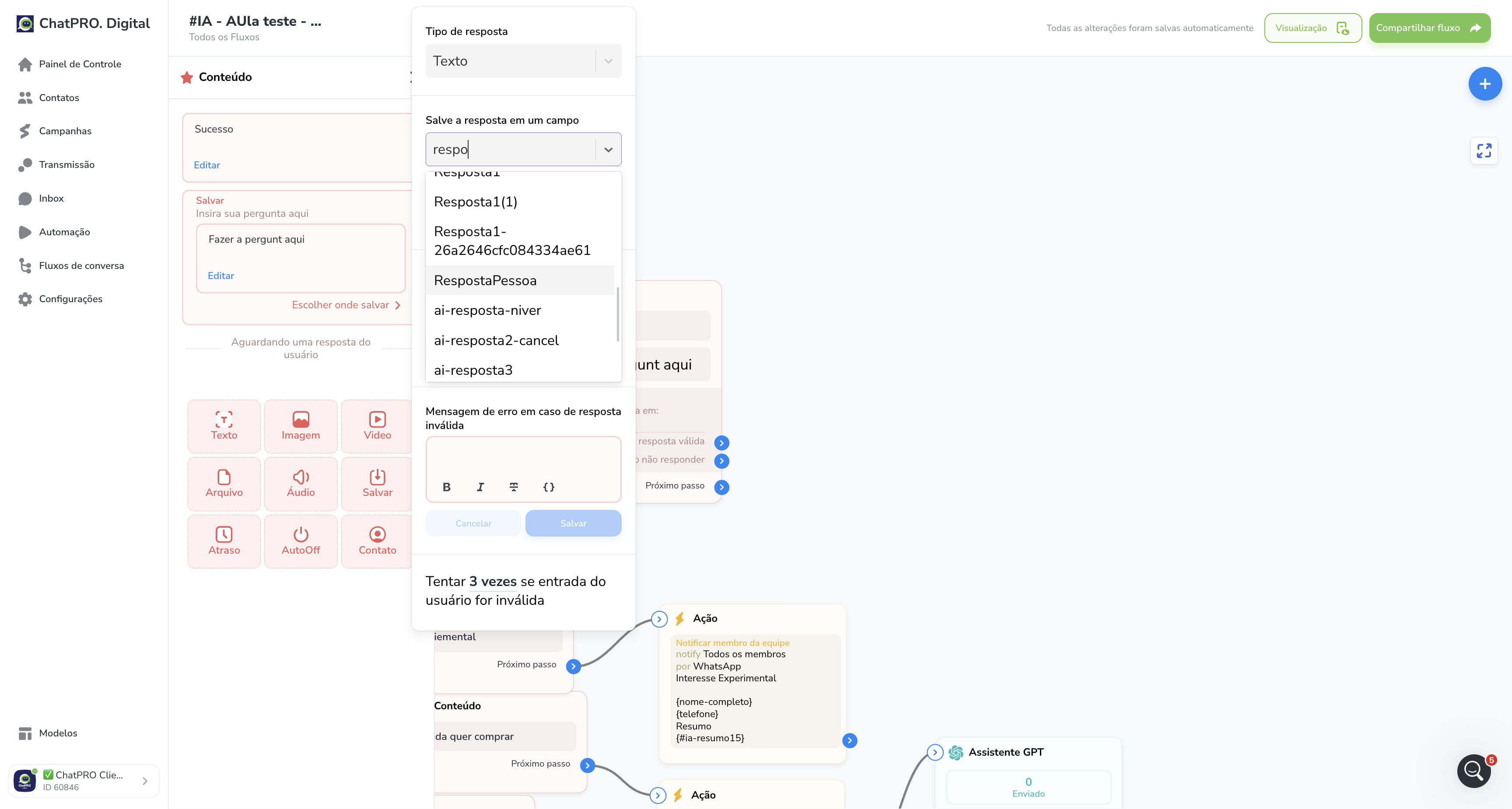
14
Click on "1"
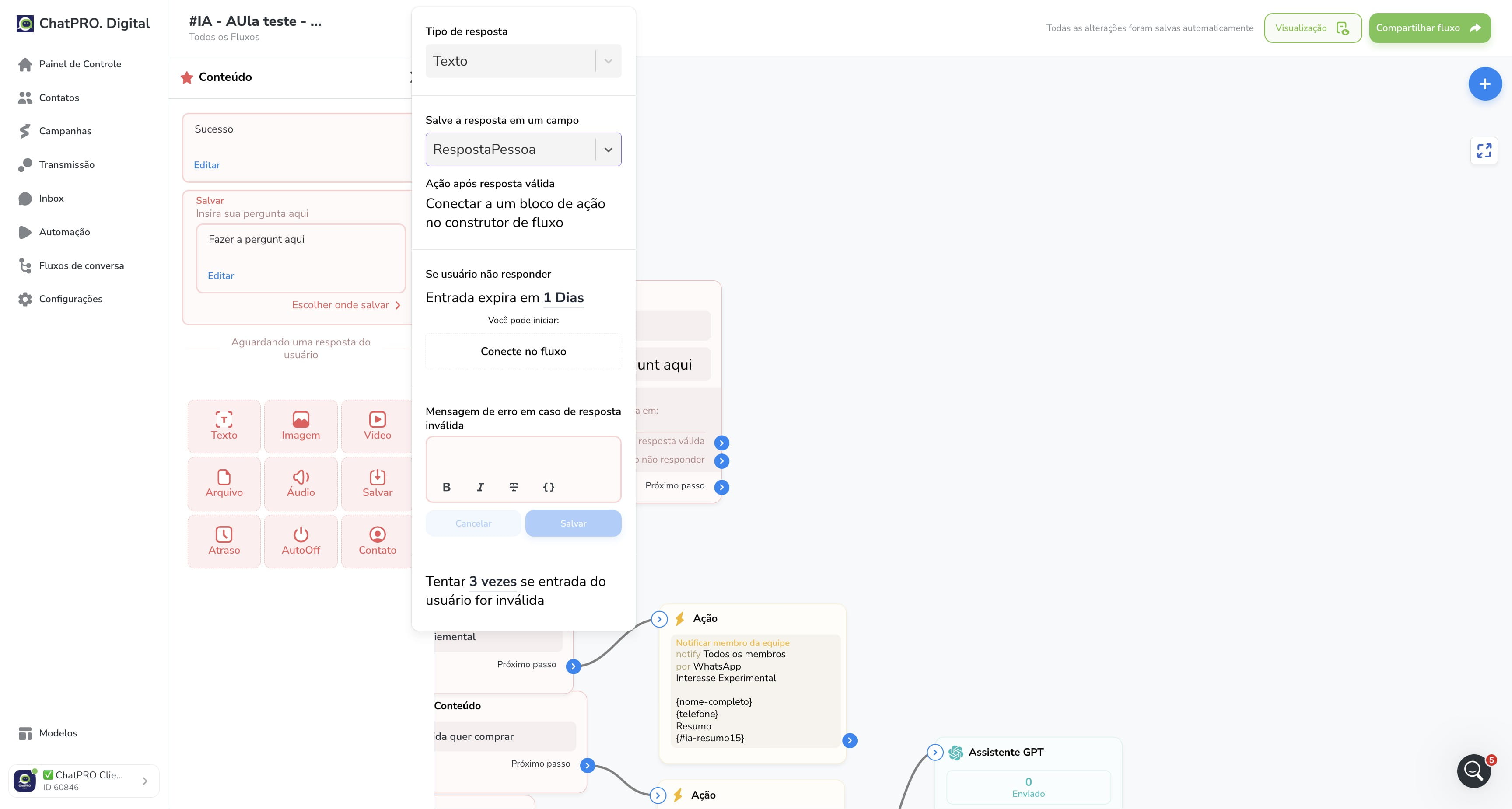
15
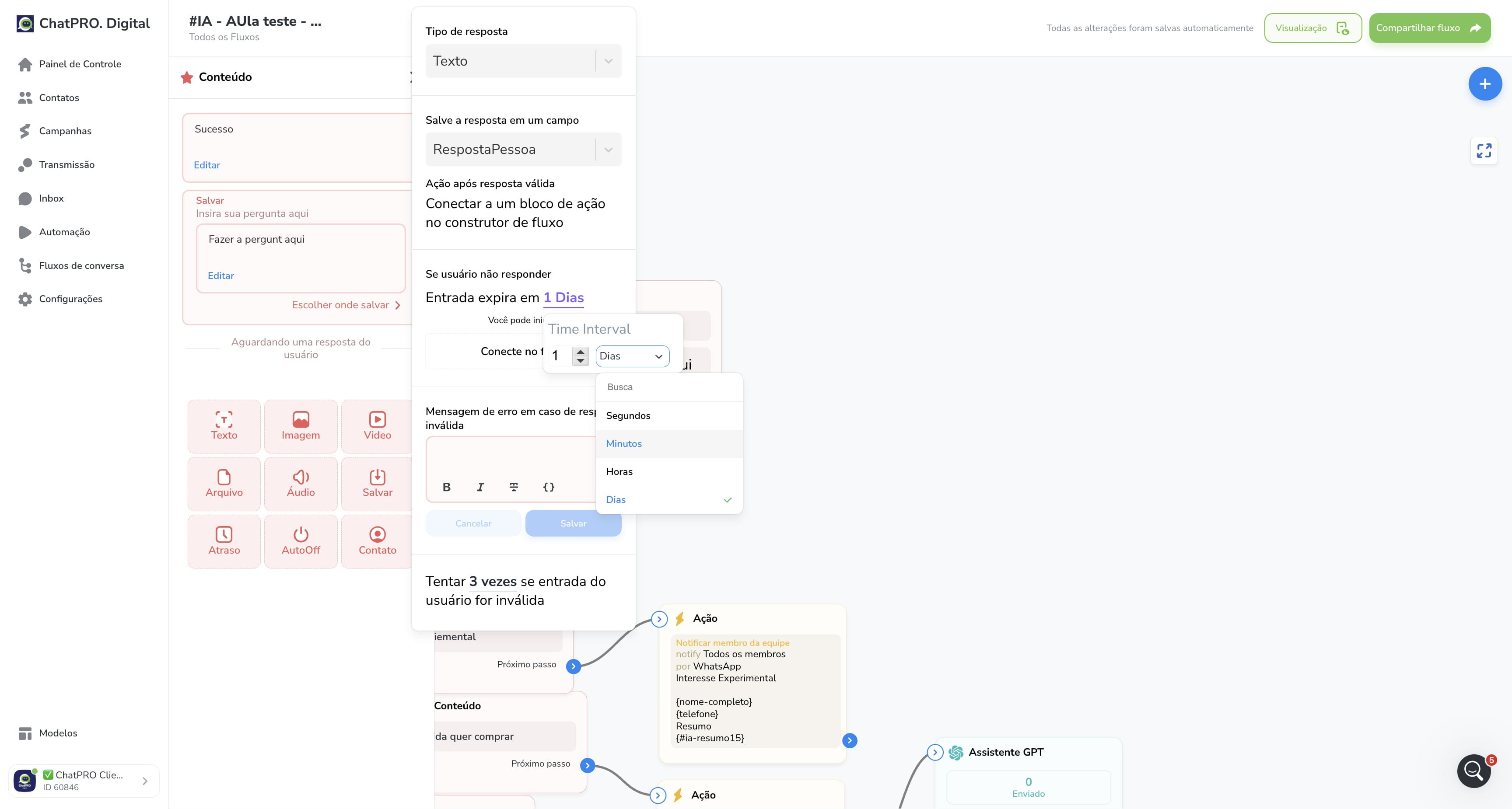
Click on "Dias"
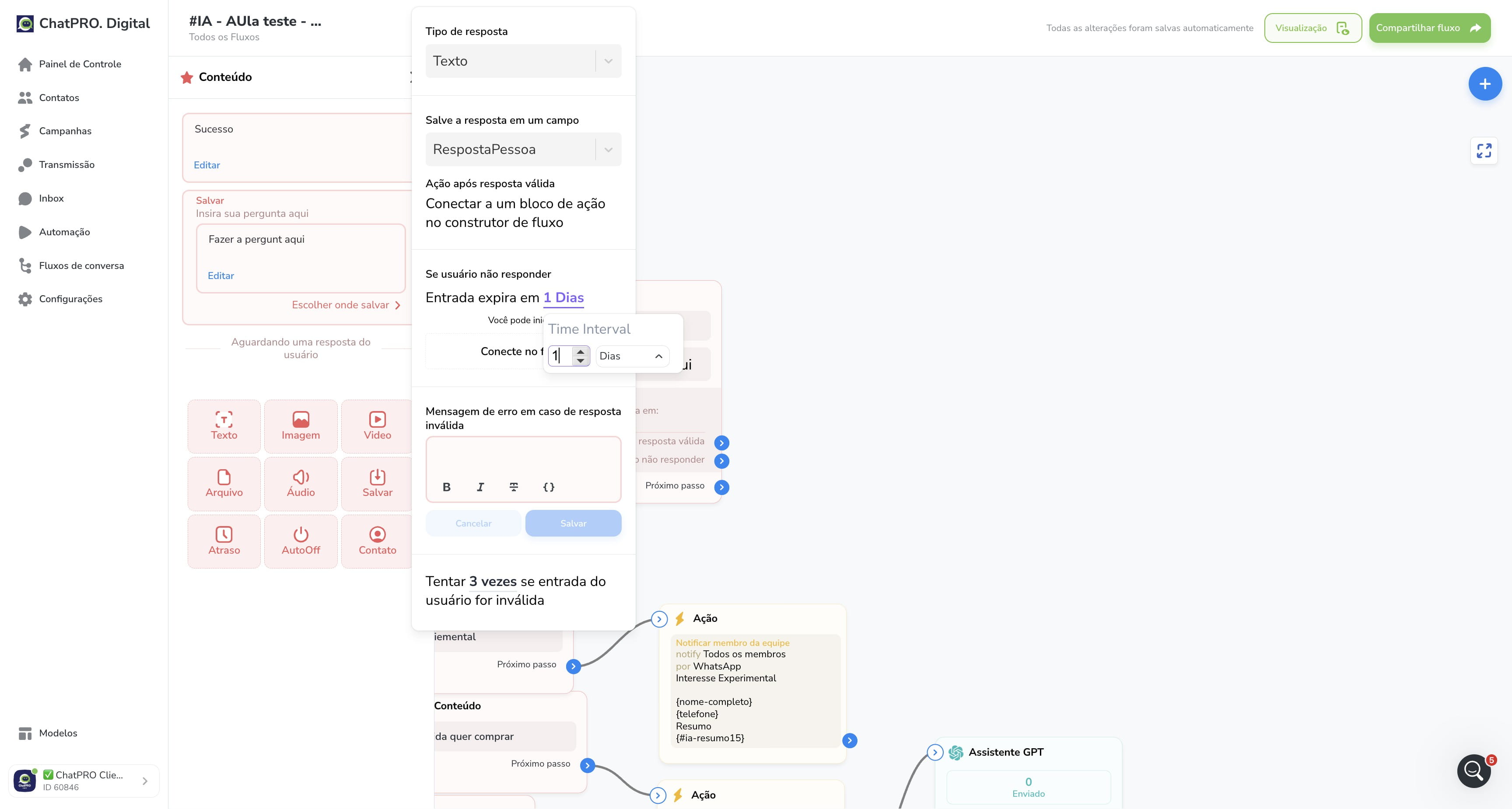
16
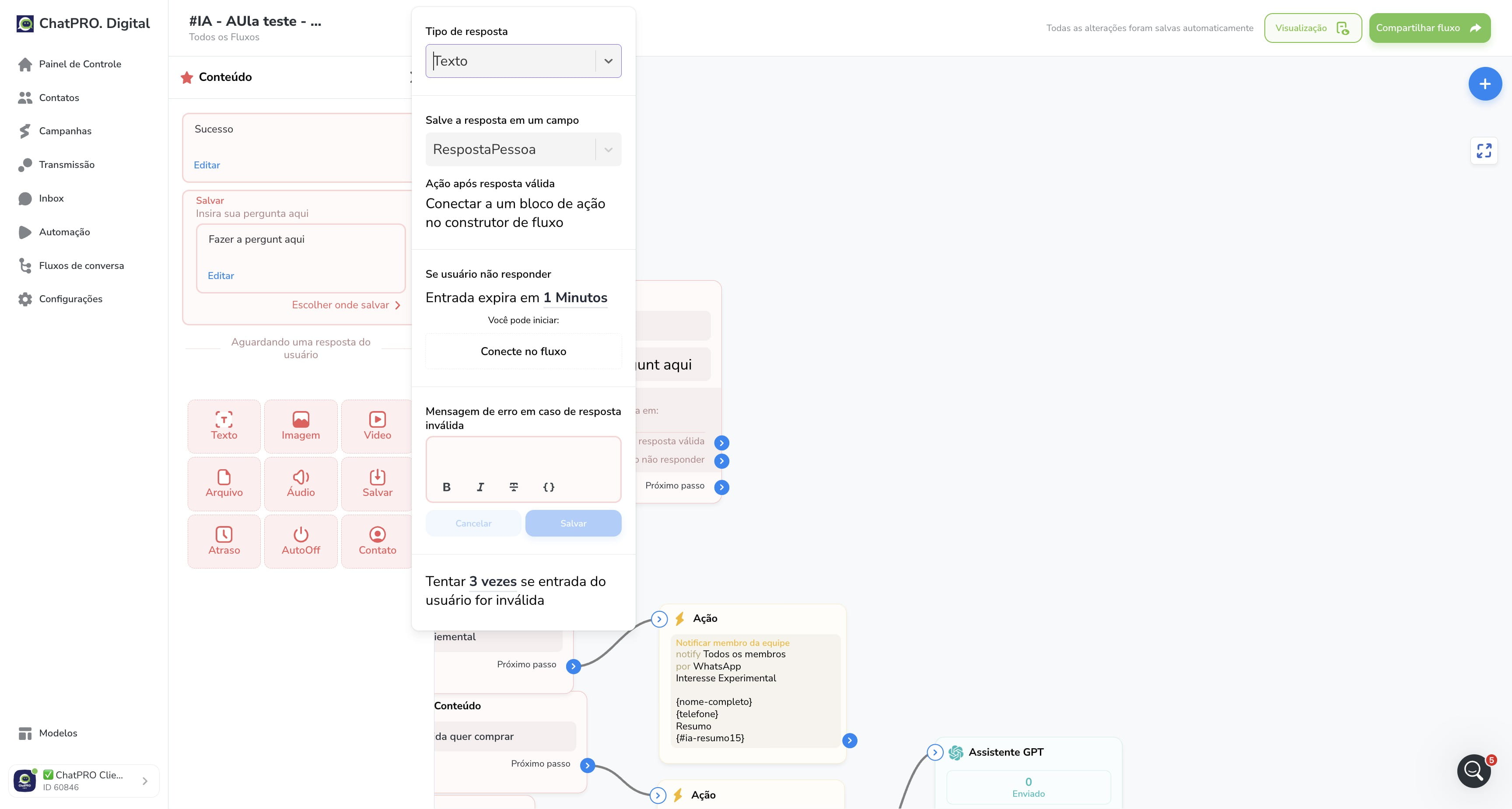
Click on "Minutos"
17
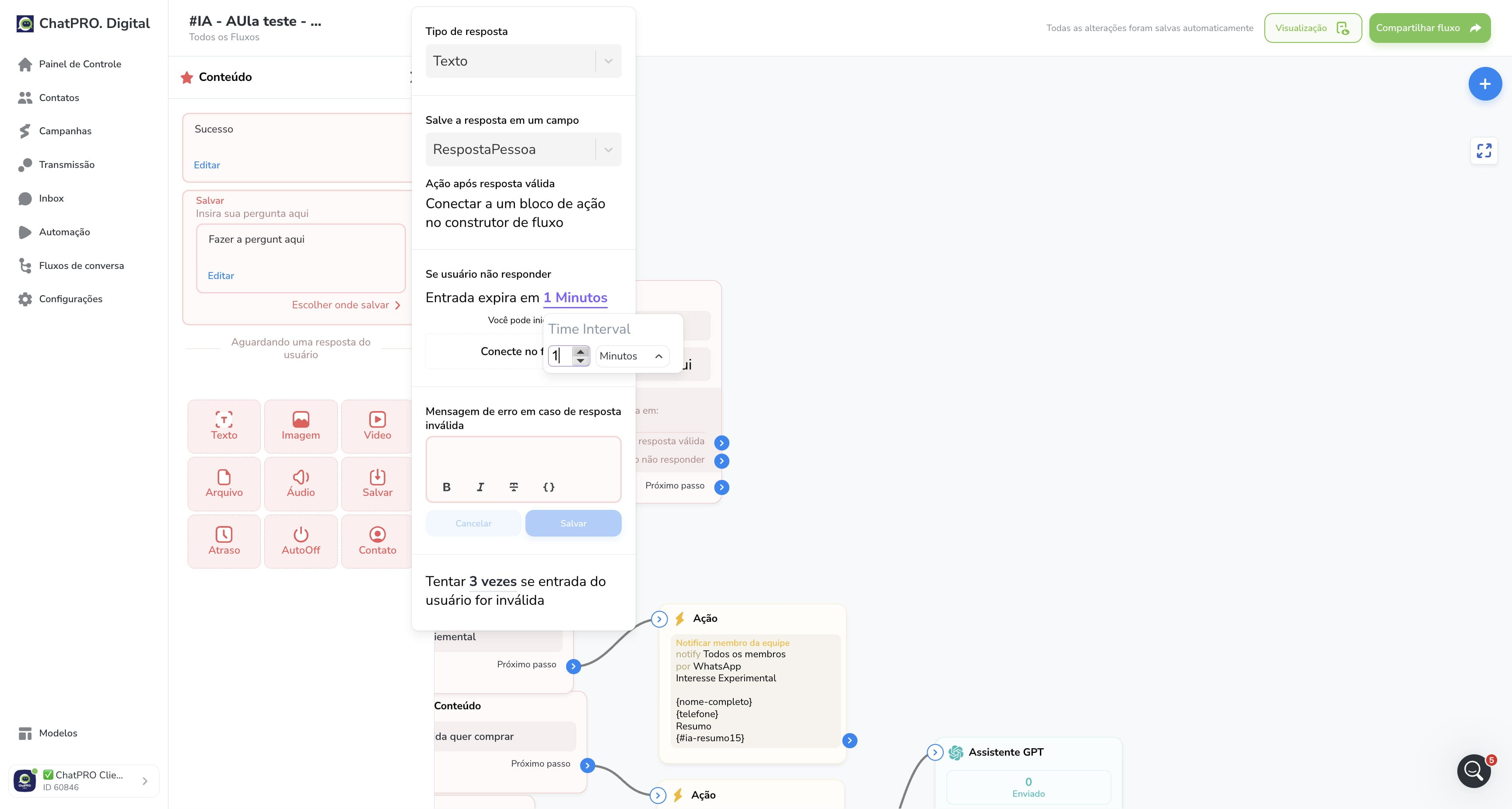
Click on "1"
18
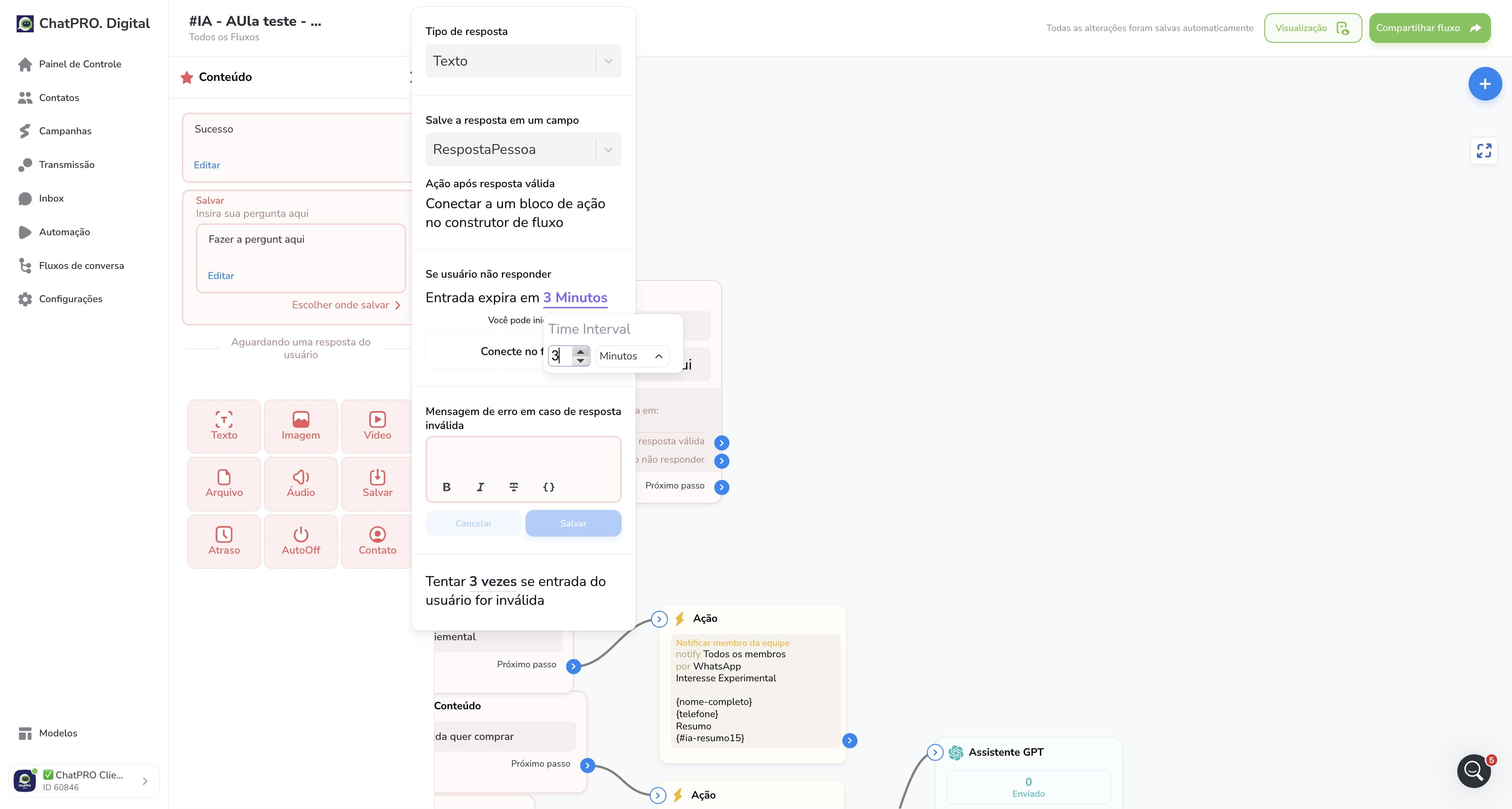
Click this icon
19
Click this icon
20
Click this icon
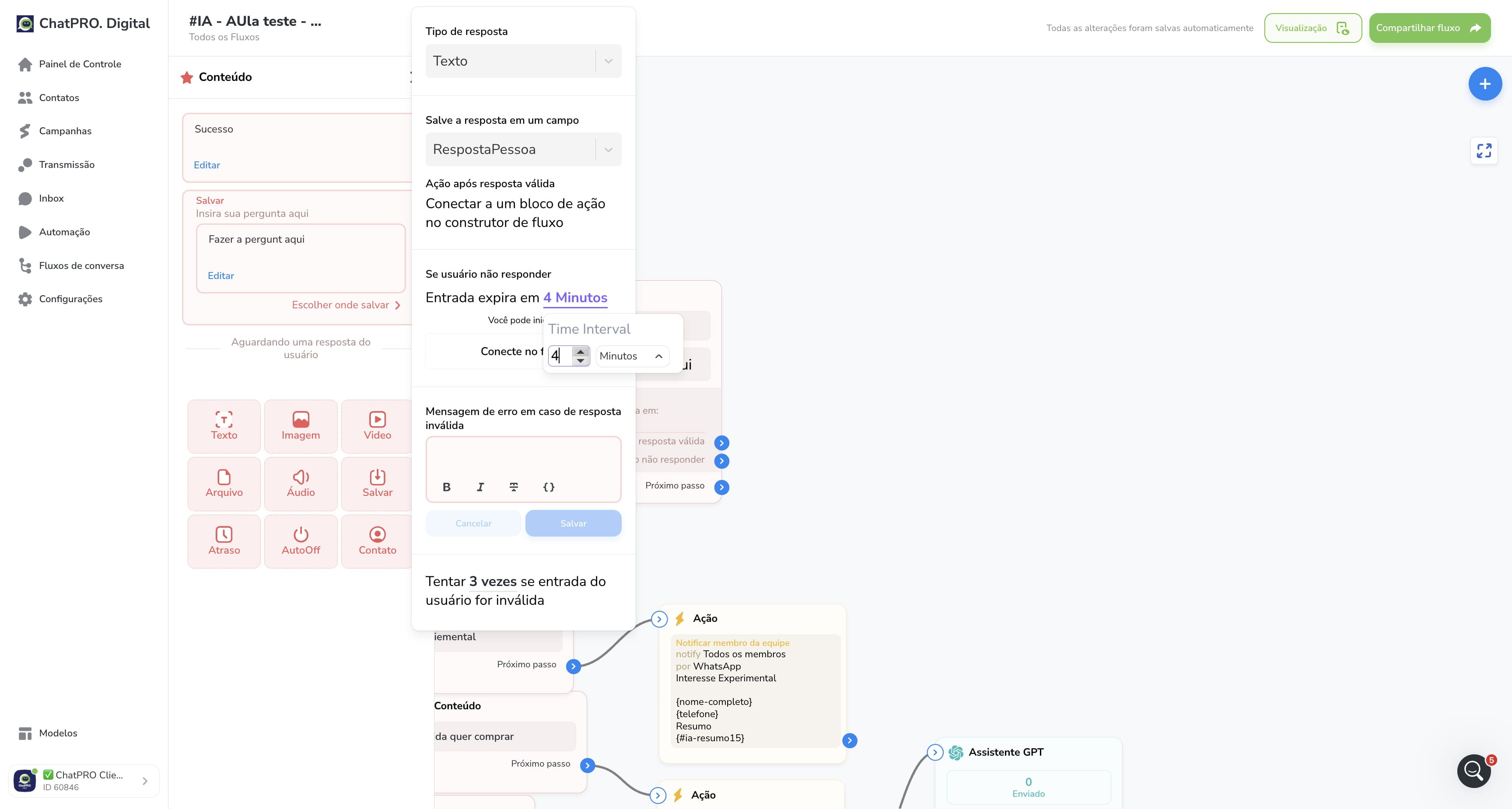
21
Click this icon
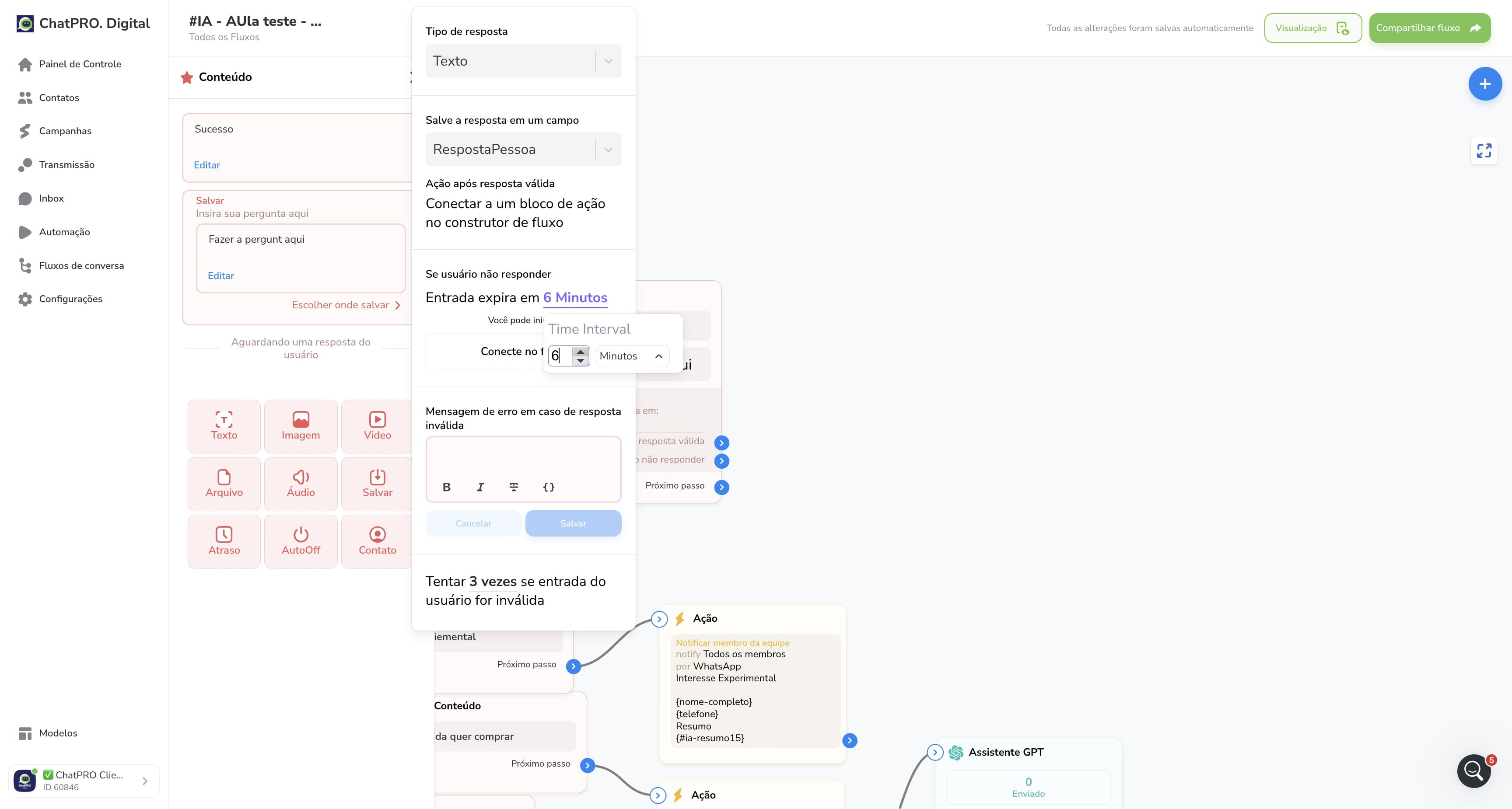
22
Click this icon
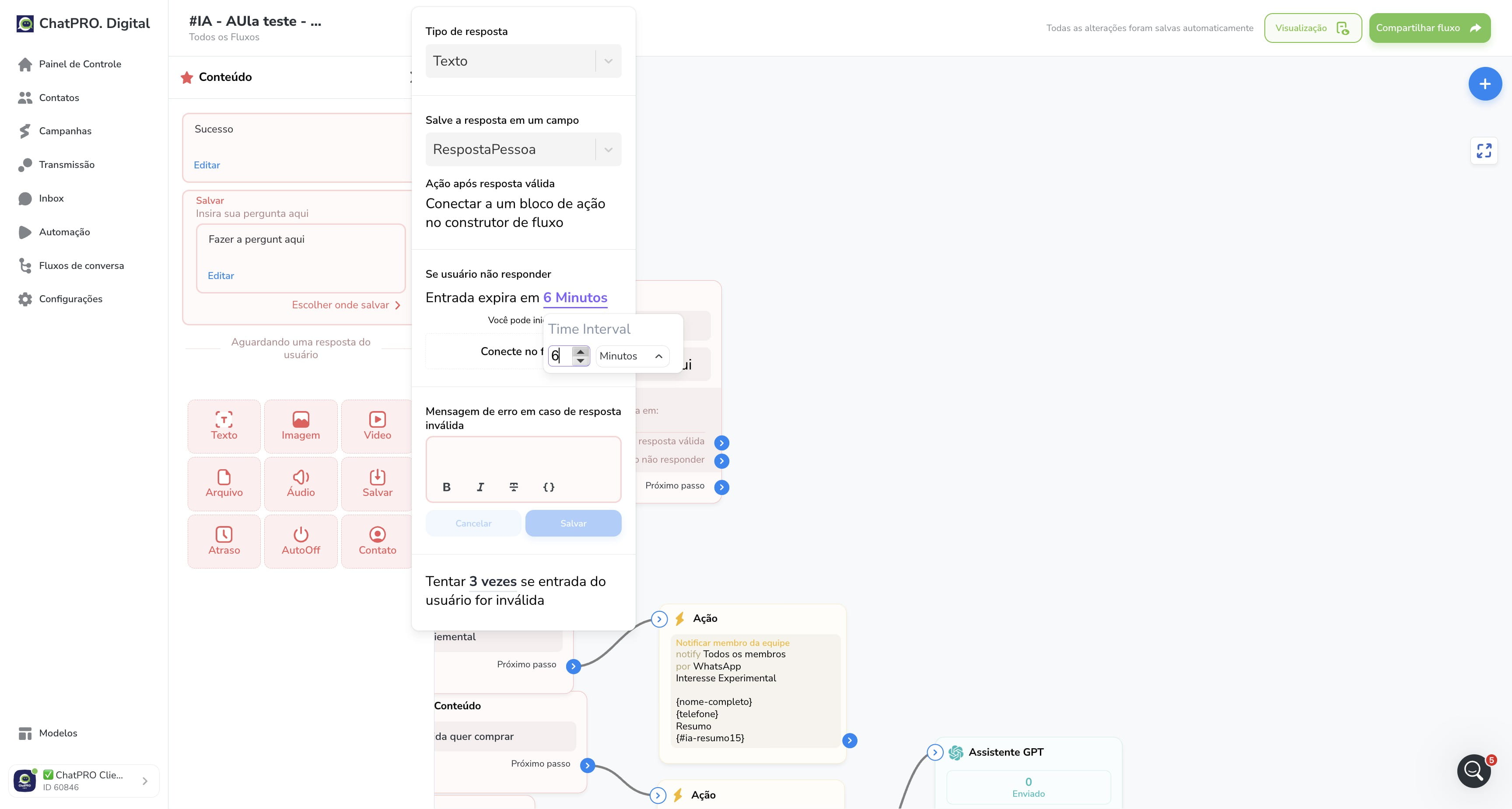
23
Click this icon
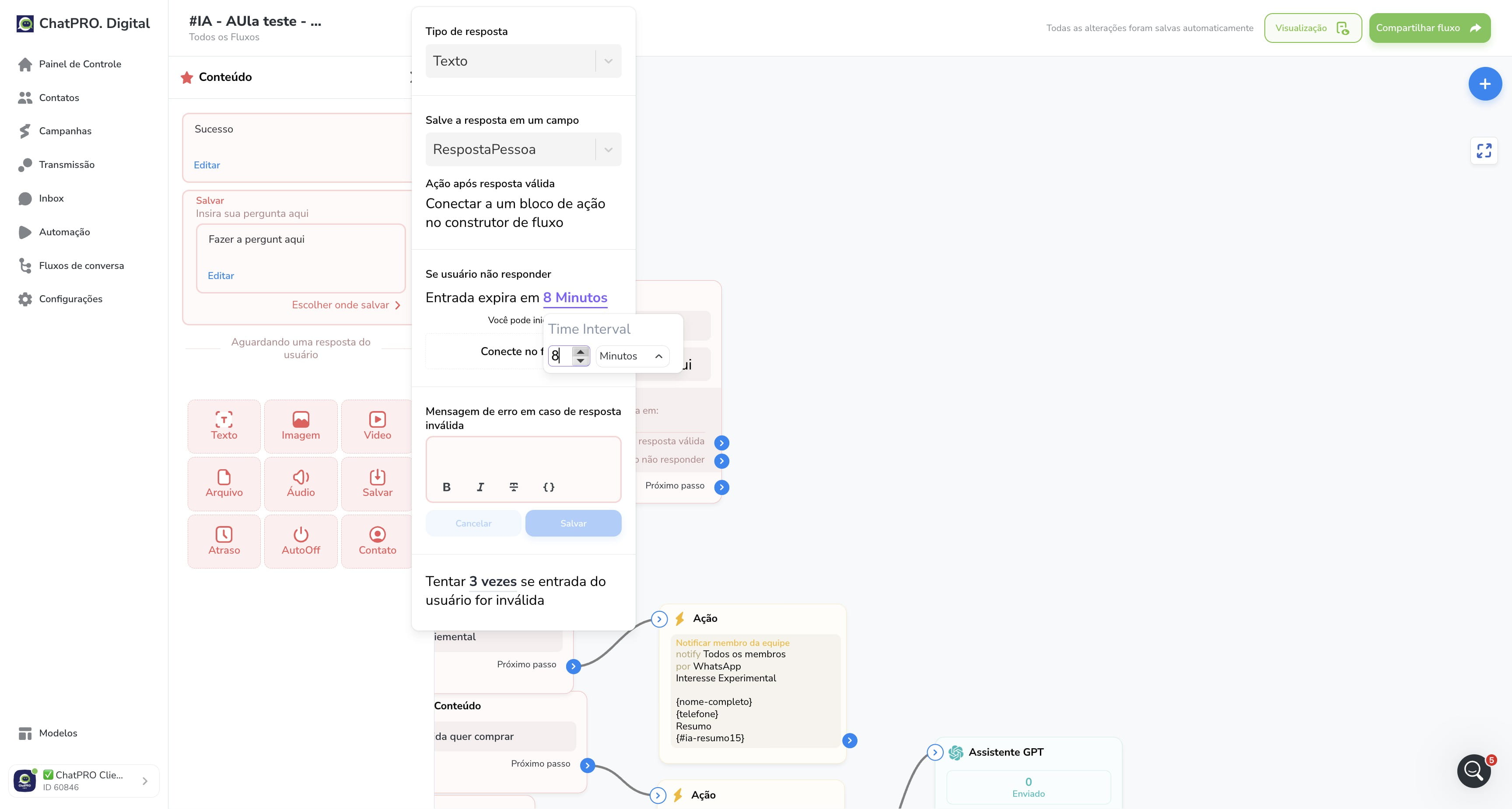
24
Click on "Conecte no fluxo"
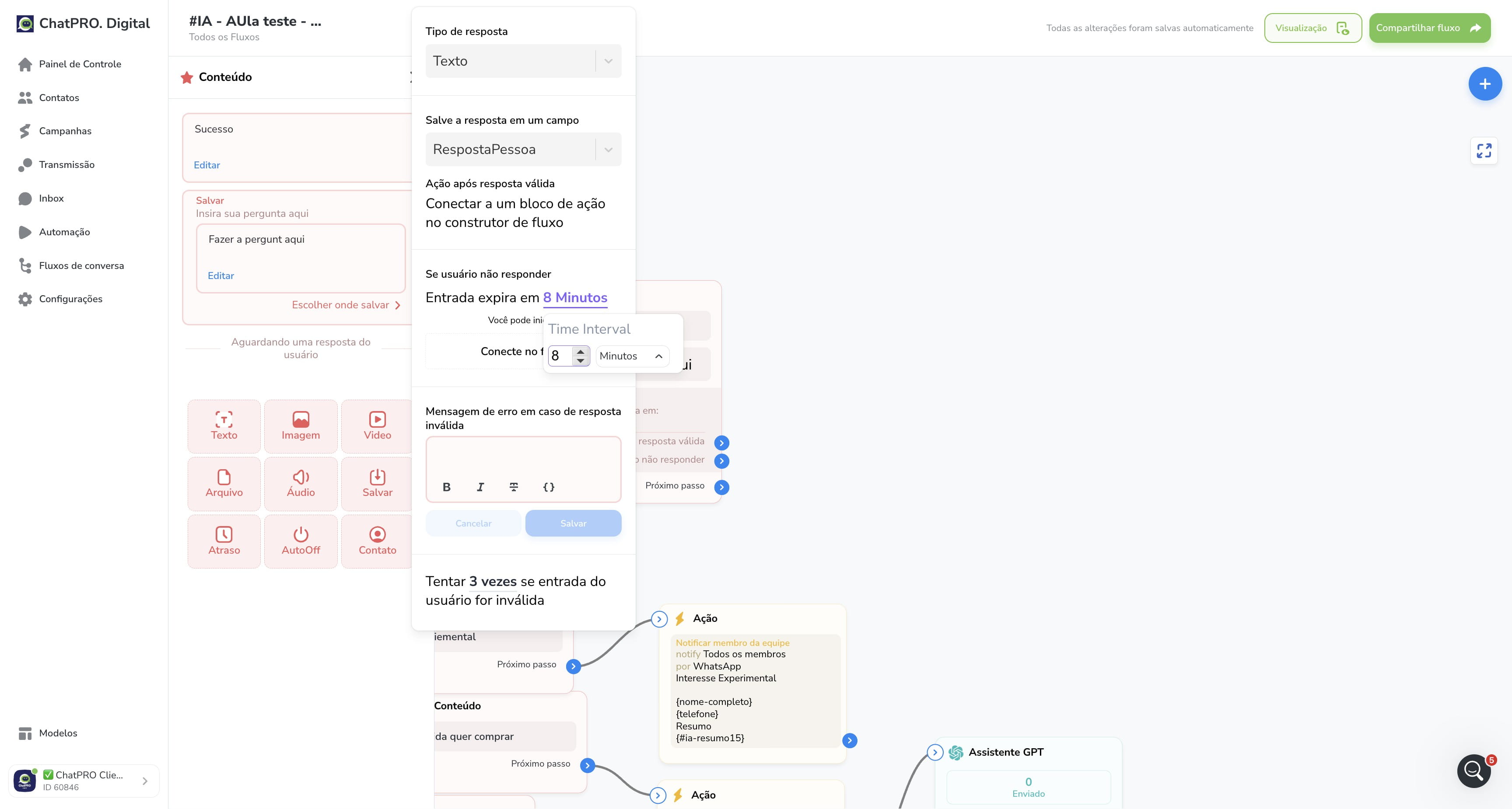
25
Click here
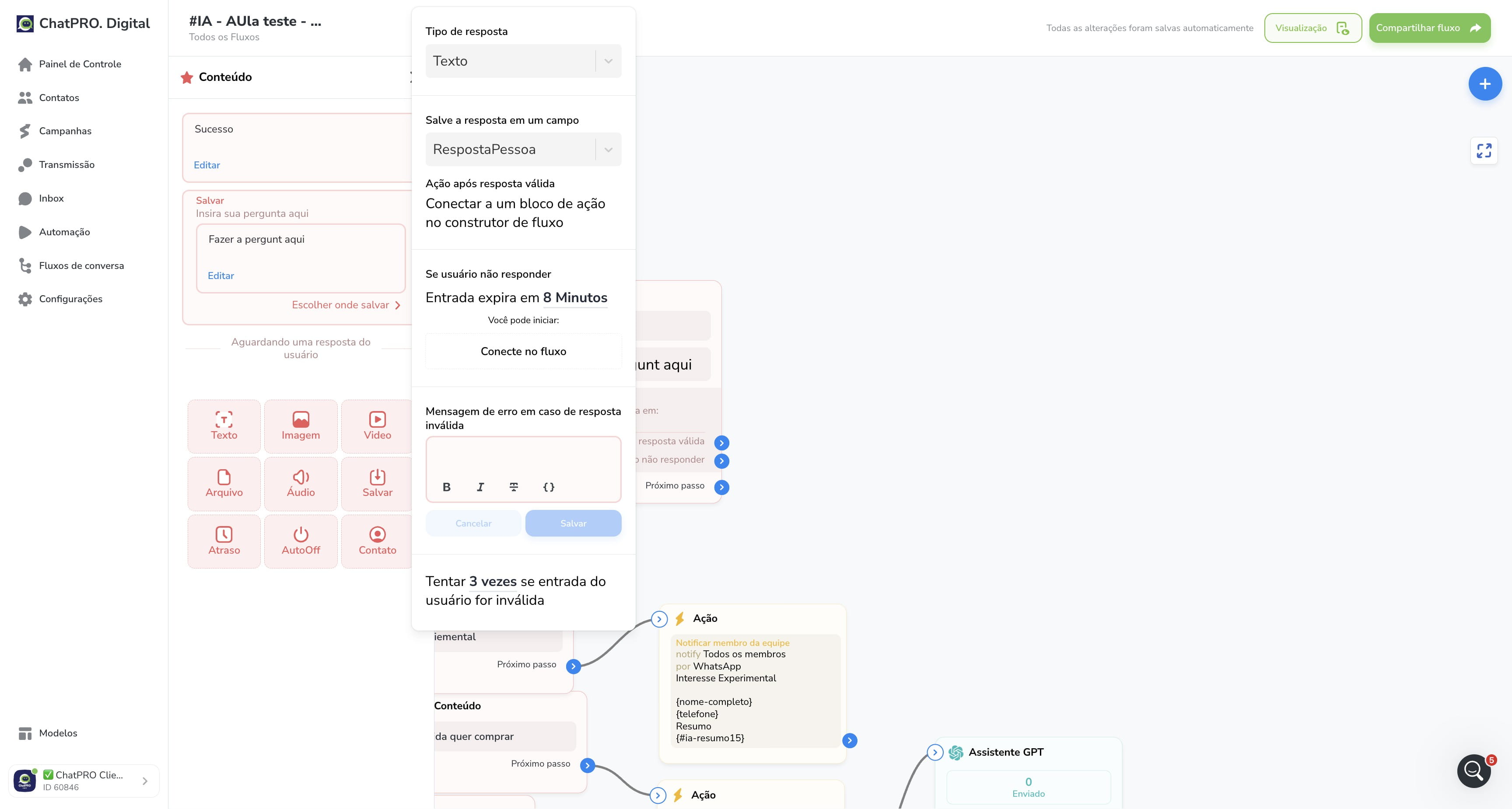
26
Click on "Salvar"
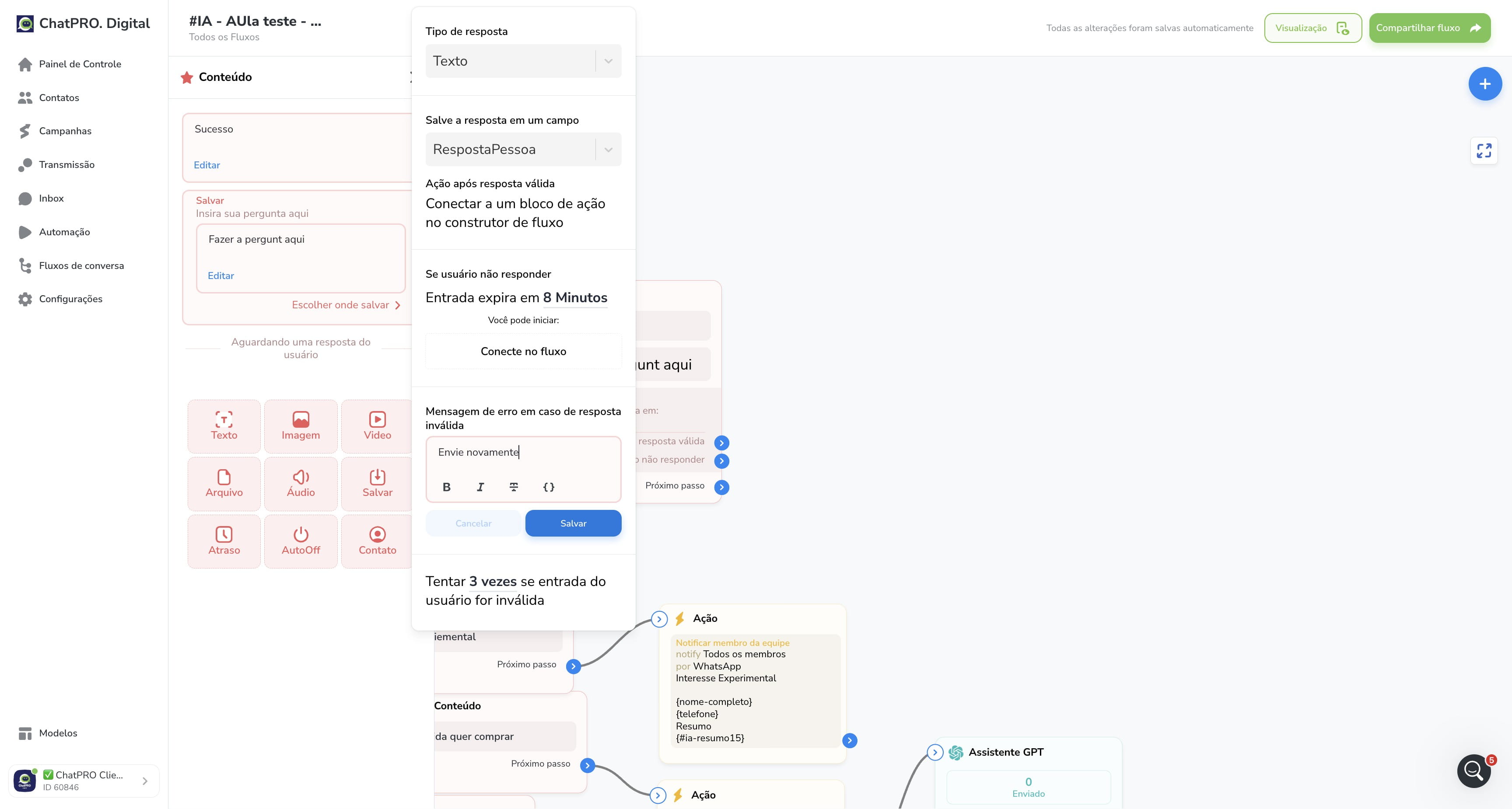
27
Click this icon
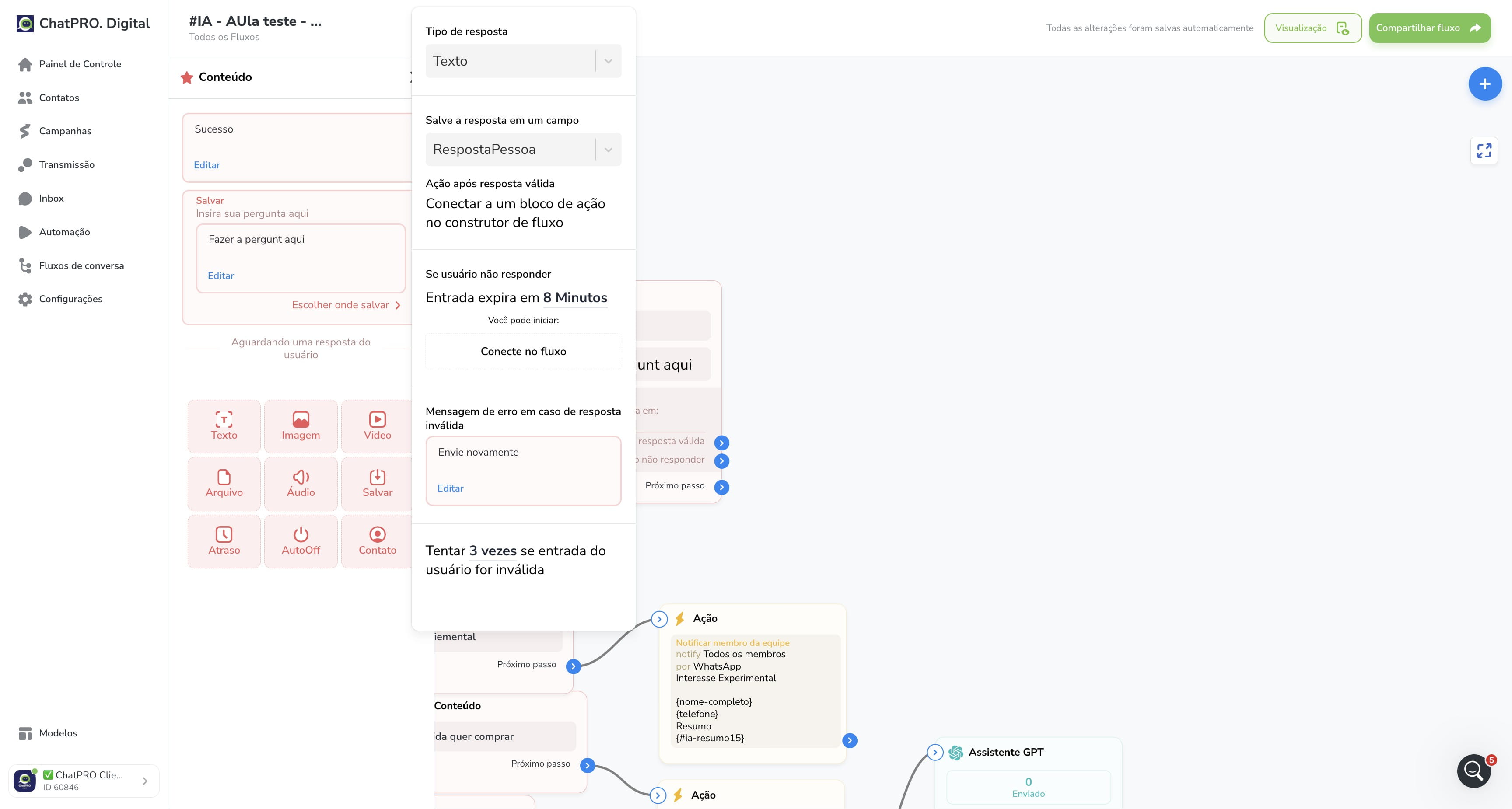
28
Click this icon
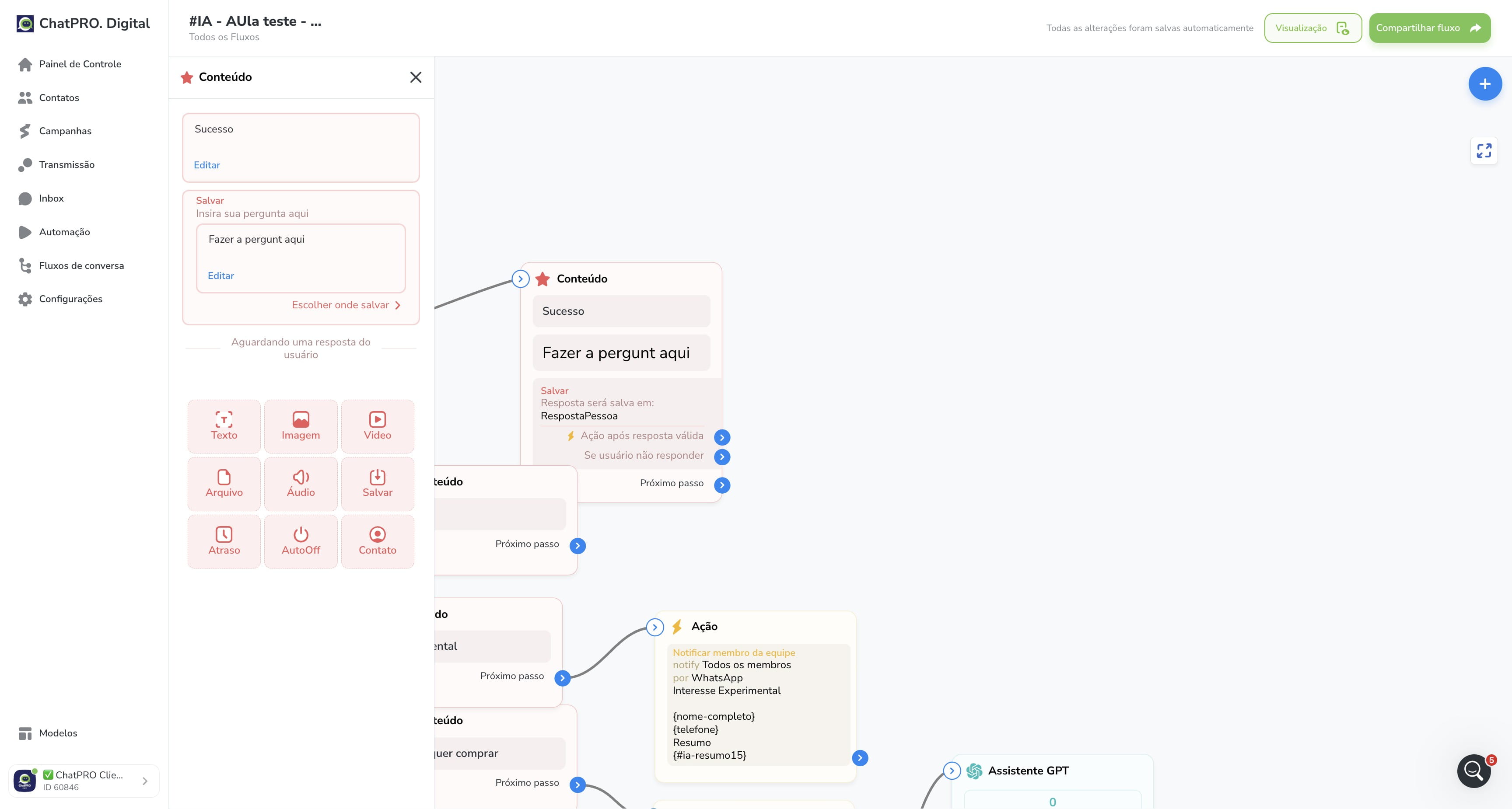
29
Click on "Conteúdo"
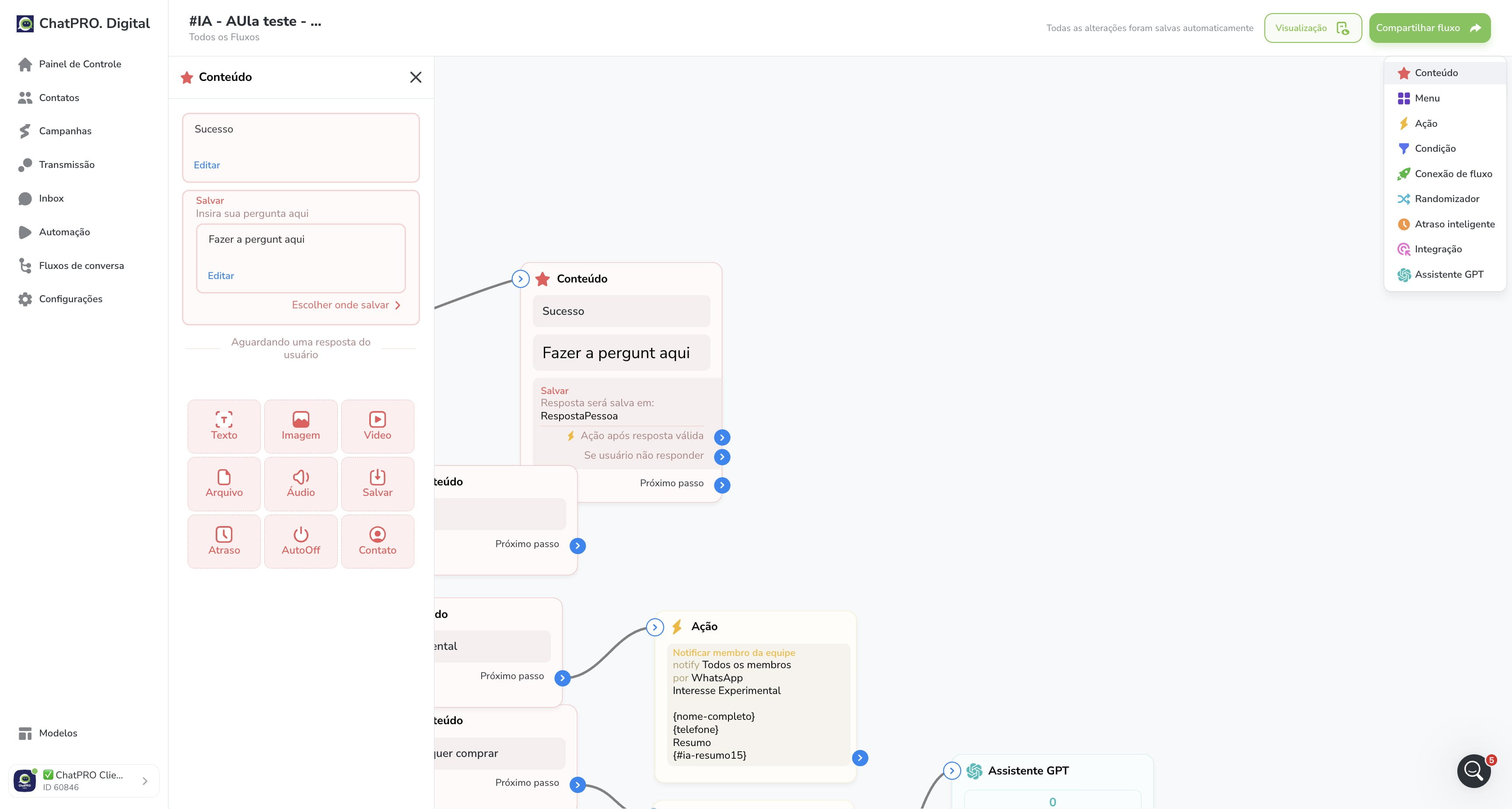
30
Click this icon
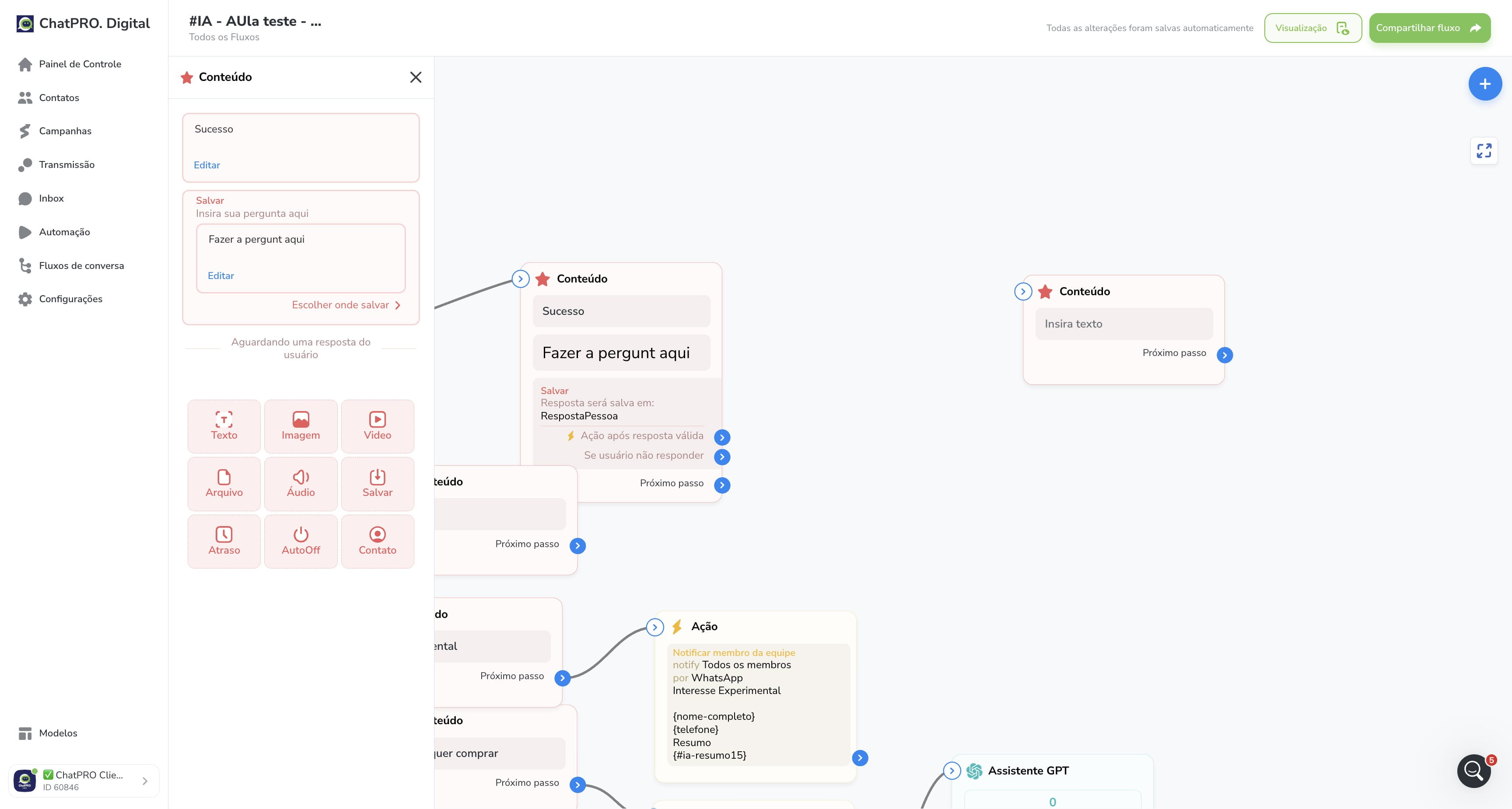
31
Click on "Conteúdo"
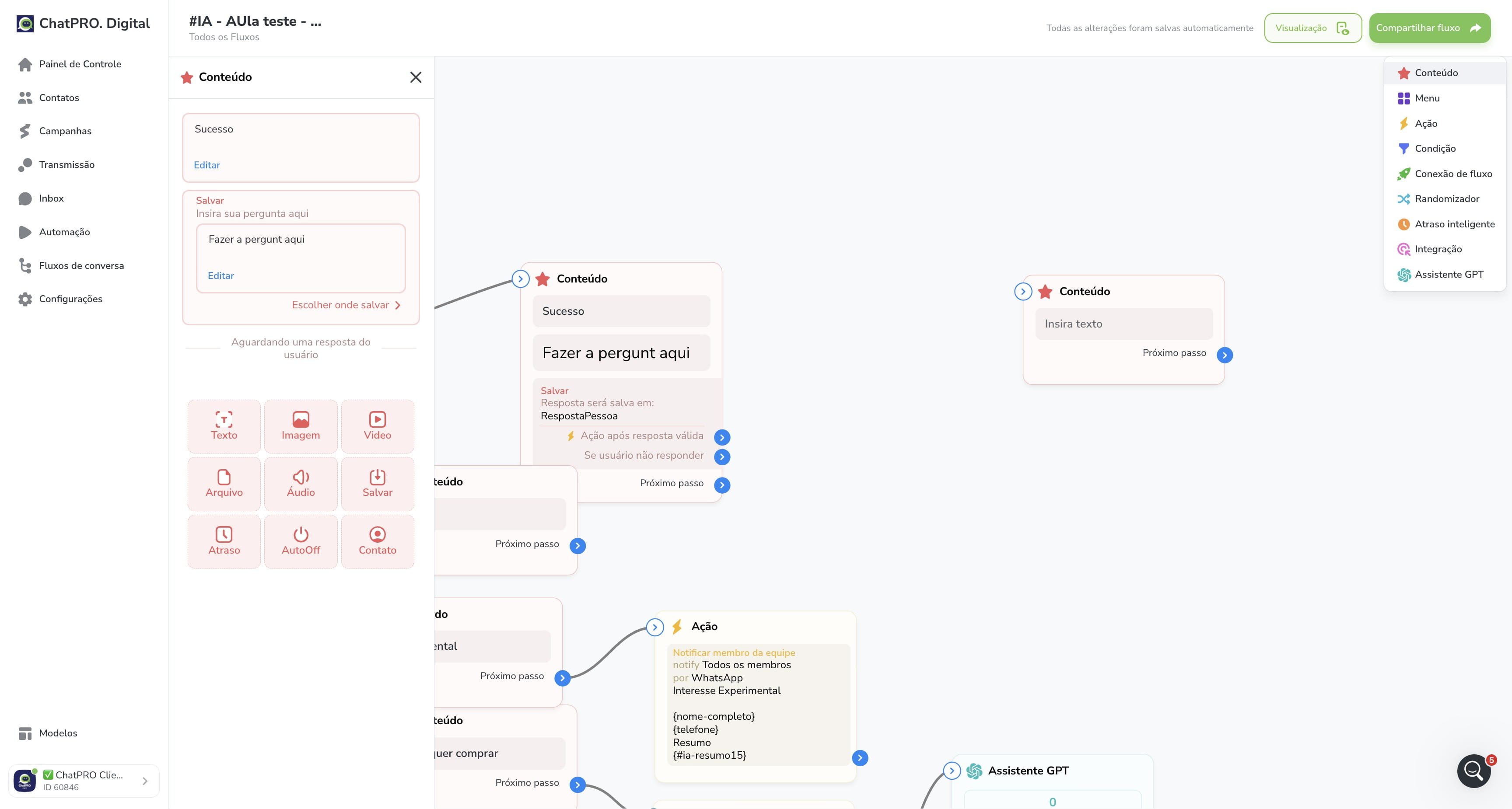
32
Click this icon
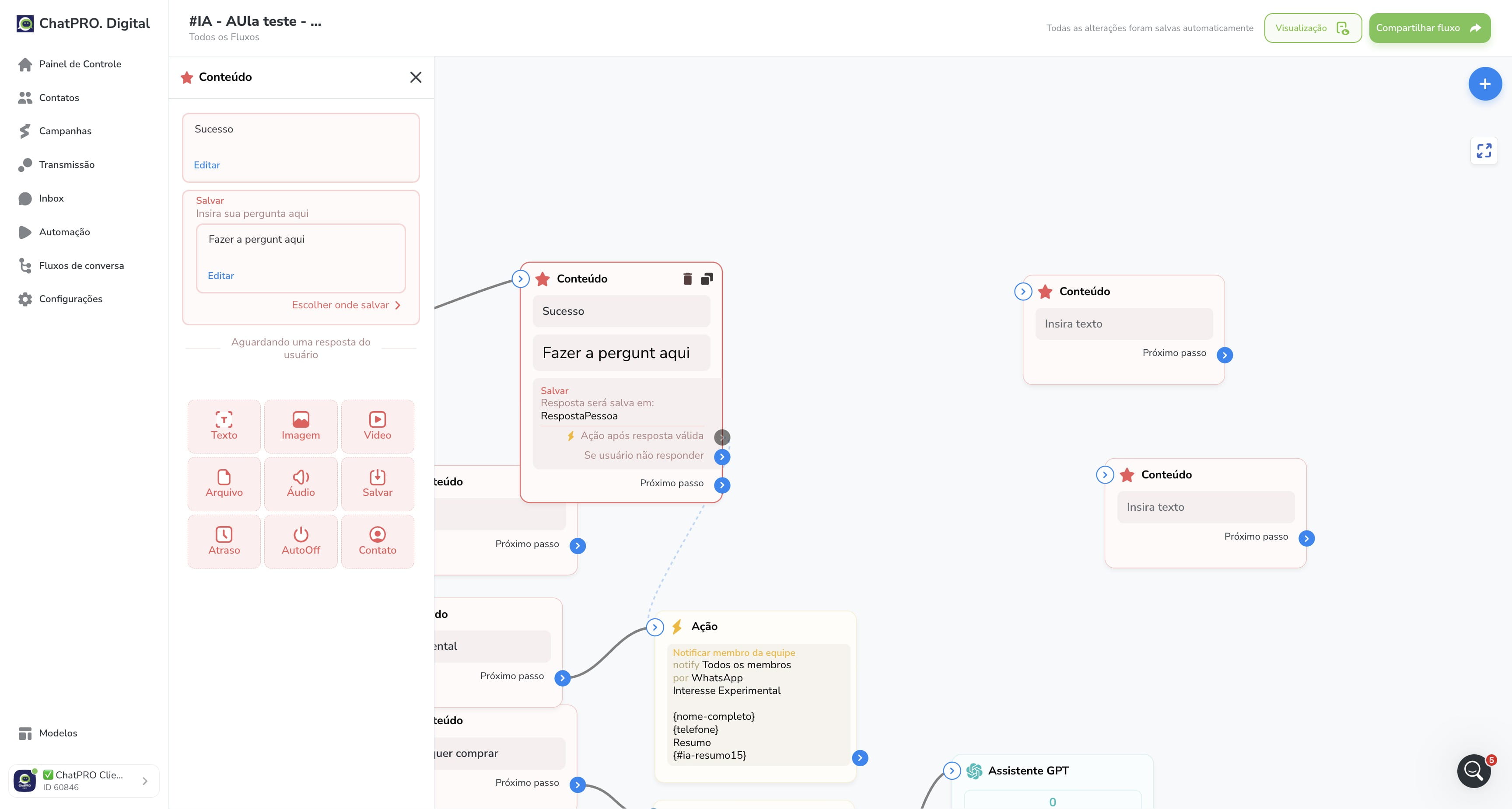
33
Click this icon
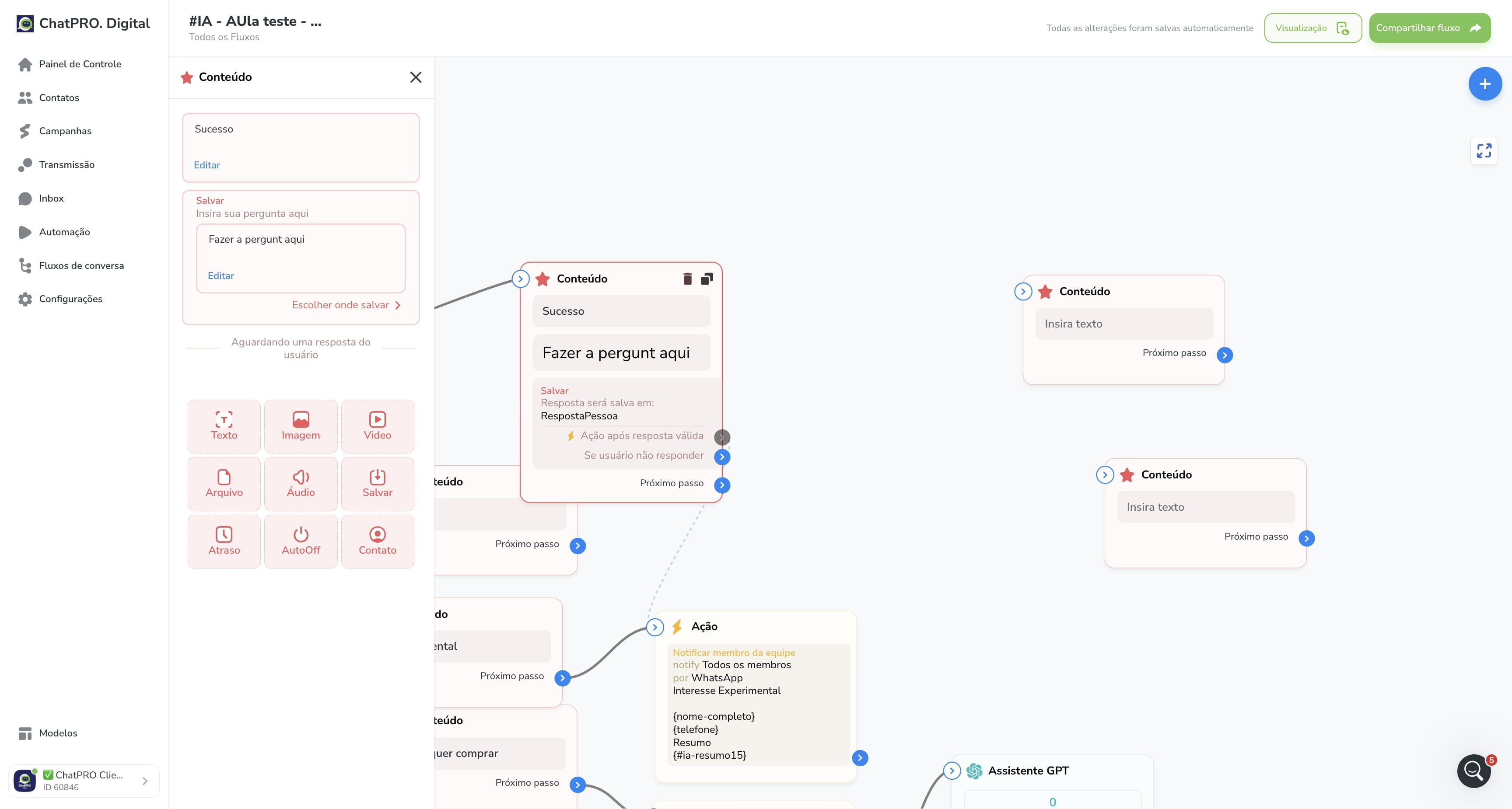
34
Click this icon
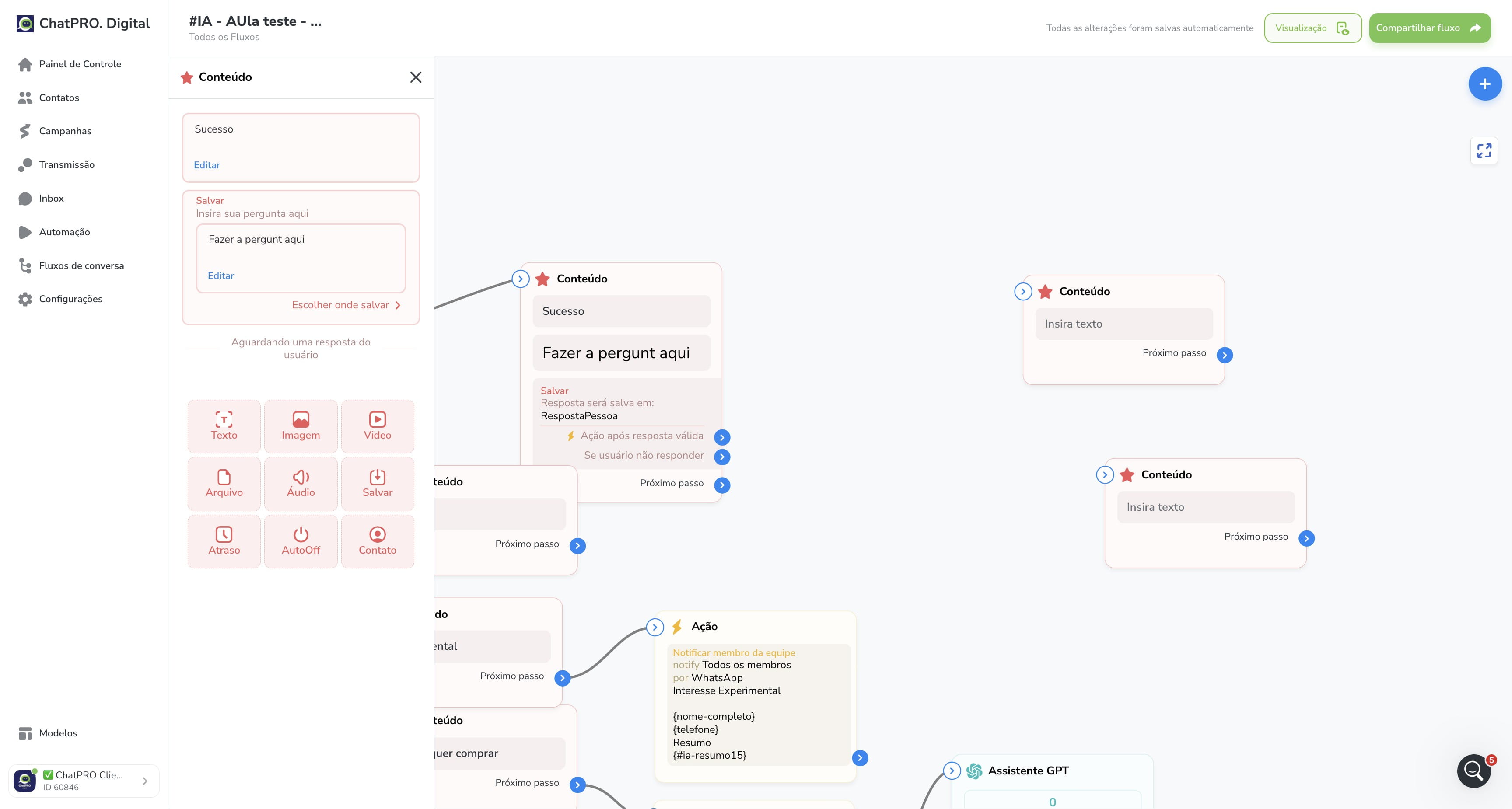
35
Click this icon
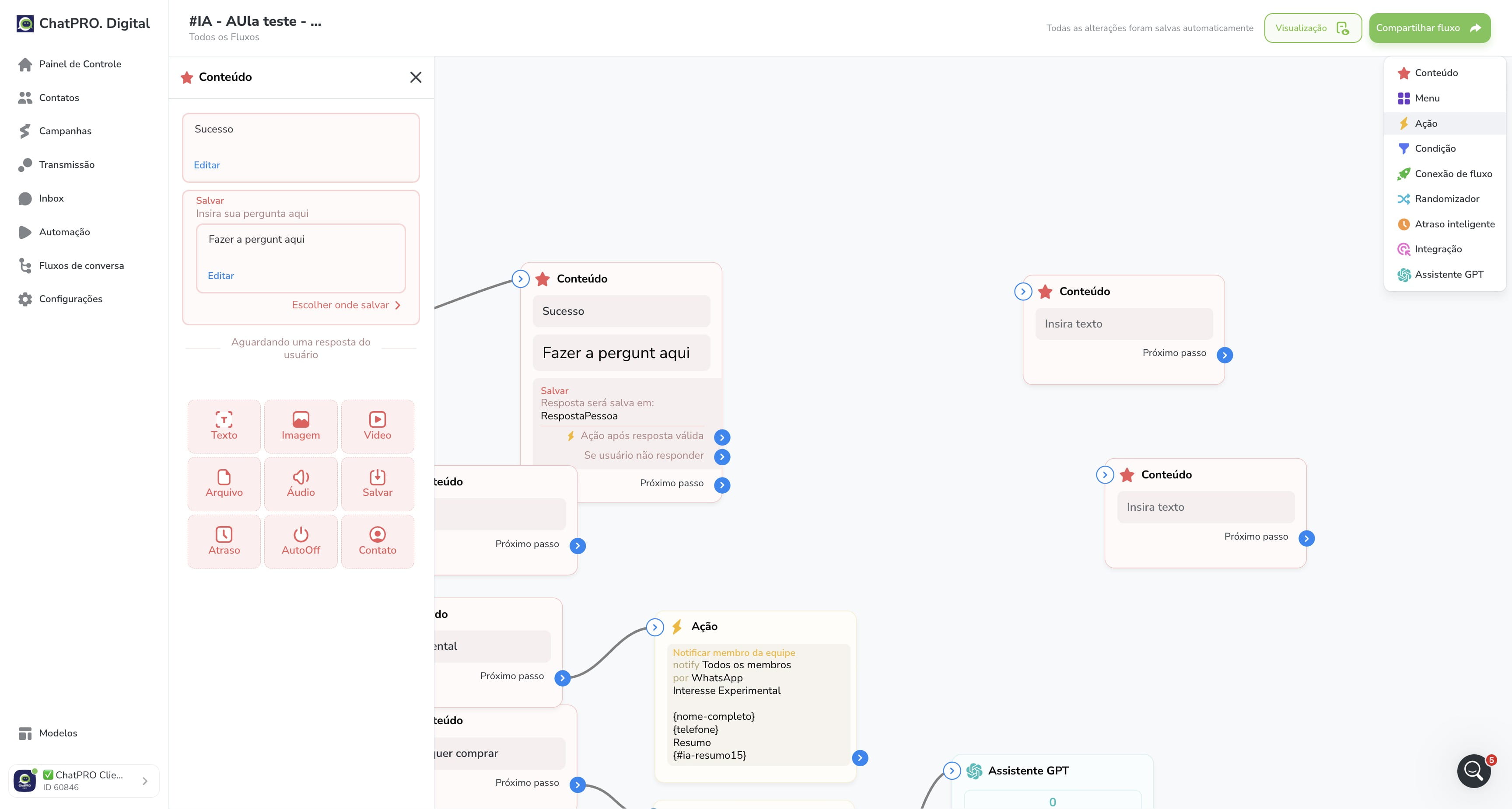
36
Click this icon
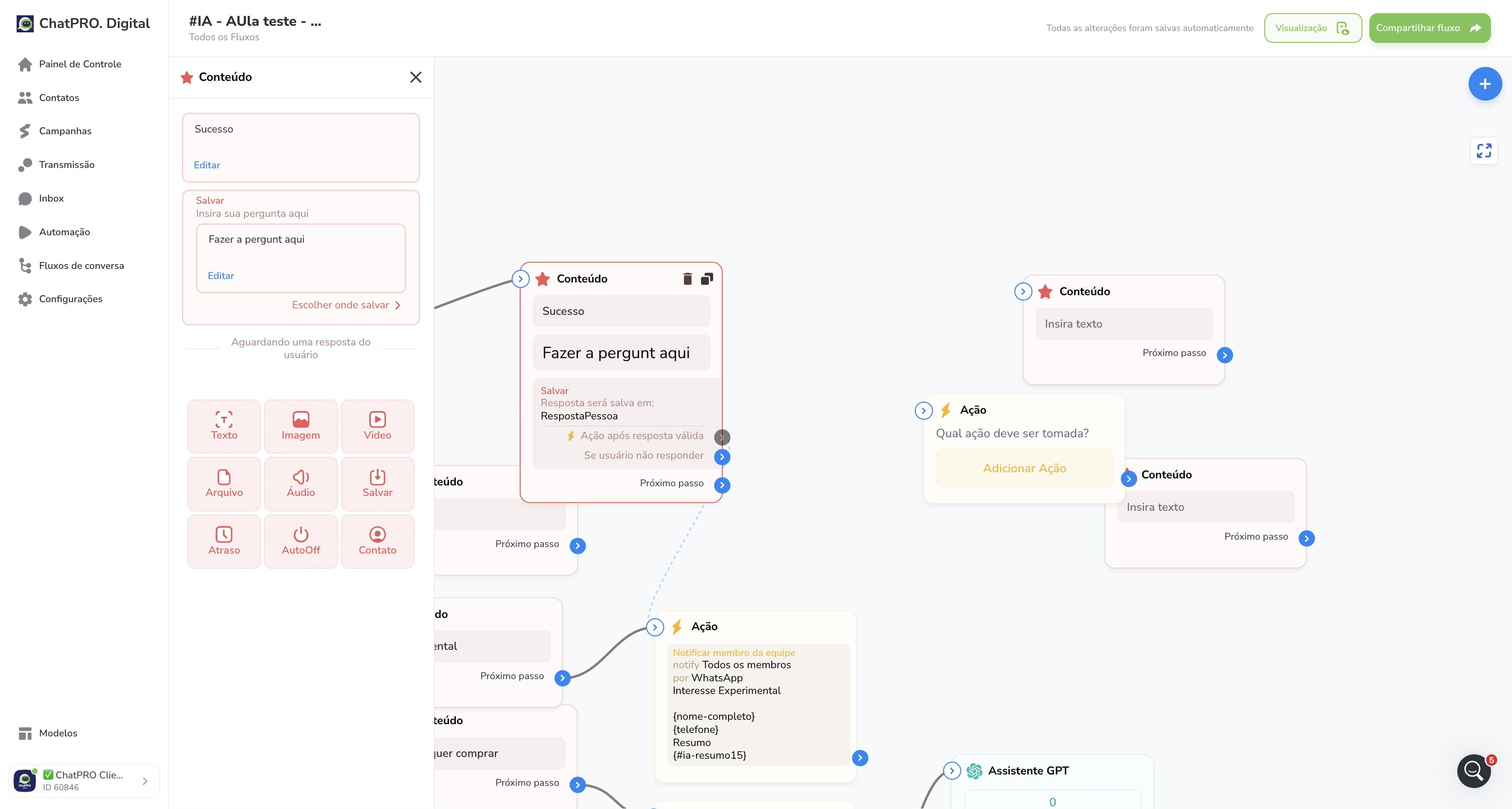
37
Click this icon
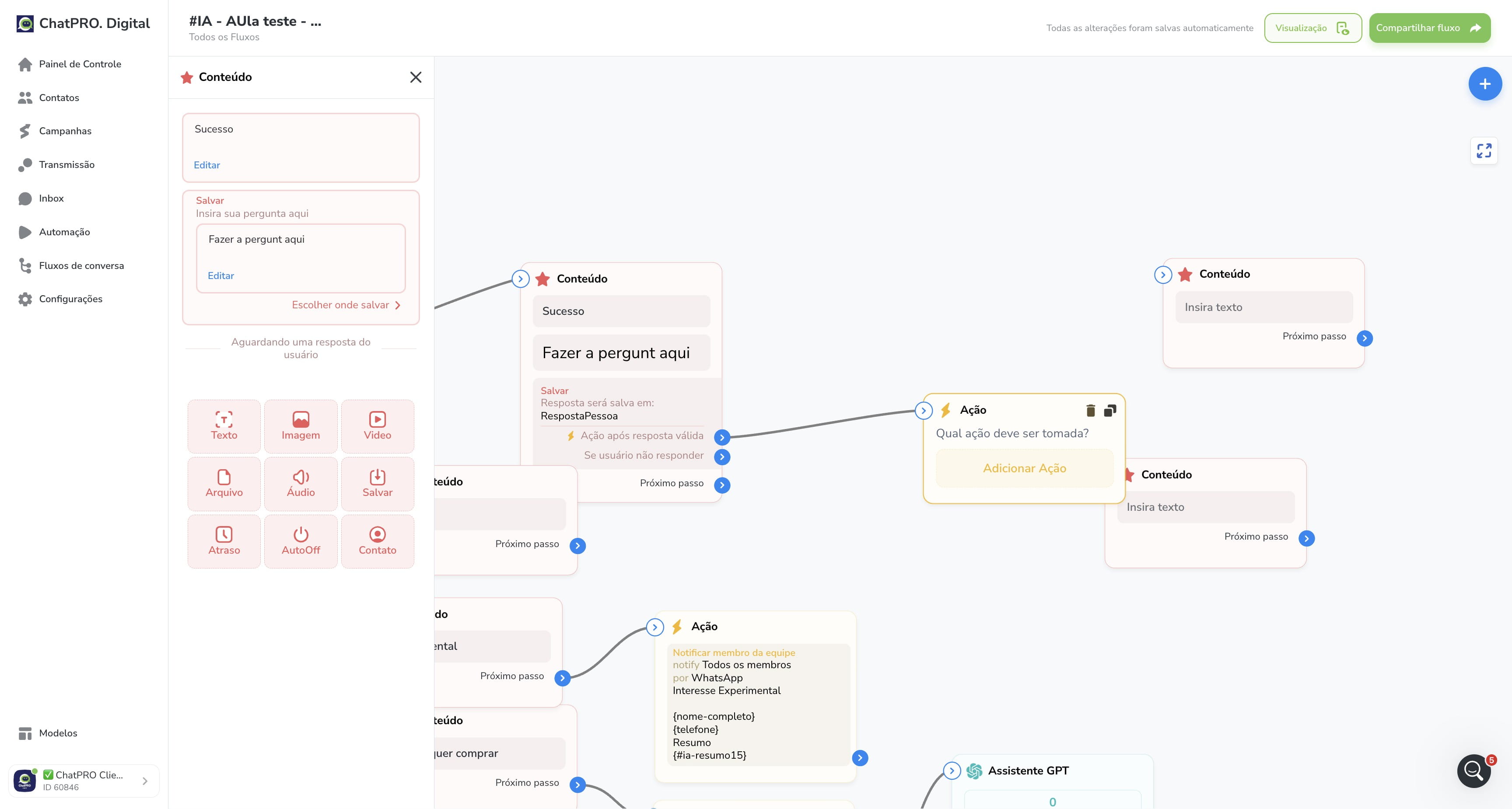
38
Click on "Insira texto"
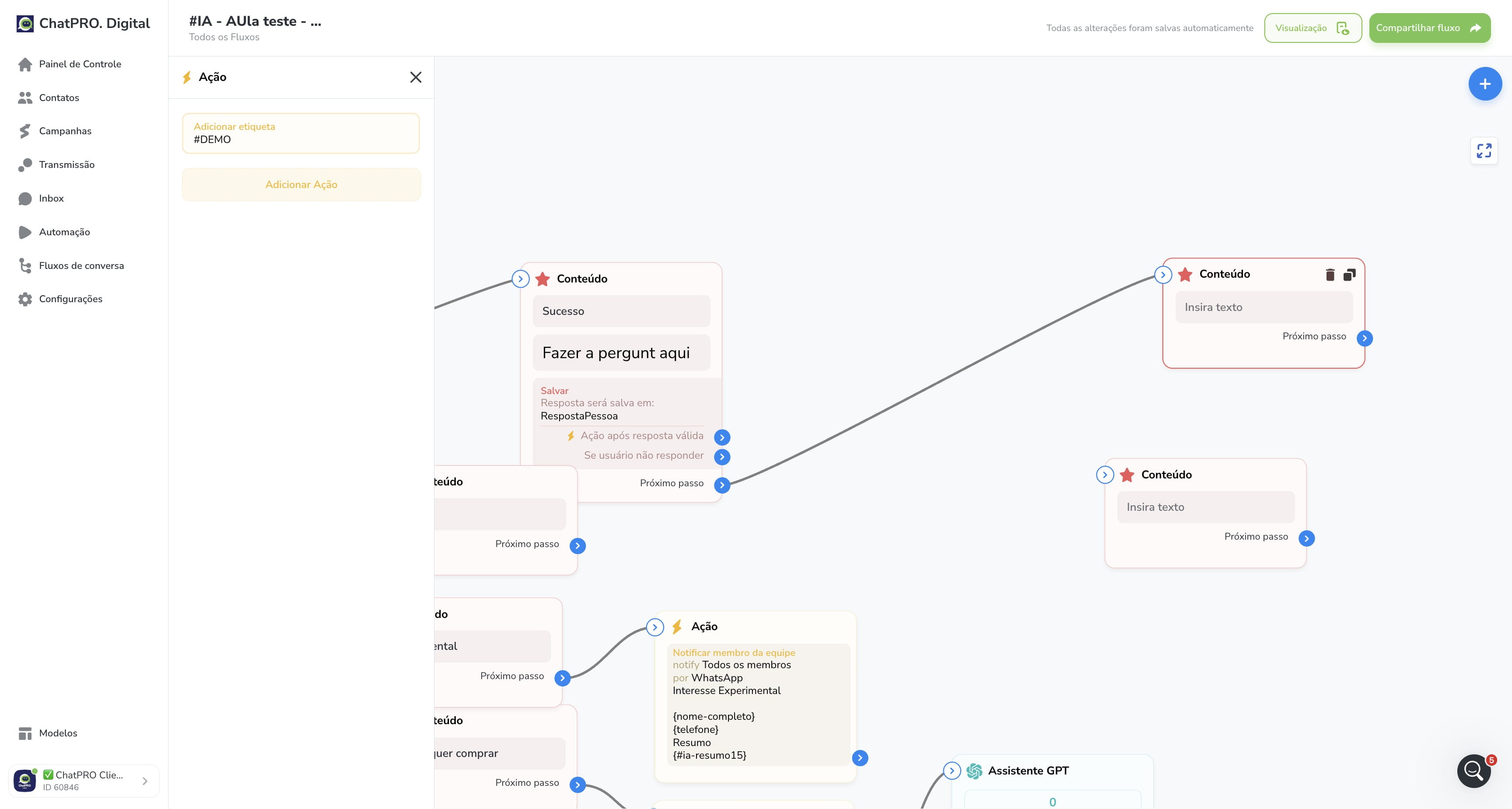
39
Click here
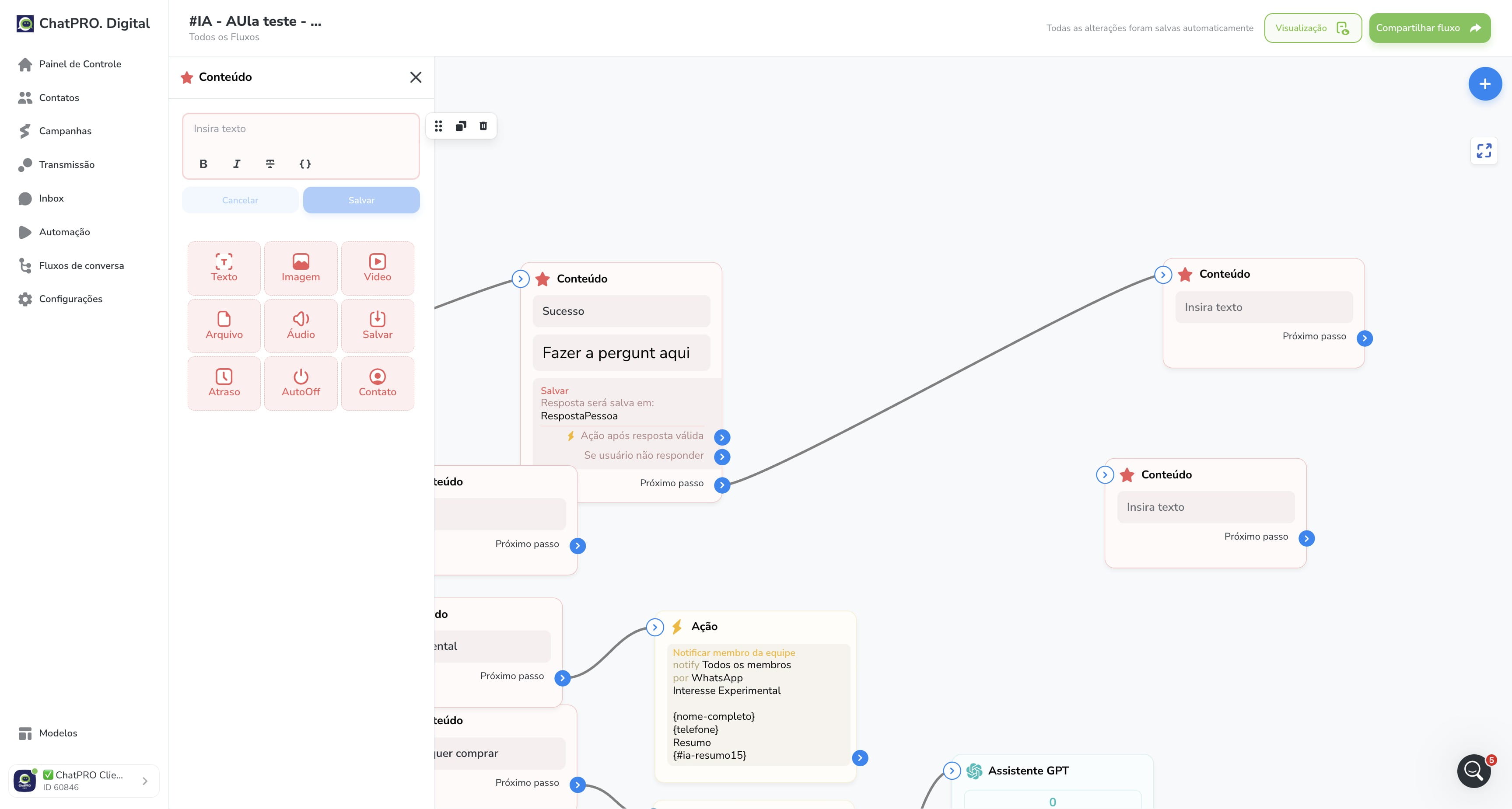
40
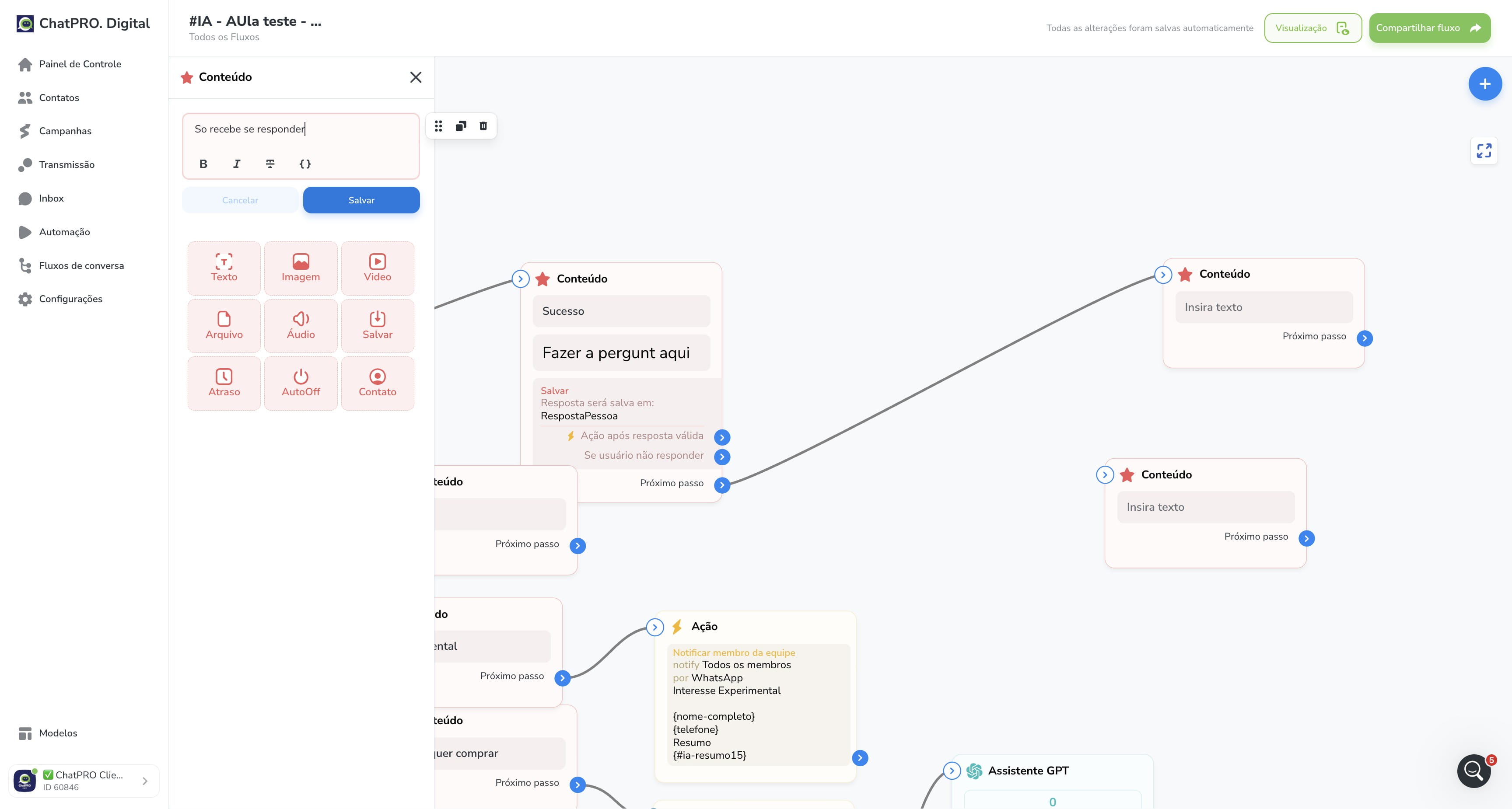
Click on "Salvar"
41
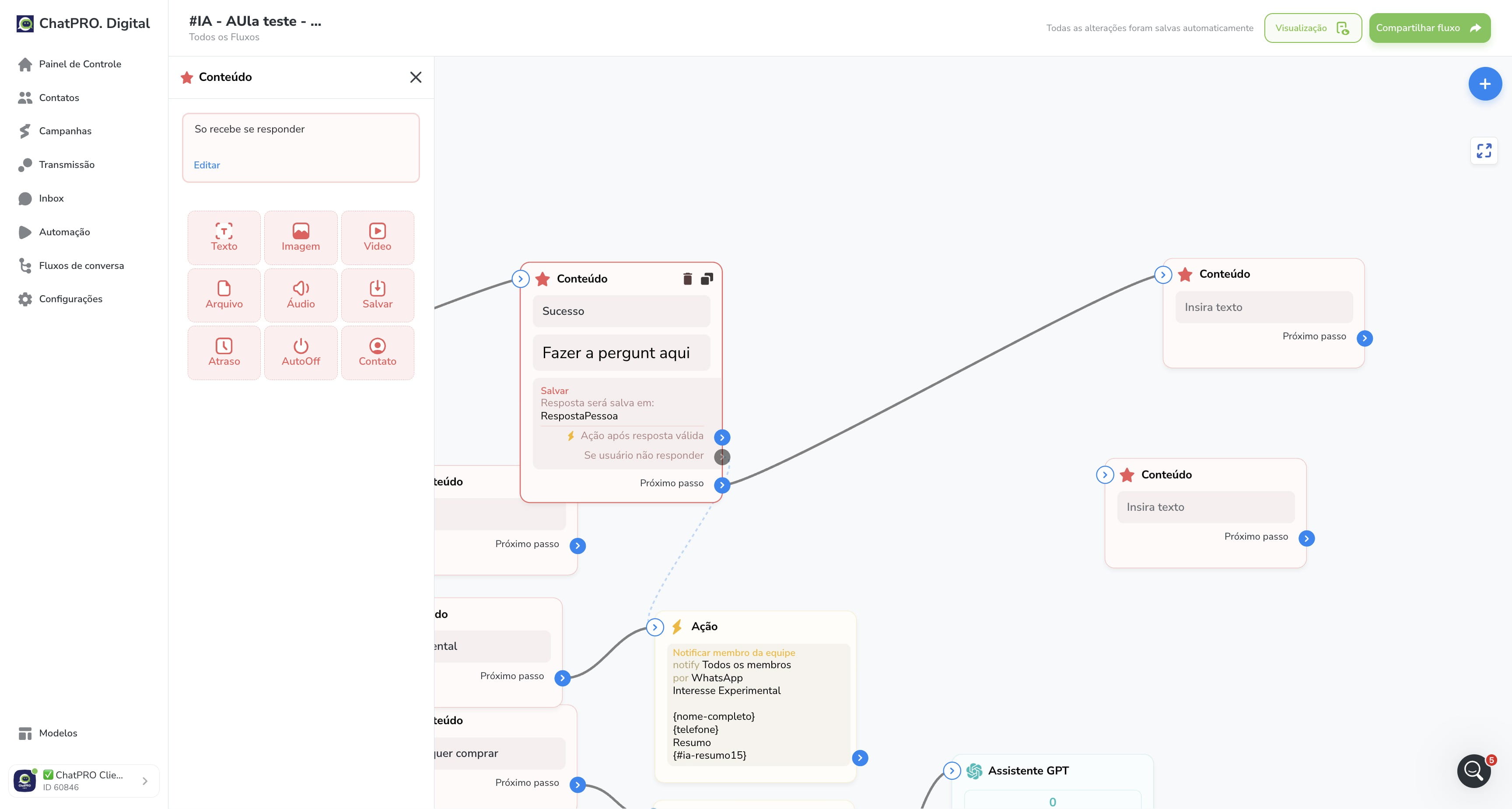
Click this icon
42
Press cmd + a
43
Done 🚀