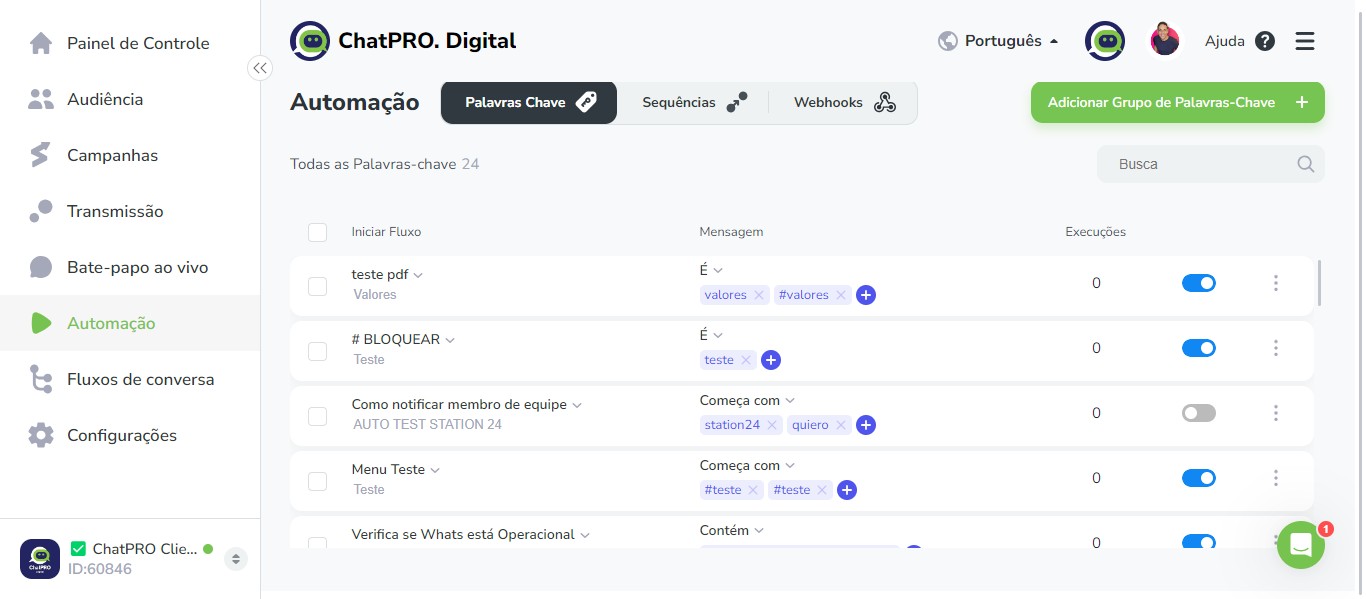
Como funcionam as palavras-chave e como vinculá-las a um fluxo do ChatPRO. Digital
Mar 24, 2024●
1
Navigate to https://app.chatpro.digital/60846/
2
Click on "Painel de Controle"
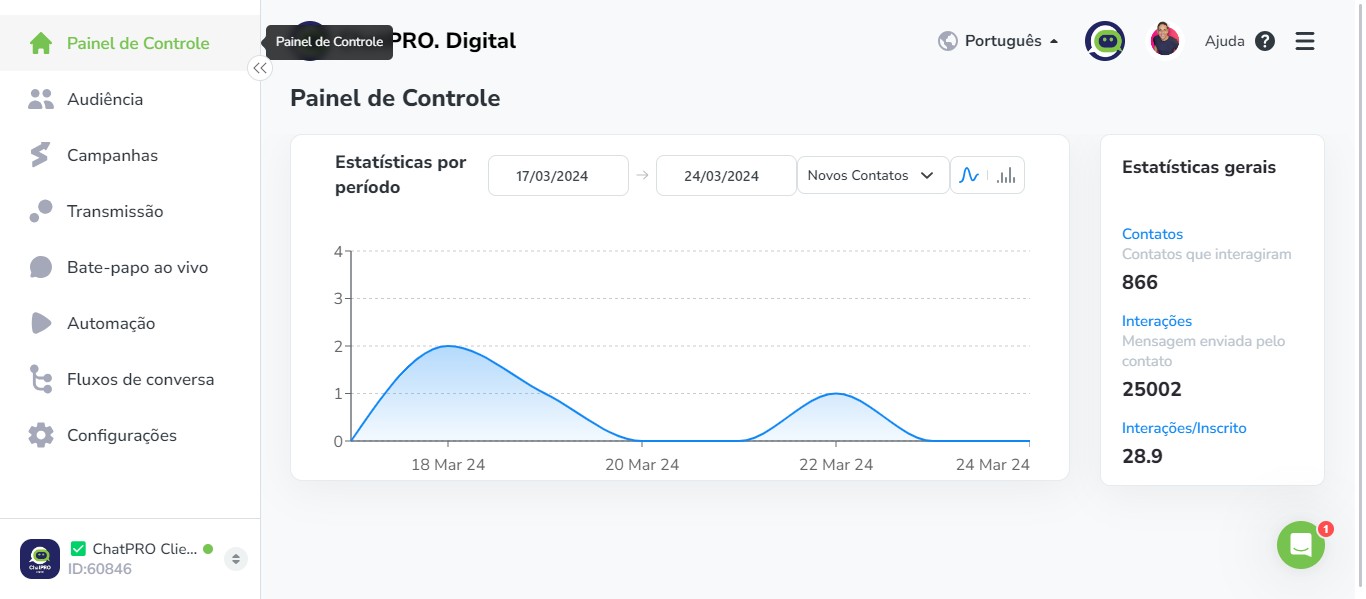
3
Click on "Fluxos de conversa"
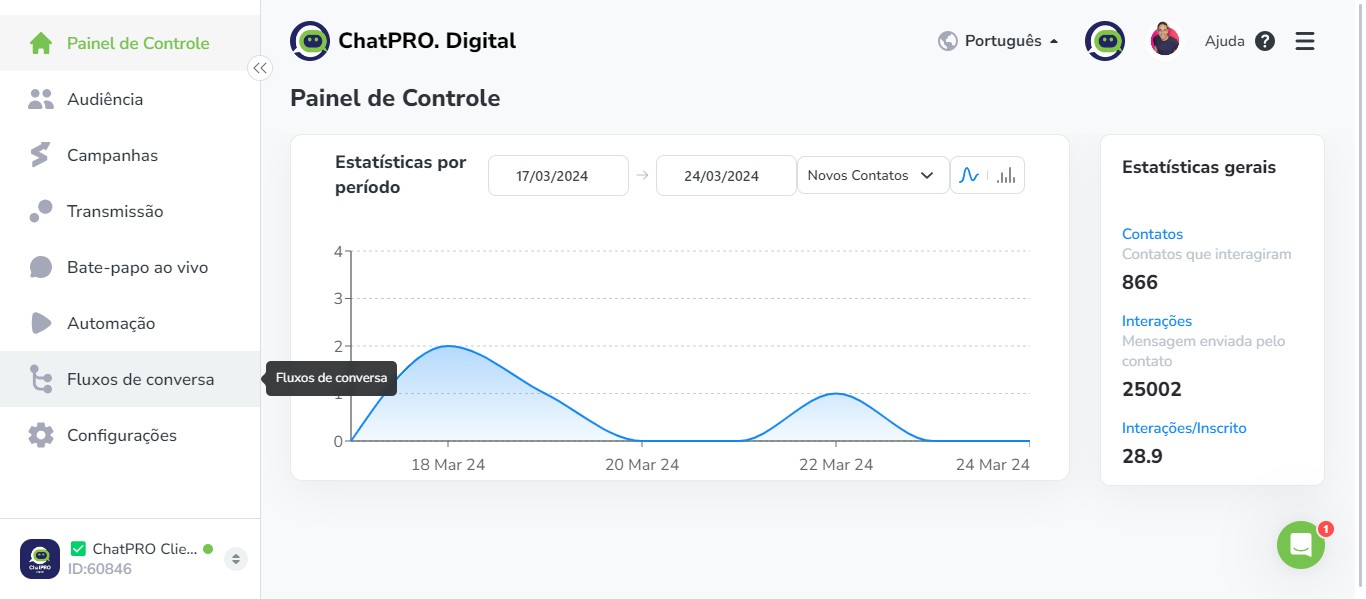
4
Click here
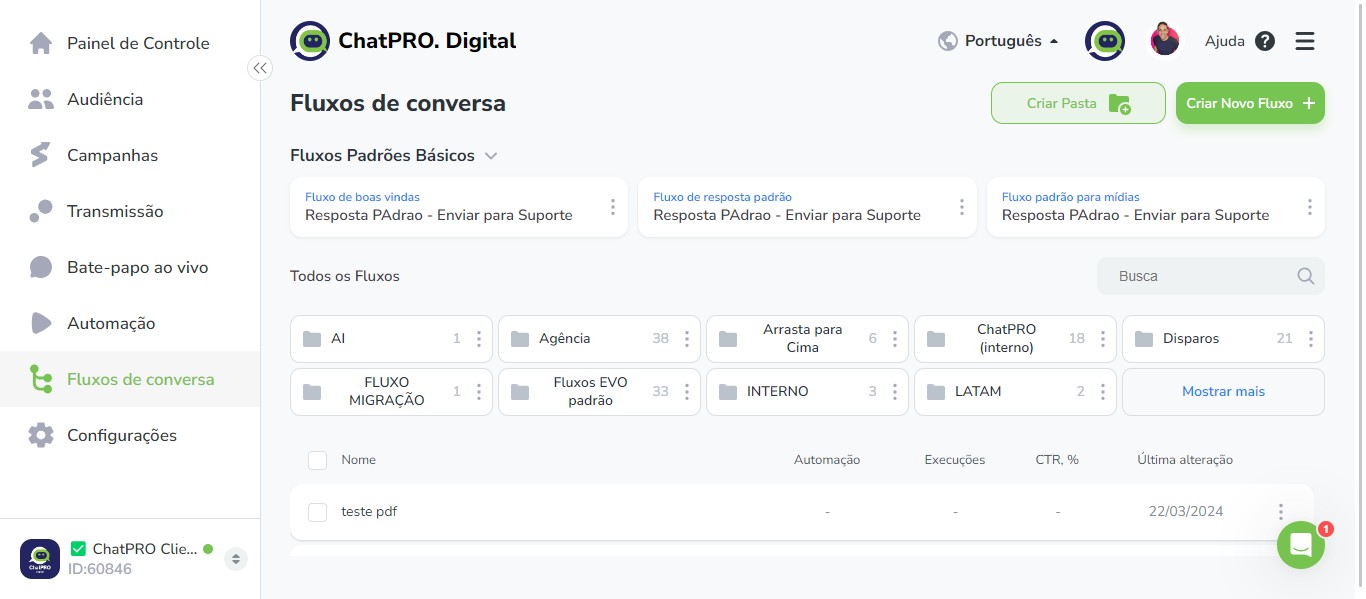
5
Click this icon
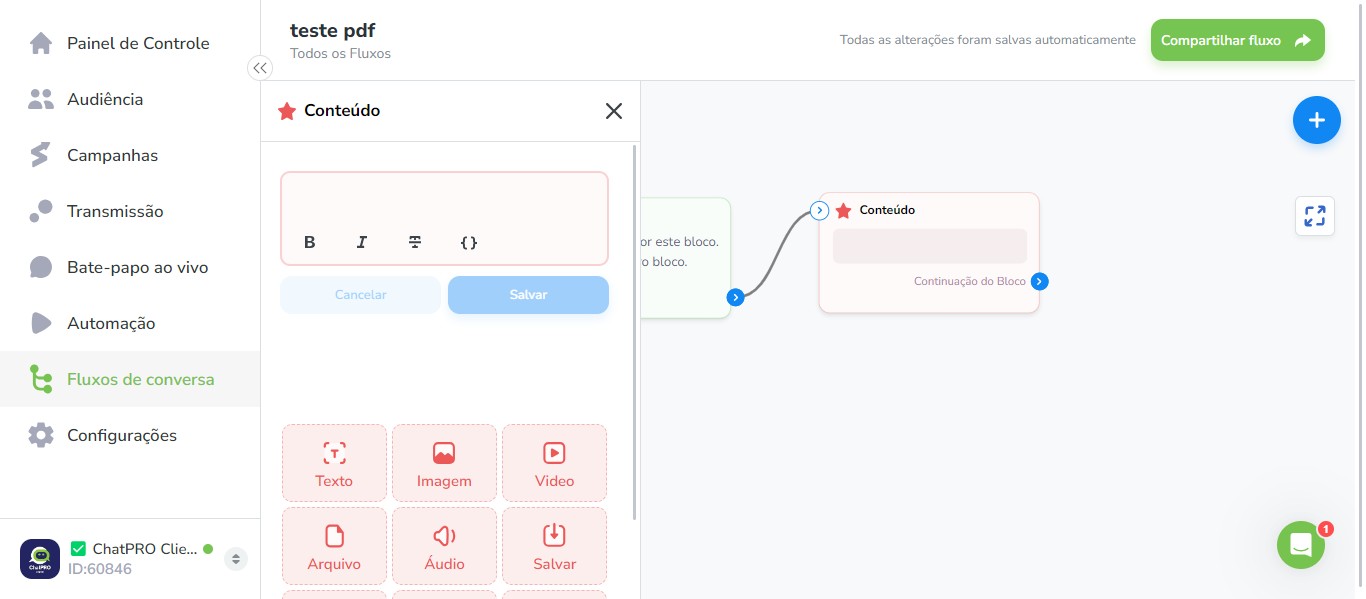
6
Click on "Salvar"
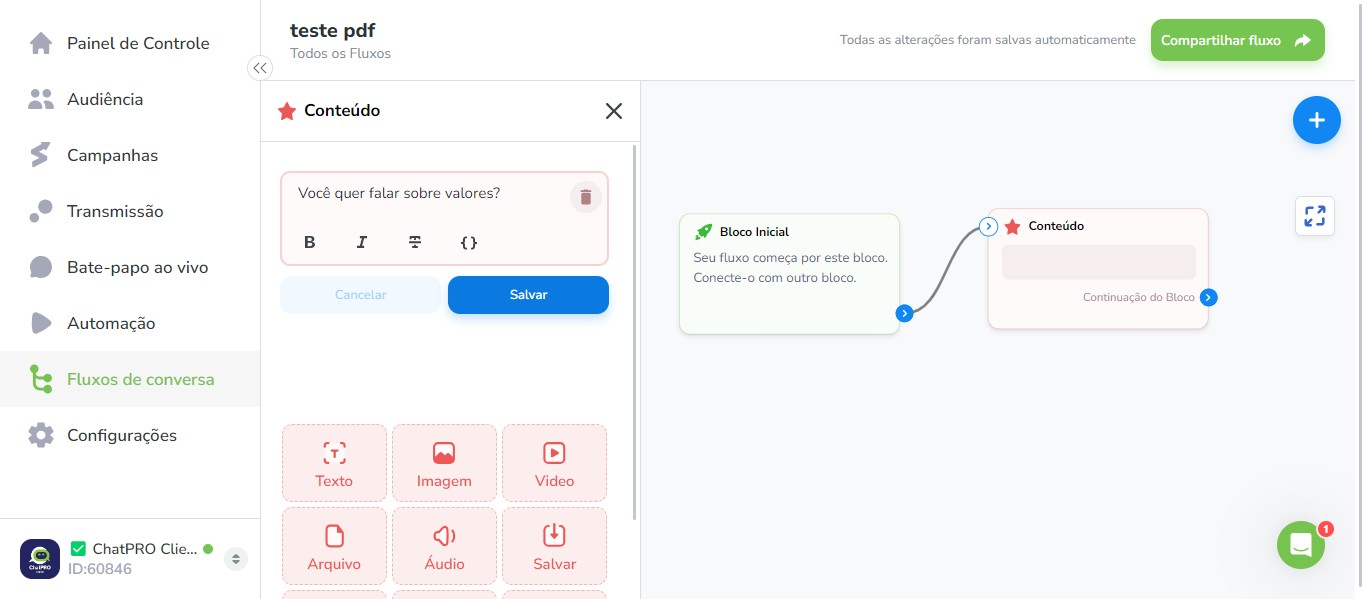
7
Click this icon
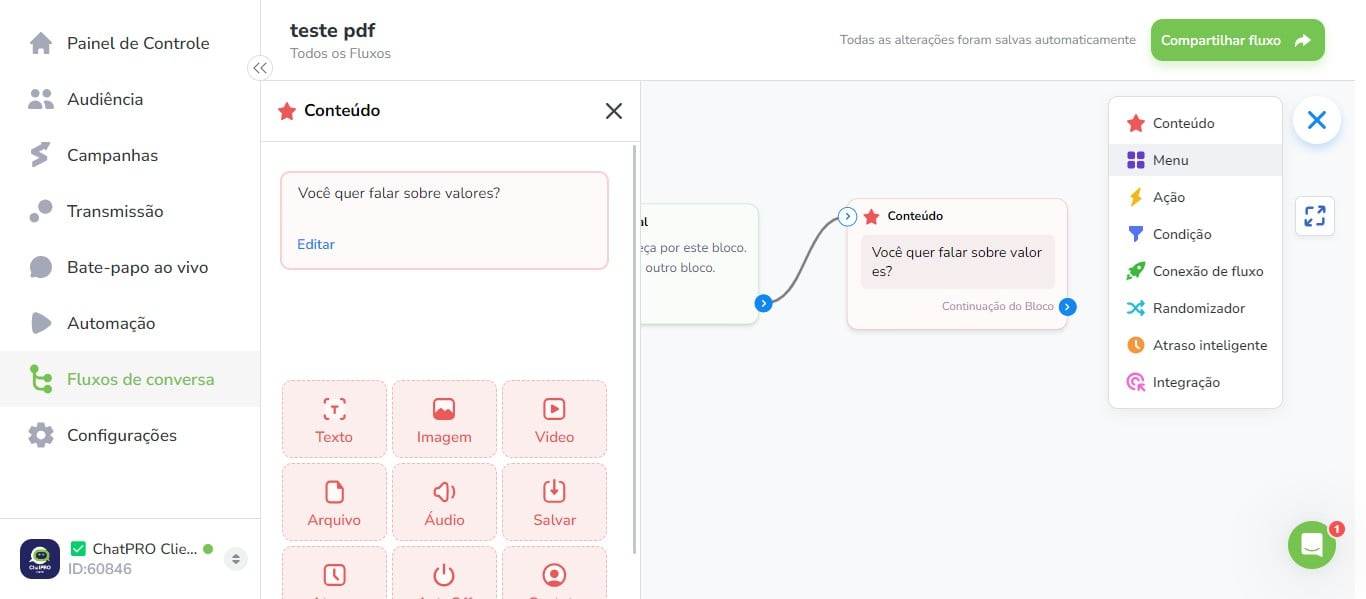
8
Click on "Salvar"
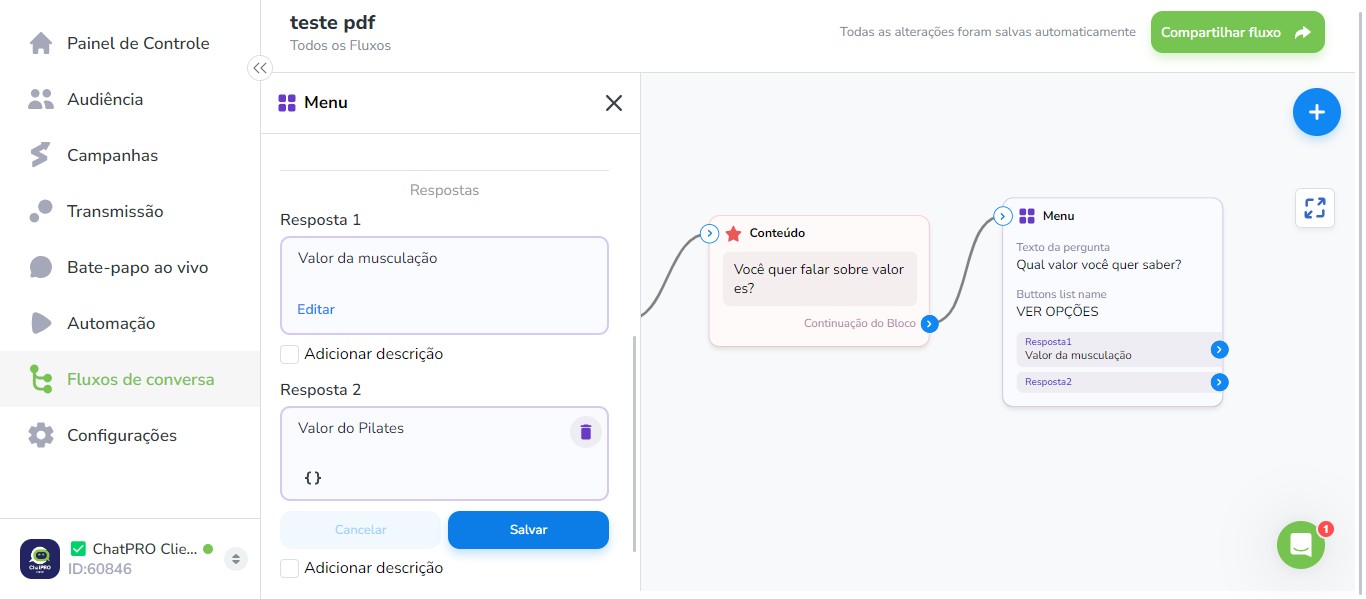
9
Click this icon
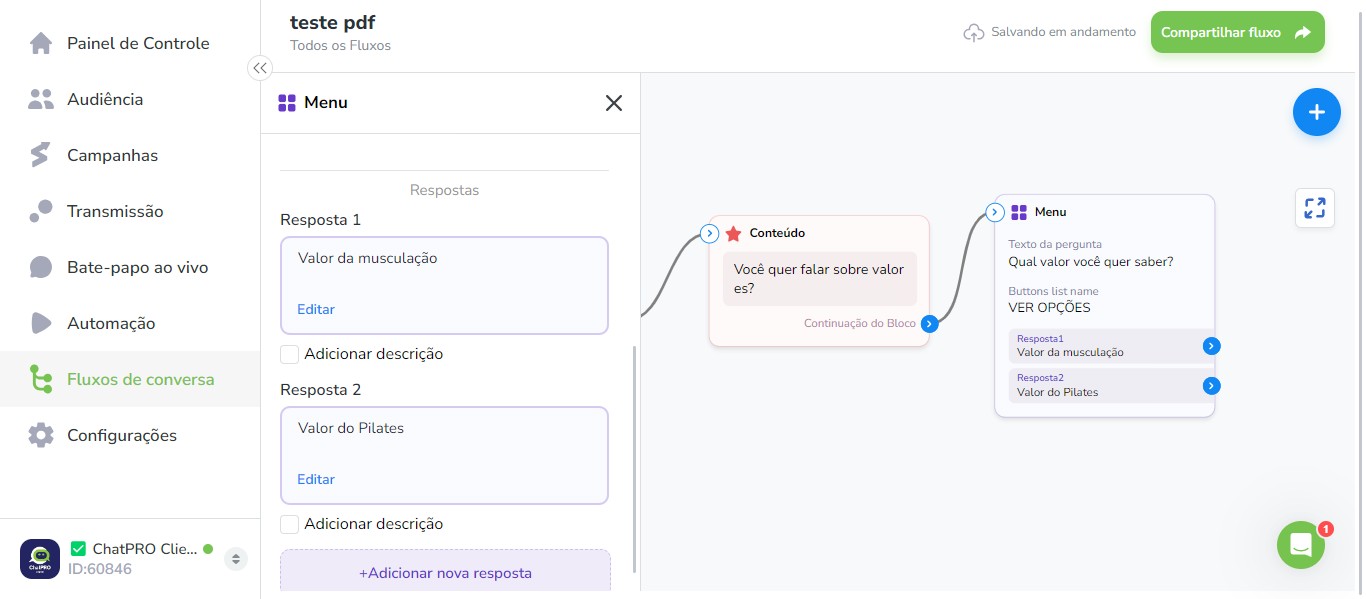
10
Click this icon
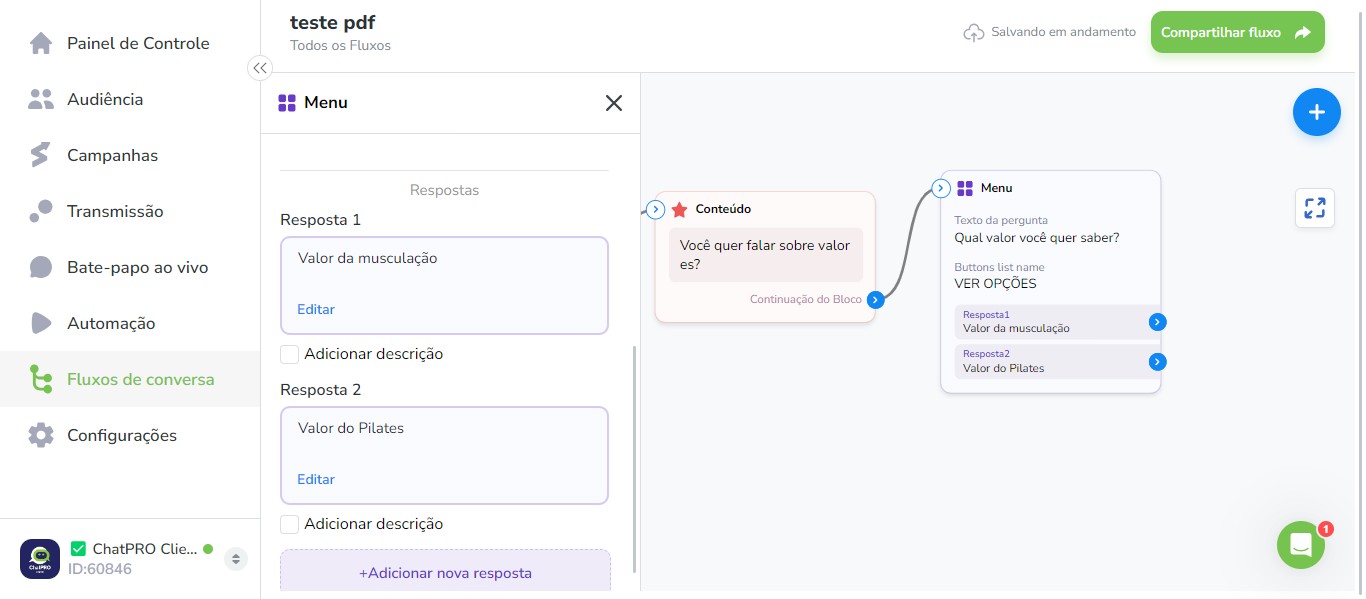
11
Click this icon
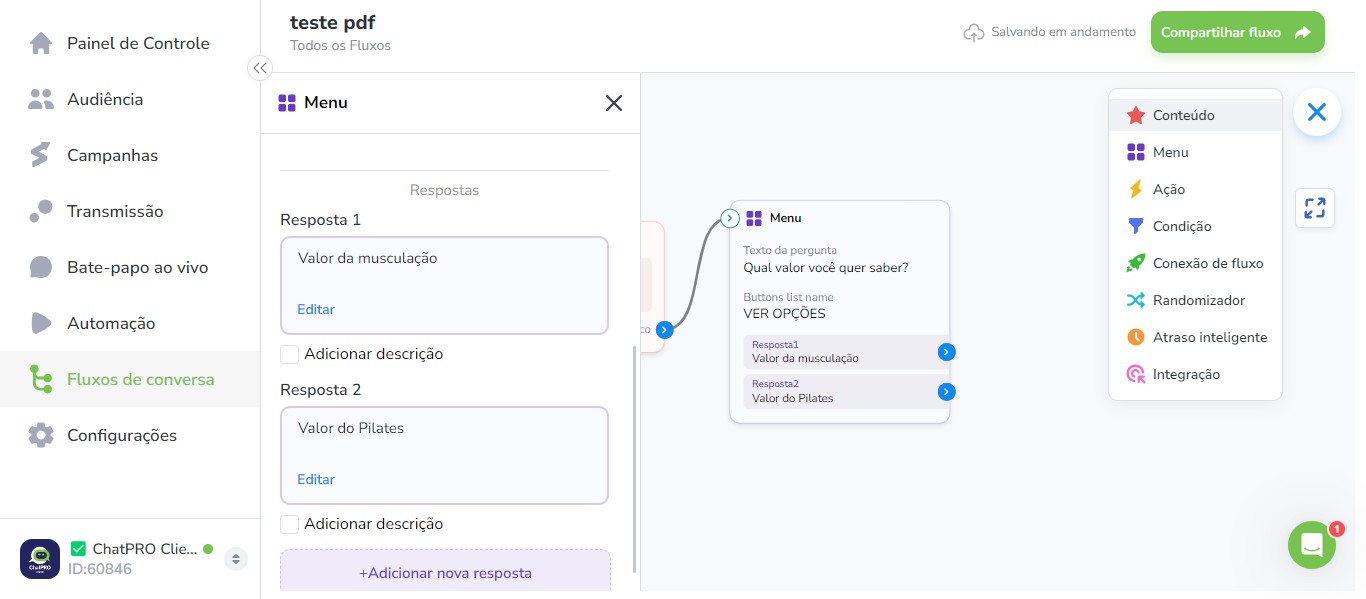
12
Click on "Continuação do Bloco"
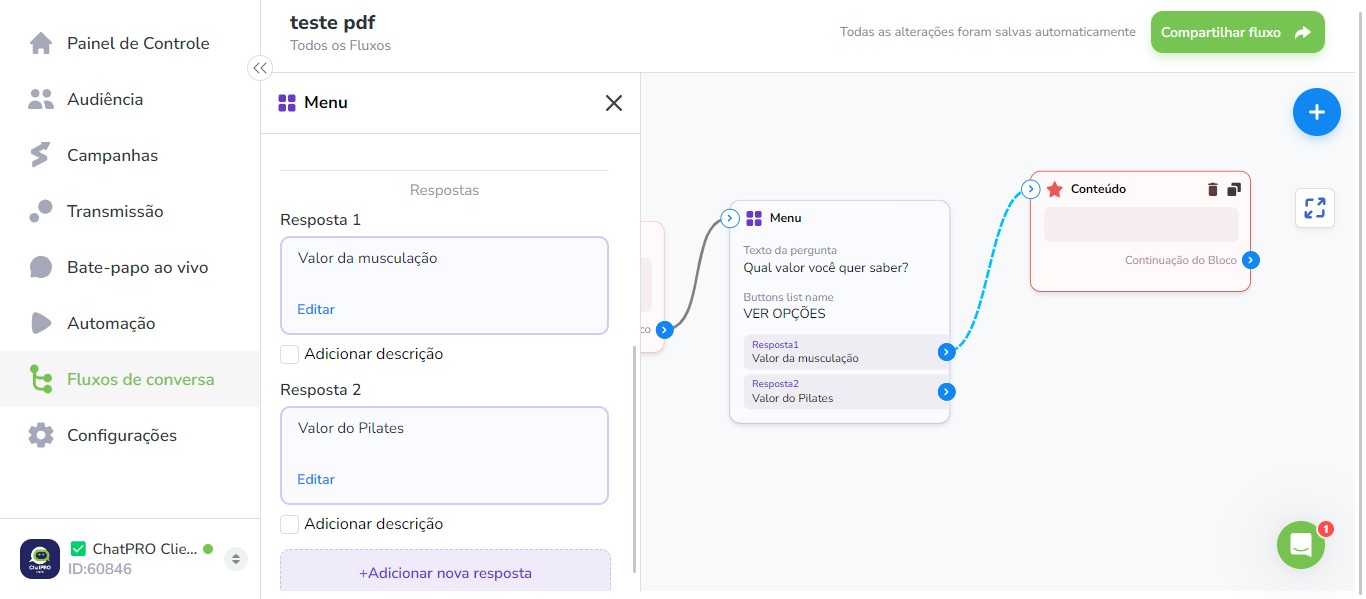
13
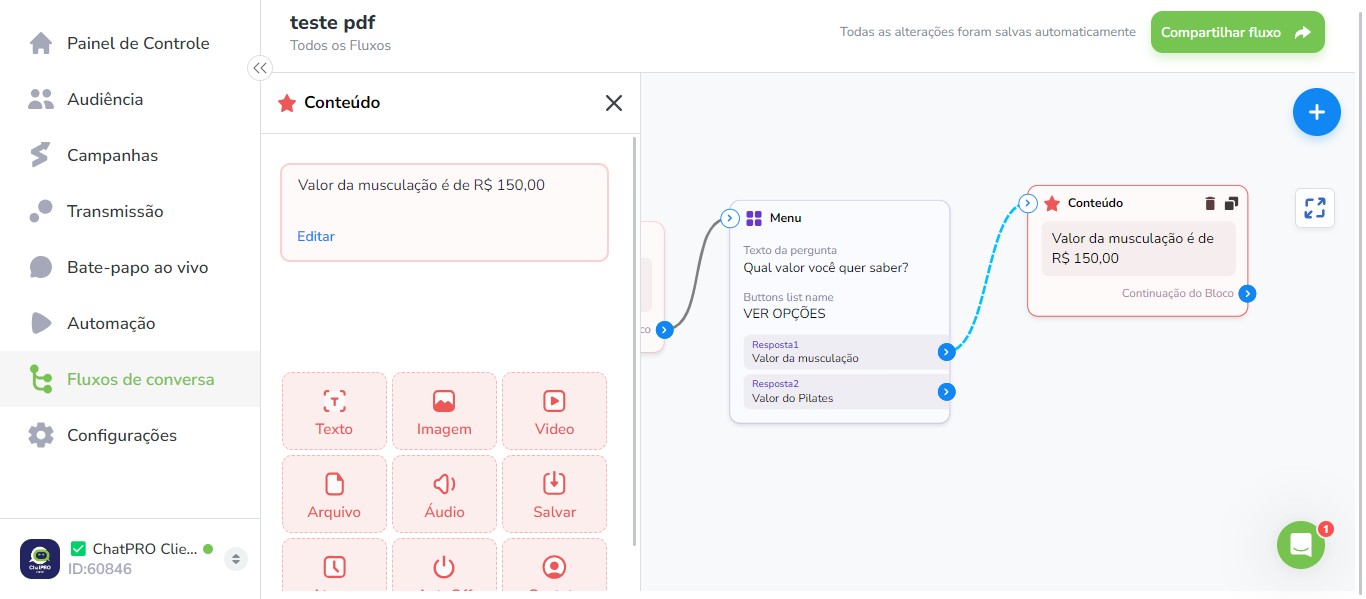
Click this icon
14
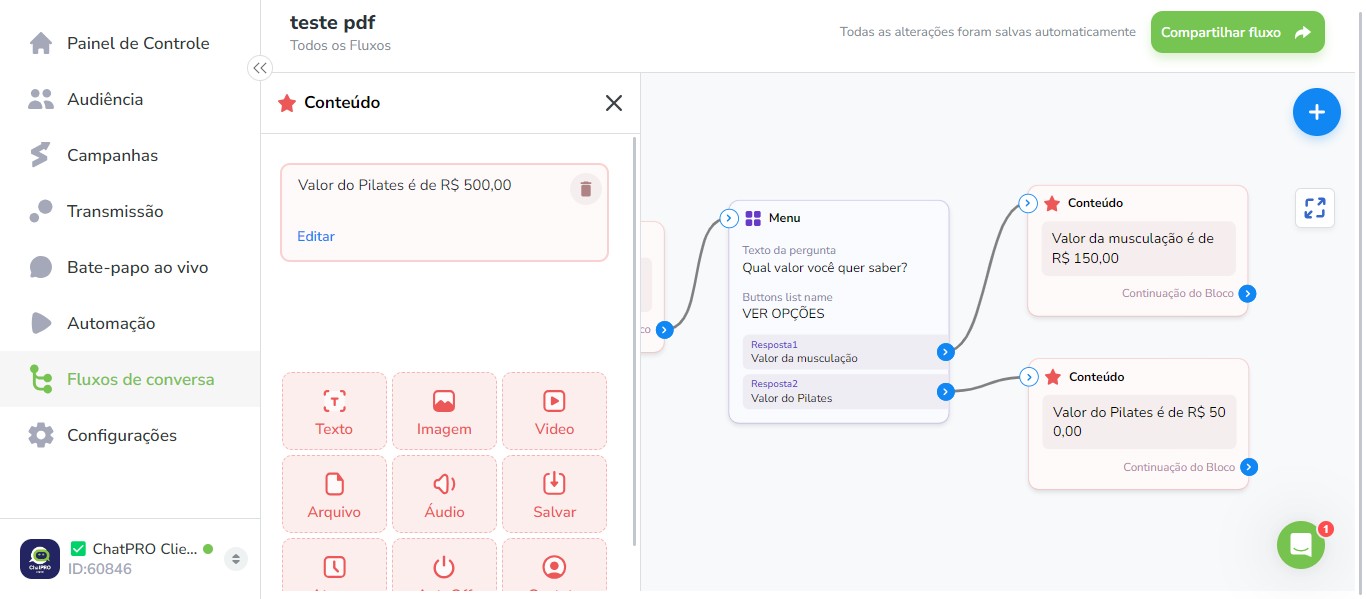
Click this icon
15
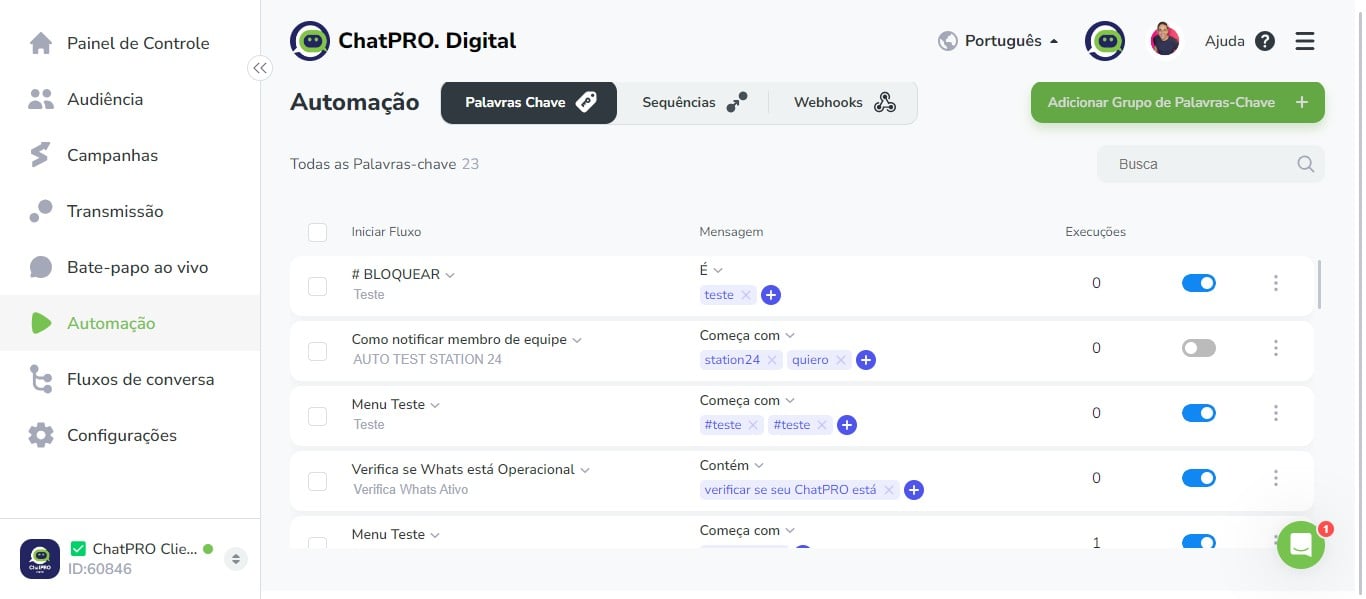
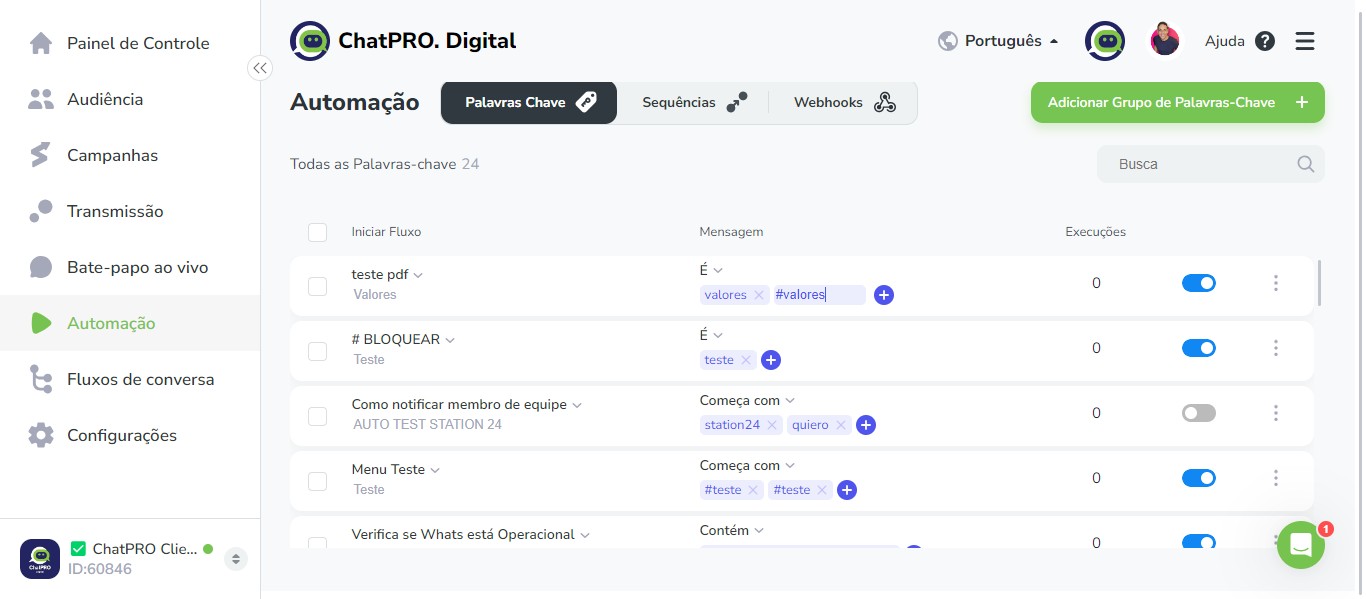
Click on "Adicionar Grupo de Palavras-Chave"
16
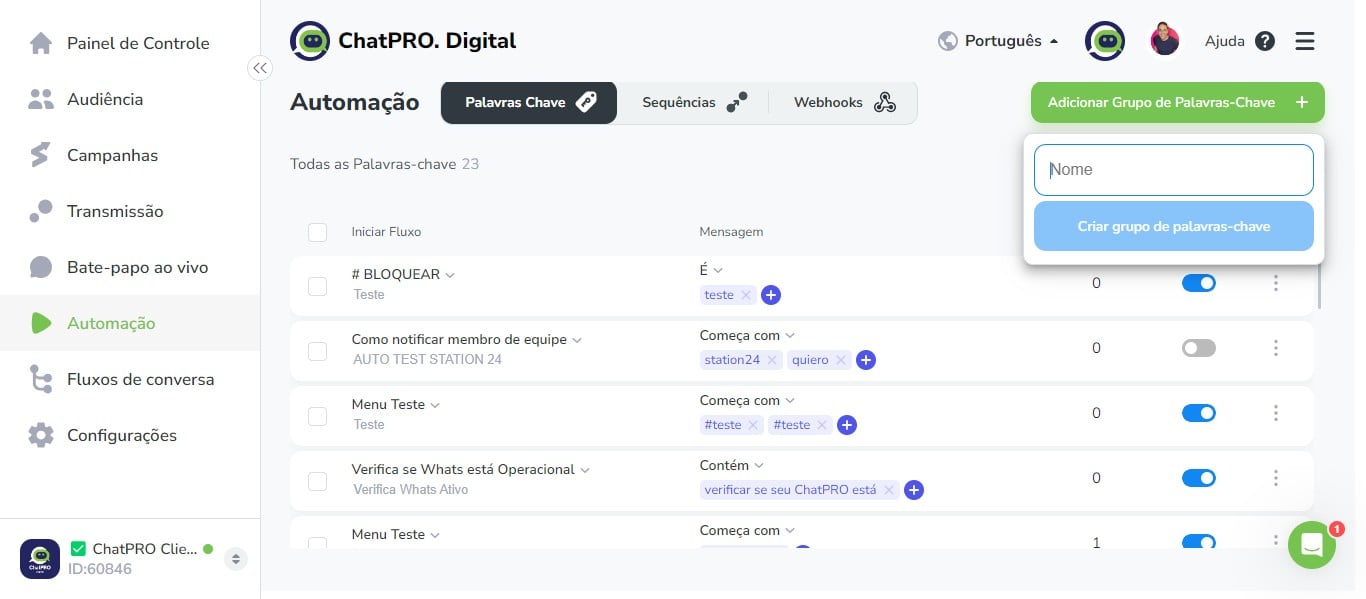
Click here
17
Click on "Criar grupo de palavras-chave"
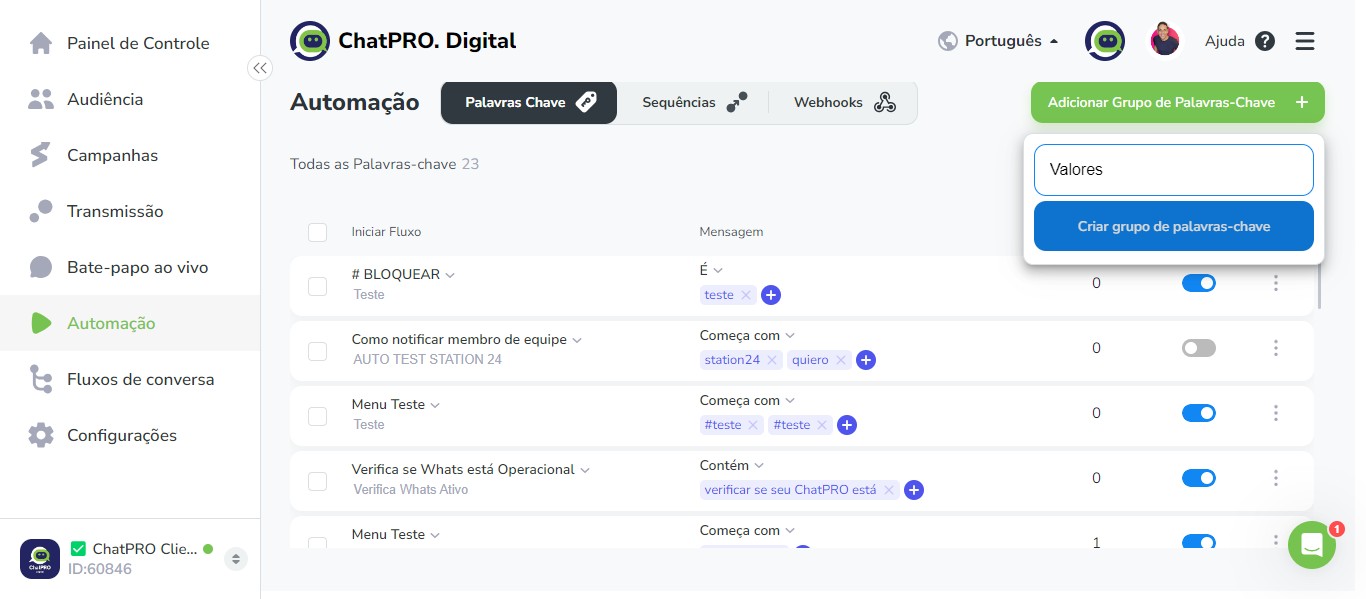
18
Click this icon
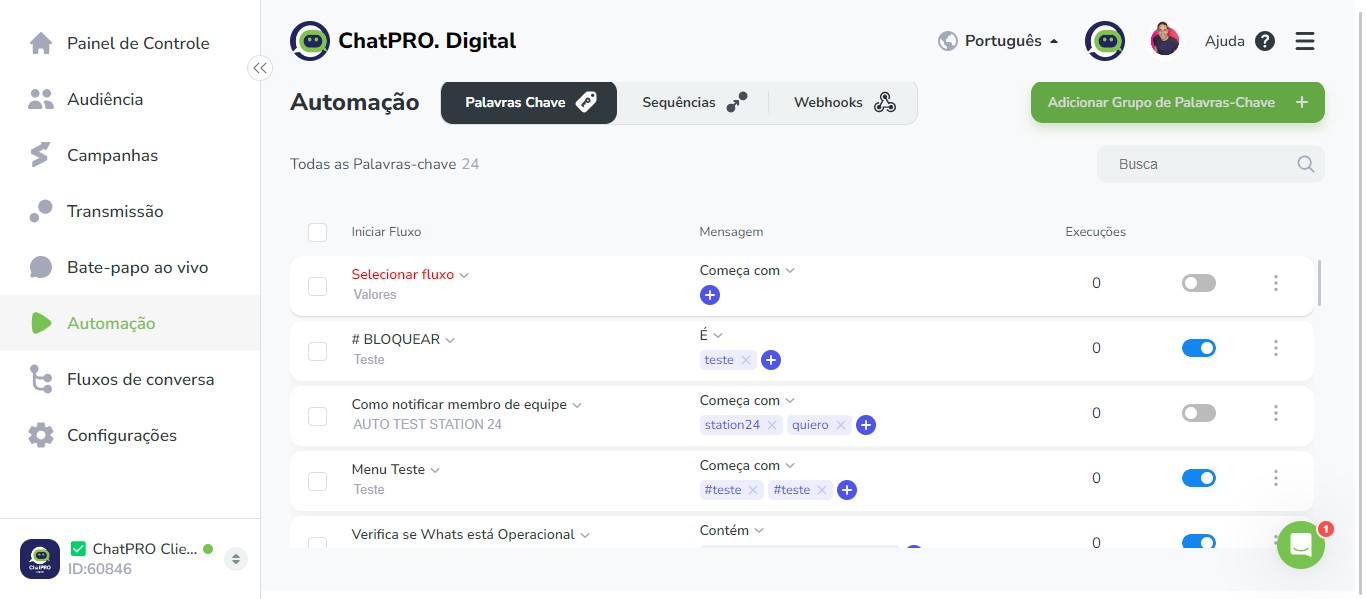
19
Click here
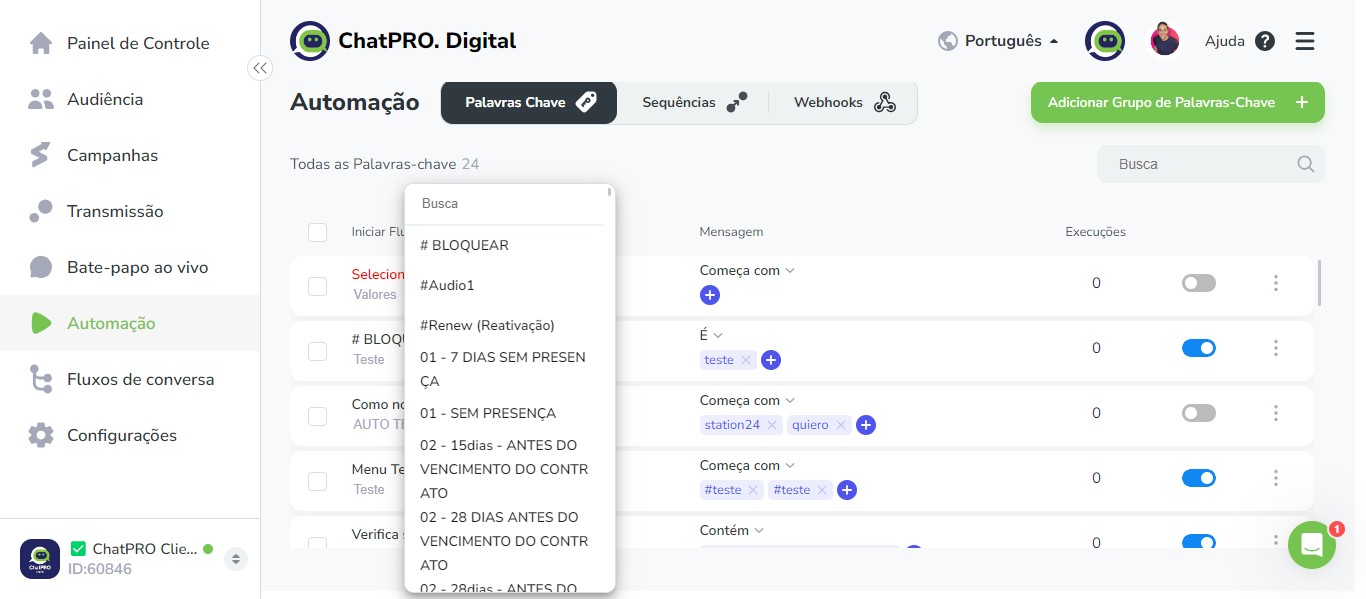
20
Click on "teste pdf"
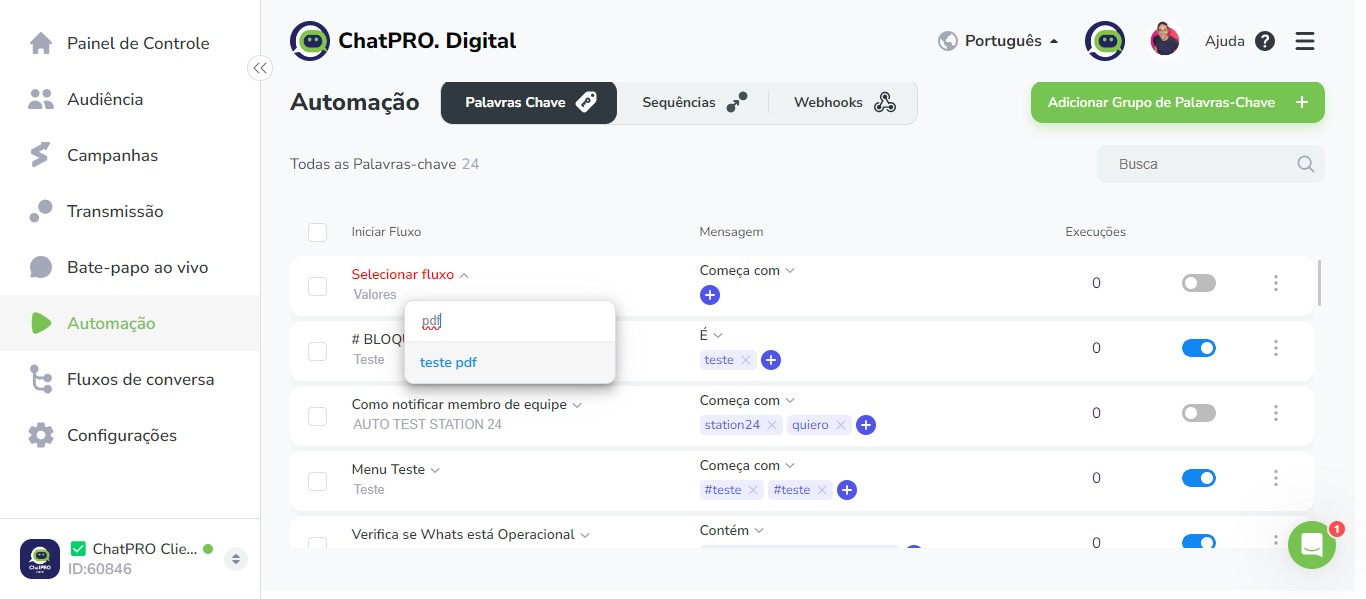
21
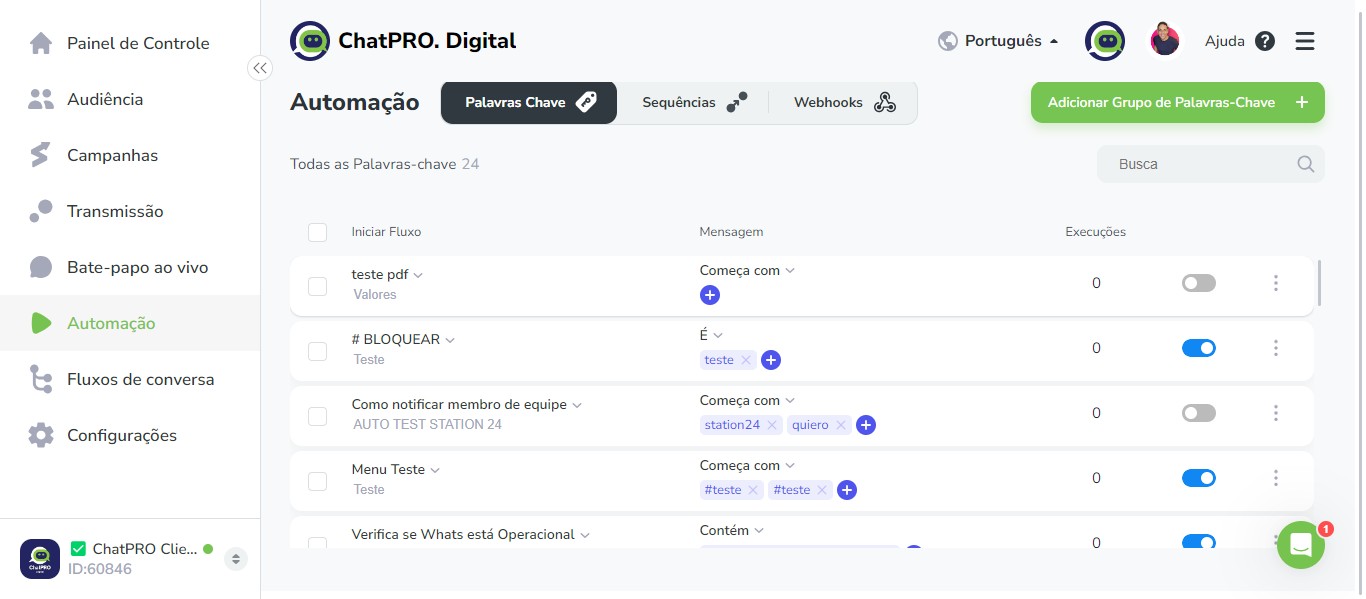
Click this icon
22
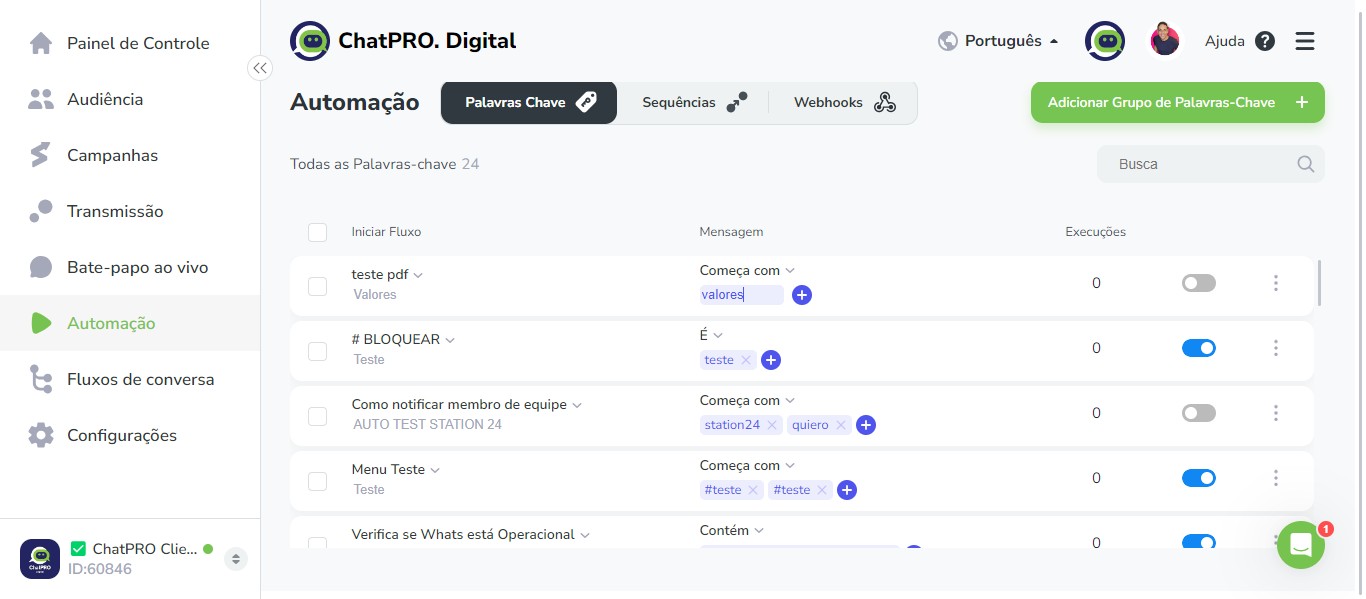
Click on "Todas as Palavras-chave"
23
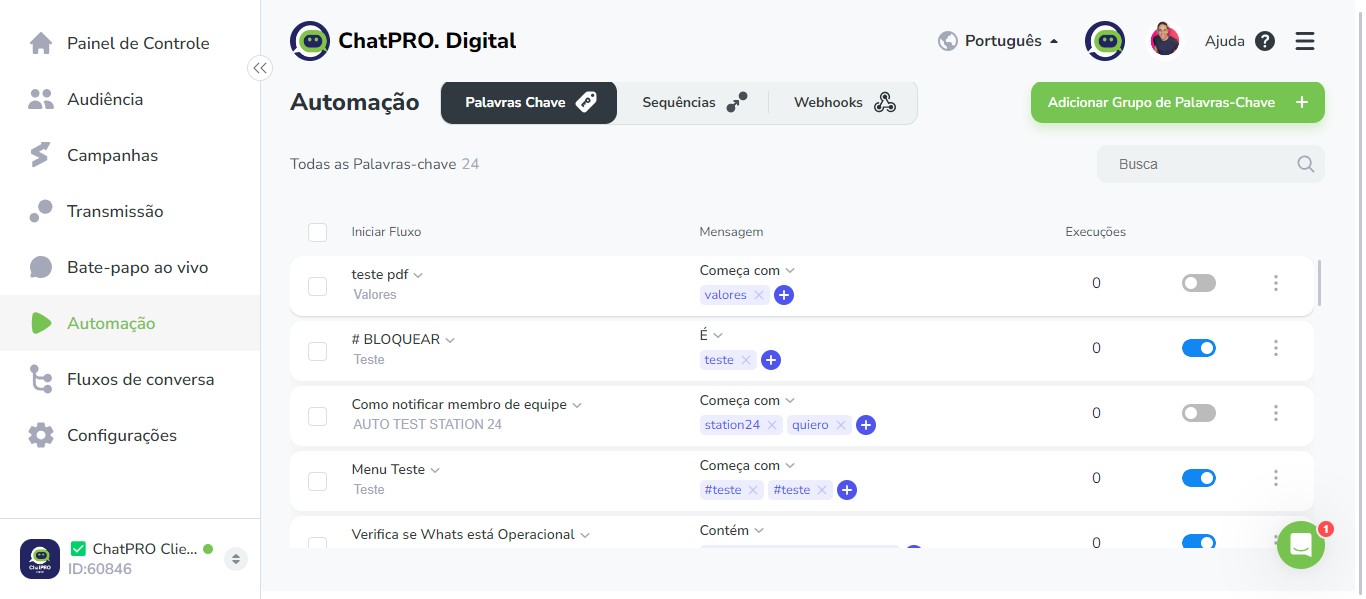
Click here
24
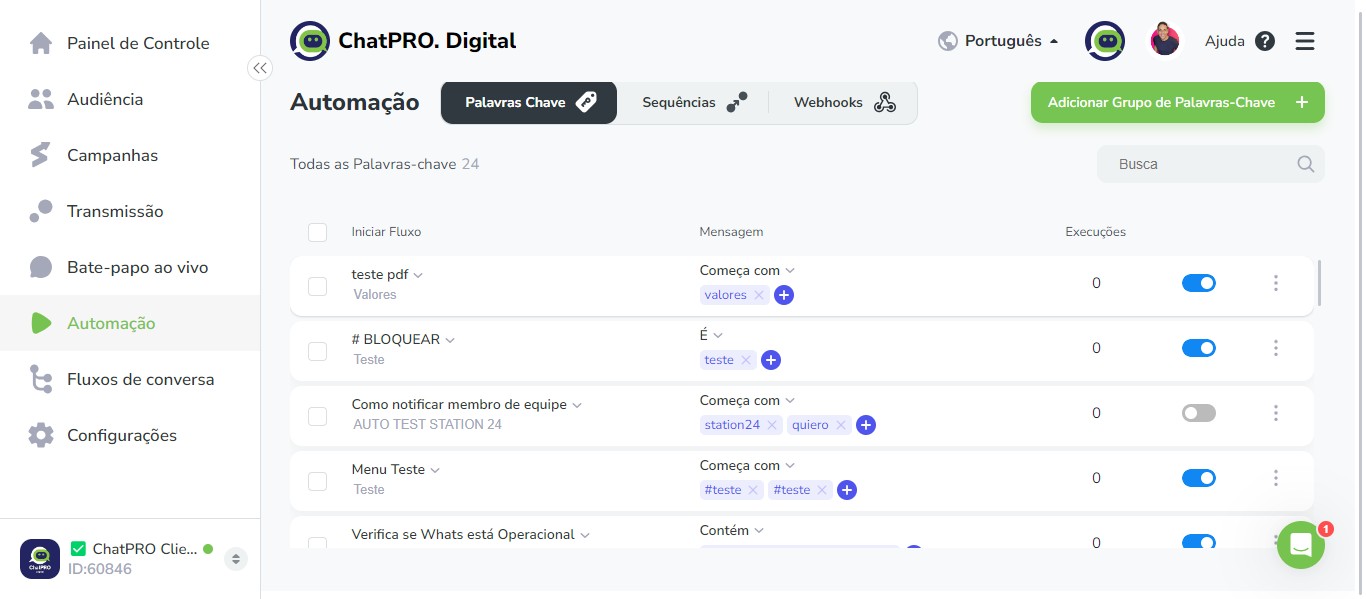
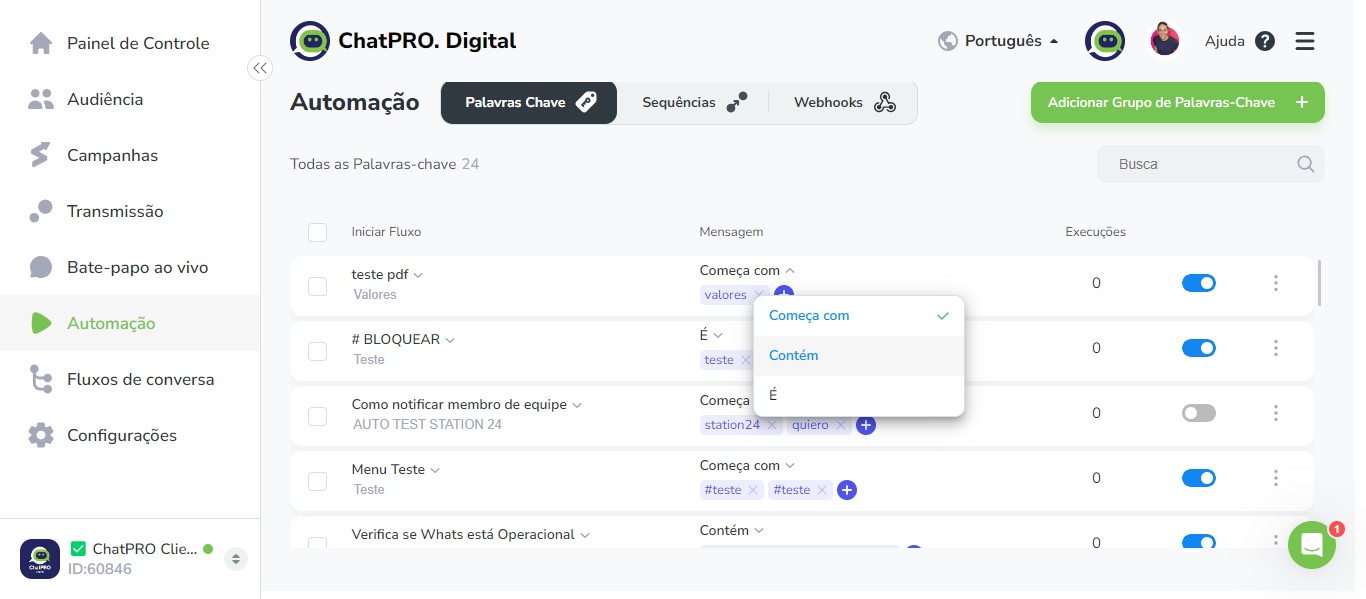
Click this icon
25
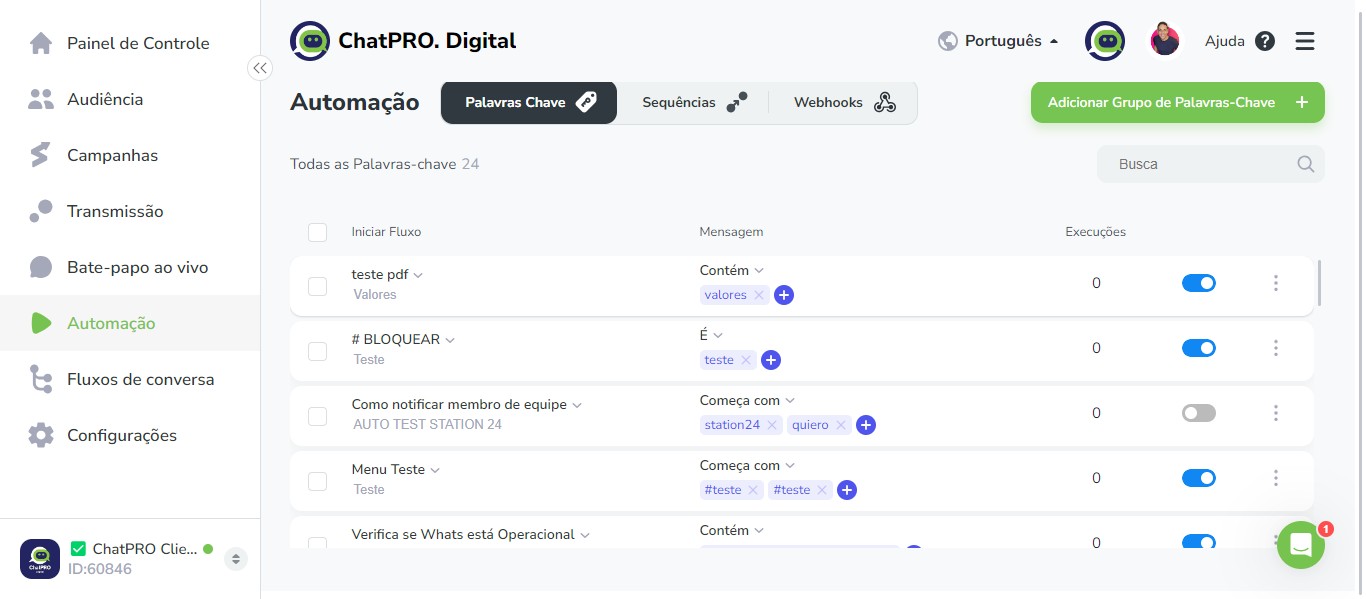
Click on "Contém"
26
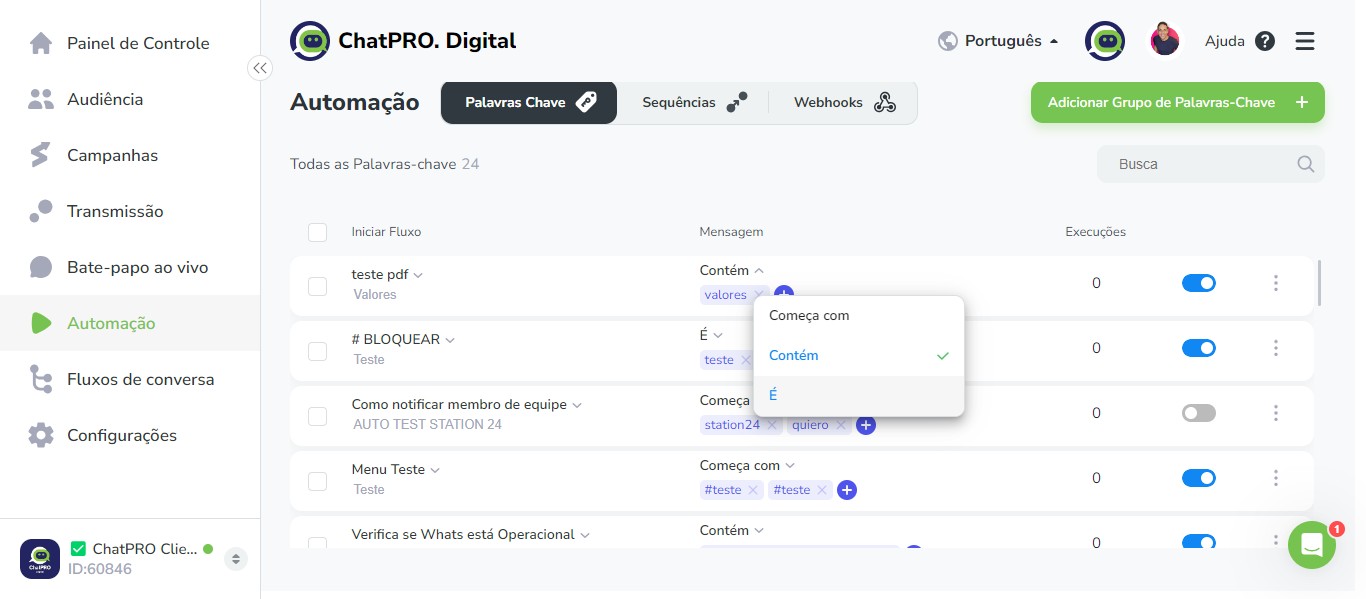
Click this icon
27
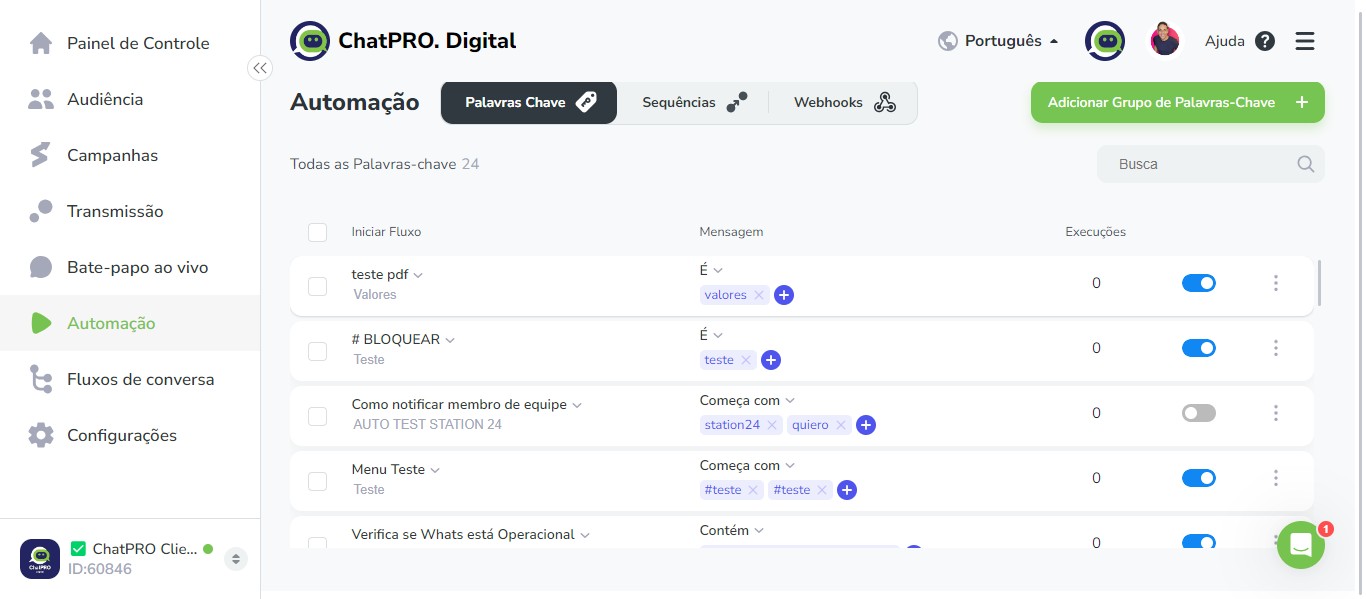
Click on "É"
28
Click this icon
29
Click here
30
Done 🚀